Essa tradução foi gerada por um programa e ainda não foi revisada por uma pessoa. Falas essa língua? Dá uma olhada.
Introdução
Neste guia, você aprenderá como substituir os bumpers do Logitech Gamepad F310. Os bumpers são o primeiro conjunto de botões na parte superior do controle. Eles são pequenos e retangulares.
Os bumpers possuem funções especiais para o controle. Portanto, eles são peças necessárias para que o controle execute funções para fins de jogo, como dar zoom, mirar, entre outros.
Não são necessárias ferramentas ou habilidades especiais.
O que você precisa
-
-
-
Use uma chave Phillips #1 para remover todos os sete parafusos Phillips de 3 mm que prendem a carcaça traseira.
 Pergunte ao FixBot
-
-
-
Pressione ao longo das juntas do controle e separe delicadamente a carcaça dianteira da traseira.
-
-
-
-
-
-
Segure o para-choque e puxe-o diretamente para cima para removê-lo.
-
-


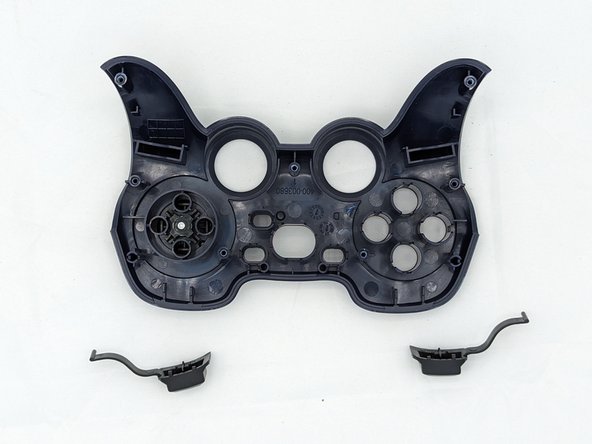
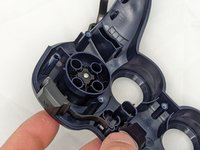
Você terminou! Para a remontagem de seu dispositivo, siga estas instruções na ordem inversa.
Cancelar: não concluí este guia.
Uma outra pessoa concluiu este guia.

Equipe

University of North Texas, Team 2-6, Kilpatrick Spring 2024 Membro de University of North Texas, Team 2-6, Kilpatrick Spring 2024
UNT-KILPATRICK-S24S2G6
4 Membros
Autoria de 66 guias
