Introdução
Are the LED lights on your Levoit LV-H132 not lighting up, flickering, or dimming? If so, use this guide to replace the LED lights. This repair is required to enable the user to determine the status of their device.
O que você precisa
-
-
-
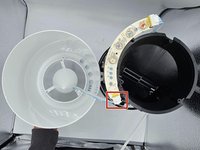
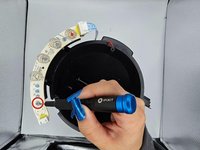
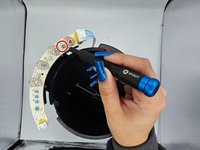
Desolder the joints holding the faulty LED and switch to the PCB.
-
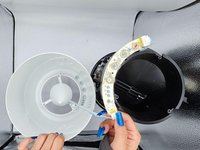
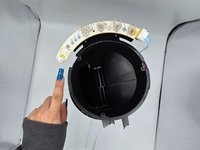
Slide the faulty LED out and replace it with the functional one.
-


 Pergunte ao FixBot









To reassemble your device, follow these instructions in reverse order.
Cancelar: não concluí este guia.
Uma outra pessoa concluiu este guia.

Equipe

University of North Texas, Team 2-3, Harold Fall 2023 Membro de University of North Texas, Team 2-3, Harold Fall 2023
UNT-HAROLD-F23S2G3
4 Membros
Autoria de 5 guias
