Ir para o conteúdo principal
Participe da comunidade de reparos - Criar conta

LG Vu CU920 LCD Screen Replacement

O que você precisa

  1. LG Vu CU920 LCD Screen Replacement, Battery: passo 1, imagem 1 %32 LG Vu CU920 LCD Screen Replacement, Battery: passo 1, imagem 2 %32 LG Vu CU920 LCD Screen Replacement, Battery: passo 1, imagem 3 %32
    • Remove the back cover by firmly pressing against the indent on the back panel. Slide the cover downward and off the phone.

    Pergunte ao FixBot

    Comentar

  2. LG Vu CU920 LCD Screen Replacement: passo 2, imagem 1 %32 LG Vu CU920 LCD Screen Replacement: passo 2, imagem 2 %32
    • Remove the battery by placing your fingernail or an opening tool at the bottom edge of the battery and lift it out.

    Pergunte ao FixBot

    Comentar

  3. LG Vu CU920 LCD Screen Replacement, Motherboard: passo 3, imagem 1 %32
    • Remove the two 3.5 mm screws above the battery port with a Phillips #00 screwdriver.

    Pergunte ao FixBot

    Comentar

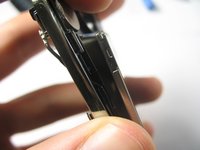
  4. LG Vu CU920 LCD Screen Replacement: passo 4, imagem 1 %32 LG Vu CU920 LCD Screen Replacement: passo 4, imagem 2 %32
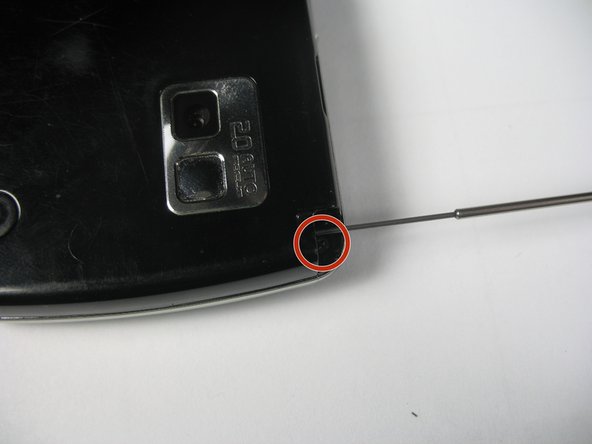
    • Pull out the antenna to reveal a third screw.

    • Remove the 3.5 mm screw with a Phillips #00 screwdriver.

    Pergunte ao FixBot

    Comentar

  5. LG Vu CU920 LCD Screen Replacement: passo 5, imagem 1 %32 LG Vu CU920 LCD Screen Replacement: passo 5, imagem 2 %32 LG Vu CU920 LCD Screen Replacement: passo 5, imagem 3 %32
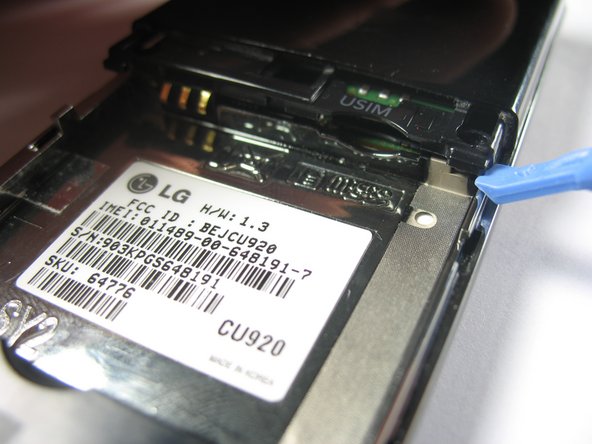
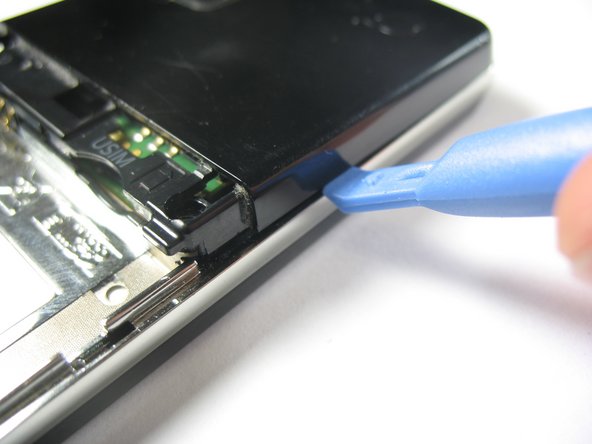
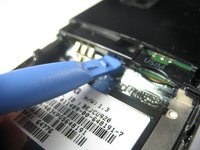
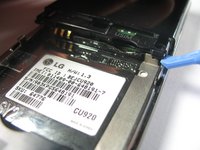
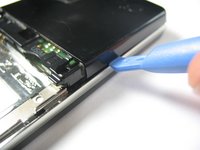
    • Using a plastic opening tool, gently pop up the plastic tab.

    • Use the plastic opening tool to pry up the edges of the plastic casing. You will then be able to slide it around the edge to dislodge it.

    Pergunte ao FixBot

    Comentar

  6. LG Vu CU920 LCD Screen Replacement: passo 6, imagem 1 %32 LG Vu CU920 LCD Screen Replacement: passo 6, imagem 2 %32
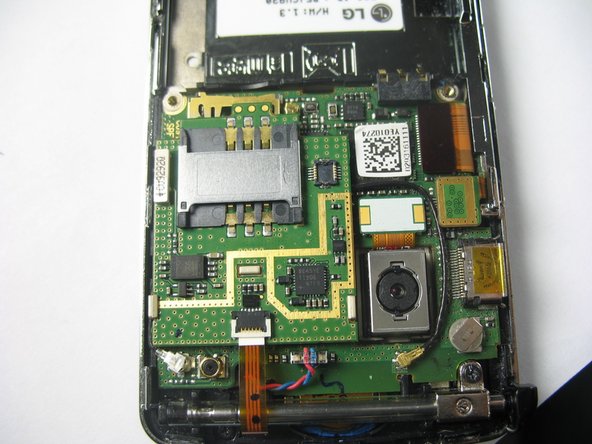
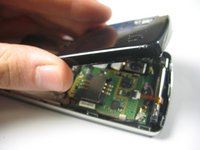
    • Remove the plastic case to reveal the motherboard.

    Pergunte ao FixBot

    Comentar

  7. LG Vu CU920 LCD Screen Replacement: passo 7, imagem 1 %32
    • Use a spudger to disconnect the cables from the motherboard.

    • The following steps will detail how to detach the cables from the connectors.

    Pergunte ao FixBot

    Comentar

  8. LG Vu CU920 LCD Screen Replacement: passo 8, imagem 1 %32 LG Vu CU920 LCD Screen Replacement: passo 8, imagem 2 %32 LG Vu CU920 LCD Screen Replacement: passo 8, imagem 3 %32
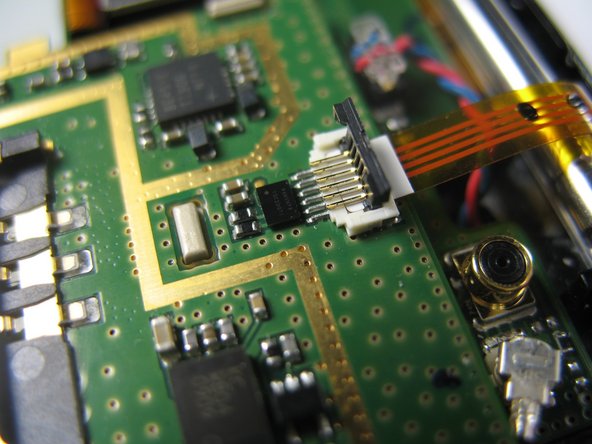
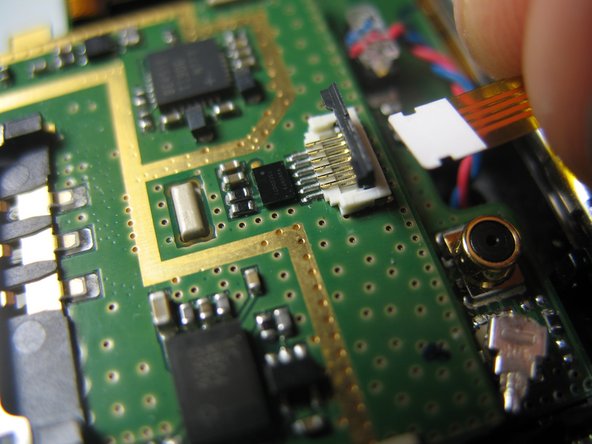
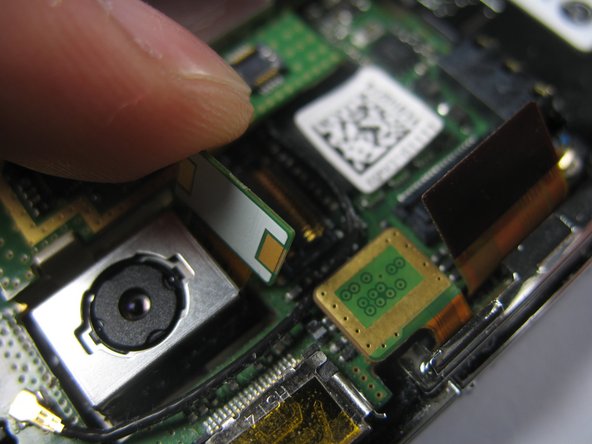
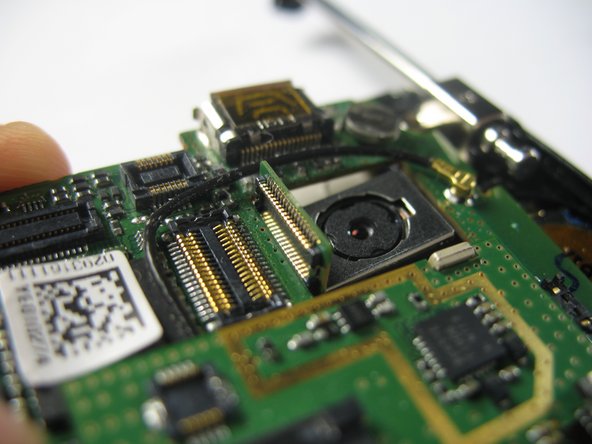
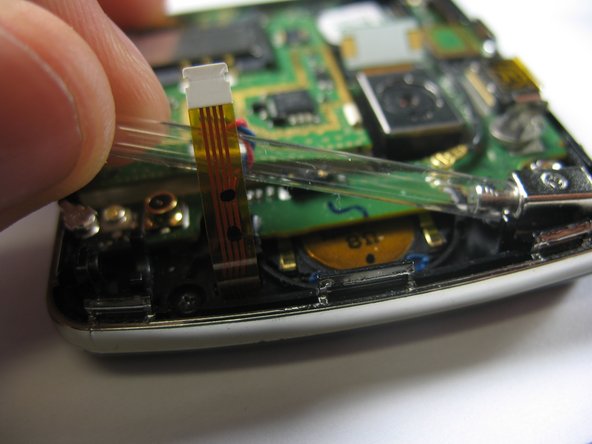
    • Gently lift the ZIF connector (black tab) holding the ribbon cable in place. When it is in the upright position, remove the cable from the back side.

    Pergunte ao FixBot

    Comentar

  9. LG Vu CU920 LCD Screen Replacement: passo 9, imagem 1 %32
    • Remove the jack attached to the red and blue wires by carefully pulling it upward from the motherboard.

    Pergunte ao FixBot

    Comentar

  10. LG Vu CU920 LCD Screen Replacement: passo 10, imagem 1 %32
    • Remove the round jack connected to the black cabel by carefully prying it up from beneath with a spudger or plastic opening tool.

    • This jack snaps on, so there will be more resistance than there was with the previous jack.

    Pergunte ao FixBot

    Comentar

  11. LG Vu CU920 LCD Screen Replacement: passo 11, imagem 1 %32 LG Vu CU920 LCD Screen Replacement: passo 11, imagem 2 %32
    • Remove the remaining three ribbon cables by gently lifting them by the ends, opposite of the cables, with a plastic opening tool or spudger until they pop out.

    Pergunte ao FixBot

    Comentar

  12. LG Vu CU920 LCD Screen Replacement: passo 12, imagem 1 %32 LG Vu CU920 LCD Screen Replacement: passo 12, imagem 2 %32 LG Vu CU920 LCD Screen Replacement: passo 12, imagem 3 %32
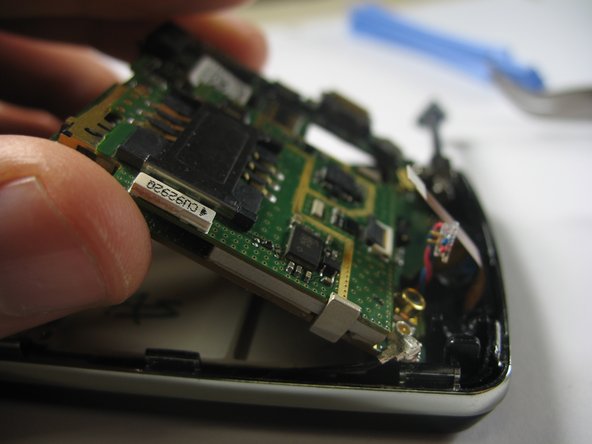
    • Remove the motherboard by gently prying it up with a spudger from the charging port.

    • Be careful not to yank the camera's ribbon cable as you lift the board. Make sure that it is in line with its hole in the motherboard.

    • Once the board has been lifted, remove it by pulling it away from the connected edge.

    Pergunte ao FixBot

    Comentar

  13. LG Vu CU920 LCD Screen Replacement, Bezel and External Casing: passo 13, imagem 1 %32 LG Vu CU920 LCD Screen Replacement, Bezel and External Casing: passo 13, imagem 2 %32
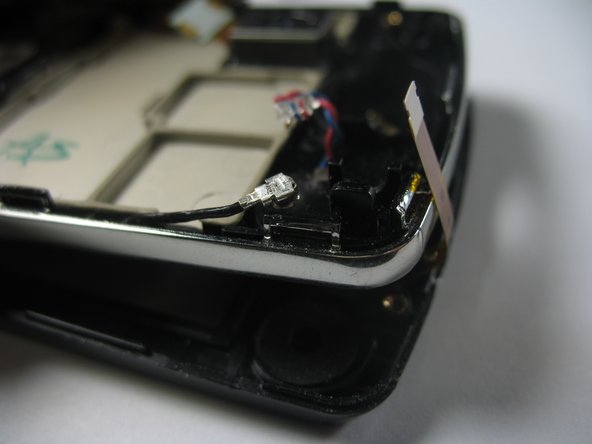
    • Remove the 3.5mm screw holding the antenna guide in place with a Philips #00 screwdriver.

    • Slide the antenna out to the edge, and remove the plastic tubing by gently pulling it out from the opposite end of the antenna.

    • This step can be done after the motherboard is removed, or before (as photographed).

    Pergunte ao FixBot

    Comentar

  14. LG Vu CU920 LCD Screen Replacement: passo 14, imagem 1 %32 LG Vu CU920 LCD Screen Replacement: passo 14, imagem 2 %32
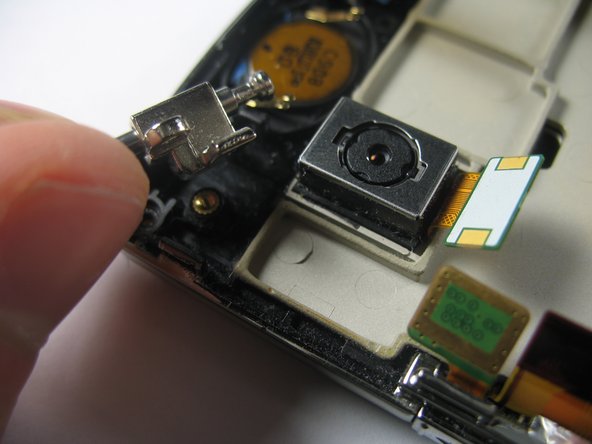
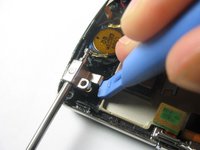
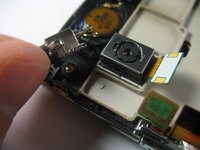
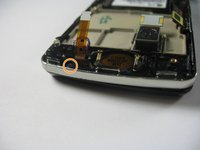
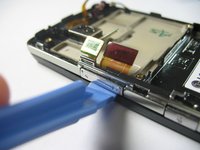
    • Use a plastic opening tool to carefully pry up the metal antenna guide.

    Pergunte ao FixBot

    Comentar

  15. LG Vu CU920 LCD Screen Replacement: passo 15, imagem 1 %32 LG Vu CU920 LCD Screen Replacement: passo 15, imagem 2 %32
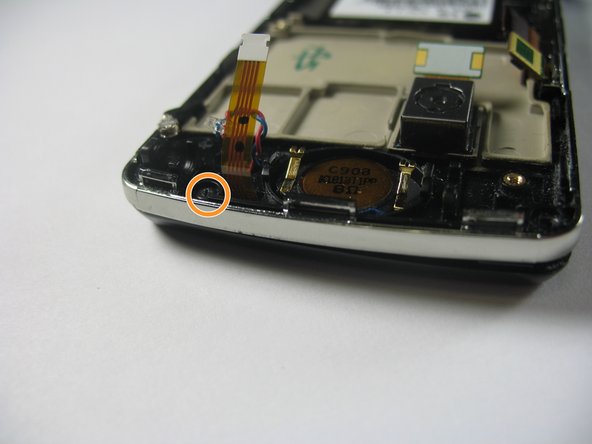
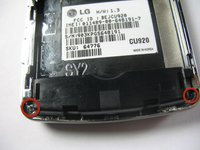
    • Using a Philips #00 screwdriver, remove the two 3.5mm screws on the bottom corners of the device.

    • Remove the single 3.5mm screw located at the top next to the speaker's ribbon cable.

    Pergunte ao FixBot

    Comentar

  16. LG Vu CU920 LCD Screen Replacement: passo 16, imagem 1 %32 LG Vu CU920 LCD Screen Replacement: passo 16, imagem 2 %32 LG Vu CU920 LCD Screen Replacement: passo 16, imagem 3 %32
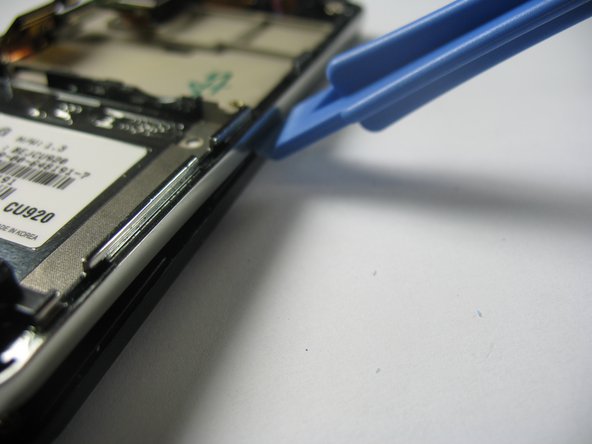
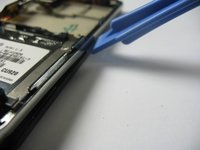
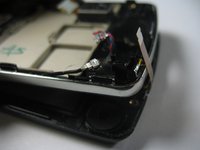
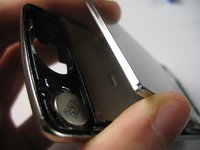
    • Insert a plastic opening tool below the volume rocker and gently pry the silver casing up. As with the plastic casing over the motherboard, you should be able to slide the plastic opening tool along the edge to remove it.

    Pergunte ao FixBot

    Comentar

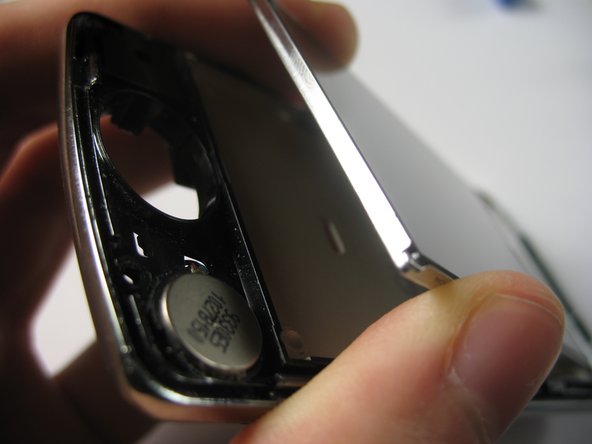
  17. LG Vu CU920 LCD Screen Replacement, LCD Screen: passo 17, imagem 1 %32 LG Vu CU920 LCD Screen Replacement, LCD Screen: passo 17, imagem 2 %32 LG Vu CU920 LCD Screen Replacement, LCD Screen: passo 17, imagem 3 %32
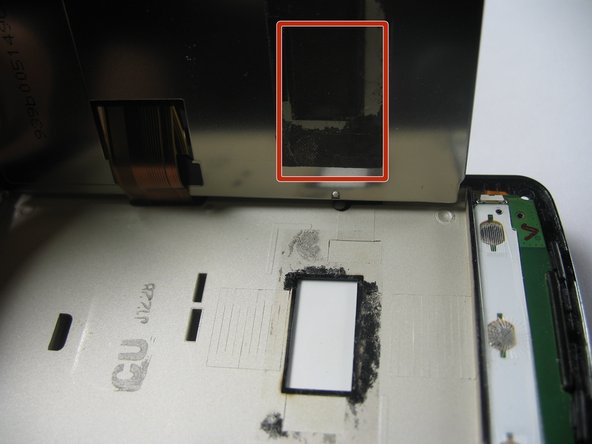
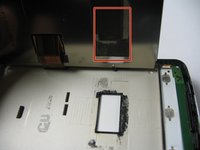
    • After separating the front casing from the mid frame, begin prying the screen out.

    • The screen is attached to the midframe with a small piece of adhesive.

    • Use a plastic opening tool to completely remove the screen.

    Pergunte ao FixBot

    Comentar

Conclusão

To reassemble your device, follow these instructions in reverse order.

Cancelar: não concluí este guia.

3 outras pessoas executaram este guia.

Alan Reeve

Membro desde: 04/18/13

24 Reputação

Autoria de 2 guias

Equipe

Cal Poly, Team 8-57, Johann Spring 2013 Membro de Cal Poly, Team 8-57, Johann Spring 2013

CPSU-JOHANN-S13S8G57

4 Membros

Autoria de 7 guias

0Comentários do guia

Comentar

Visualizações:

Últimas 24 horas: 0

Últimos 7 dias: 12

Últimos 30 dias: 28

Ao todo: 1,161