Ir para o conteúdo principal
Participe da comunidade de reparos - Criar conta

LG VX4500 Keypad Replacement

O que você precisa

  1. LG VX4500 Keypad Replacement, Battery: passo 1, imagem 1 %32
    • Turn the closed phone so that the back panel is facing you.

    • Press down and forward firmly on the gray tab in the middle of the phone.

    Pergunte ao FixBot

    Comentar

  2. LG VX4500 Keypad Replacement: passo 2, imagem 1 %32 LG VX4500 Keypad Replacement: passo 2, imagem 2 %32
    • Now just lift up on the battery and remove it from the phone.

    Pergunte ao FixBot

    Comentar

  3. LG VX4500 Keypad Replacement, Rear Cover: passo 3, imagem 1 %32
    • Remove the rubber grommet using a spudger.

    Pergunte ao FixBot

    Comentar

  4. LG VX4500 Keypad Replacement: passo 4, imagem 1 %32
    • Be sure not to lose the screws. They are small!

    • Remove the five screws using a Phillips #00 Screwdriver.

    Pergunte ao FixBot

    Comentar

  5. LG VX4500 Keypad Replacement: passo 5, imagem 1 %32 LG VX4500 Keypad Replacement: passo 5, imagem 2 %32 LG VX4500 Keypad Replacement: passo 5, imagem 3 %32
    Ferramenta utilizada neste passo:
    Tweezers
    $4.99
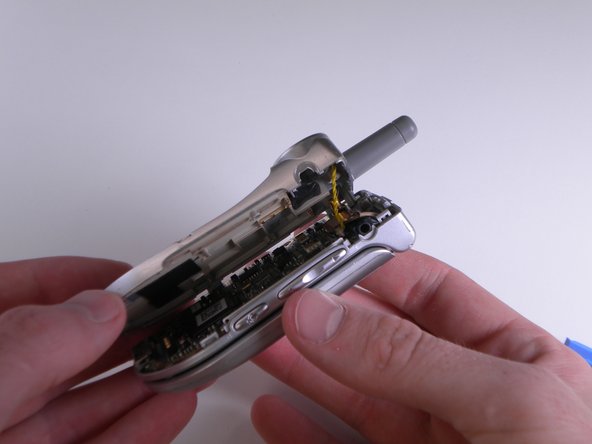
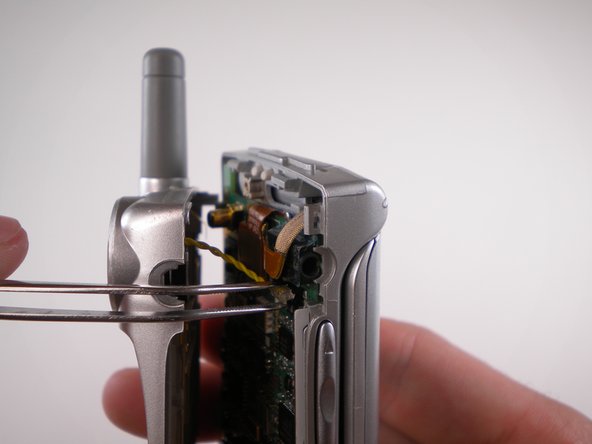
    • When removing back cover, be careful not to break the speaker wires.

    • Using an Opening Tool, carefully pry off the back cover.

    • Using tweezers, gently pull the speaker wires out.

    Pergunte ao FixBot

    Comentar

  6. LG VX4500 Keypad Replacement: passo 6, imagem 1 %32
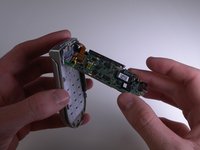
    • Separate the two halves.

    Pergunte ao FixBot

    Comentar

  7. LG VX4500 Keypad Replacement, Keypad: passo 7, imagem 1 %32 LG VX4500 Keypad Replacement, Keypad: passo 7, imagem 2 %32 LG VX4500 Keypad Replacement, Keypad: passo 7, imagem 3 %32
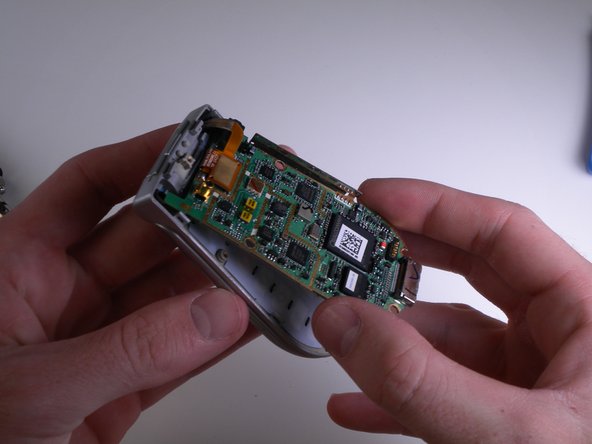
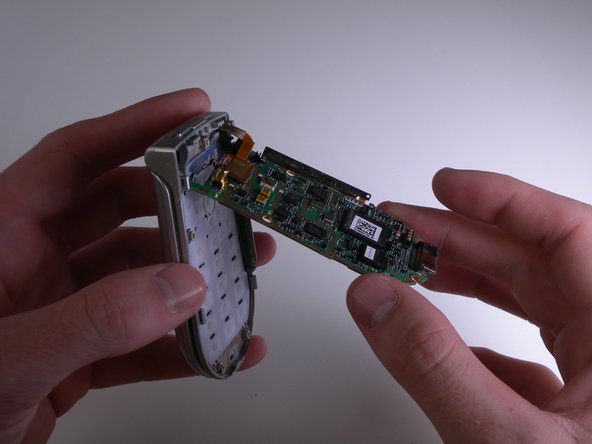
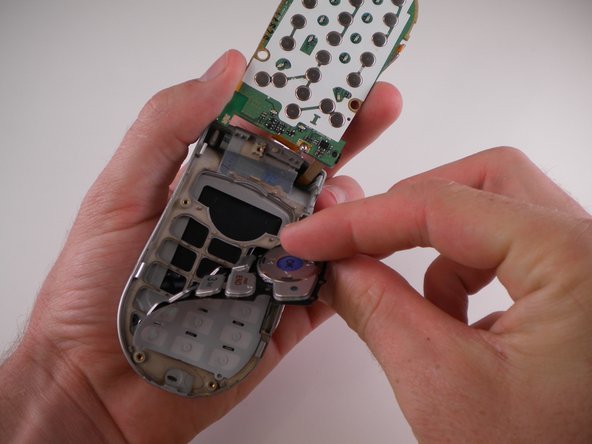
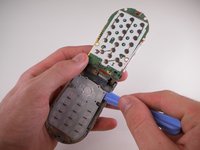
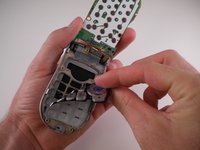
    • Carefully pry and lift up on the logic board using an iPod Opening Tool.

    Pergunte ao FixBot

    Comentar

  8. LG VX4500 Keypad Replacement: passo 8, imagem 1 %32
    • Carefully flip the logic board up and out of the way.

    Pergunte ao FixBot

    Comentar

  9. LG VX4500 Keypad Replacement: passo 9, imagem 1 %32 LG VX4500 Keypad Replacement: passo 9, imagem 2 %32 LG VX4500 Keypad Replacement: passo 9, imagem 3 %32
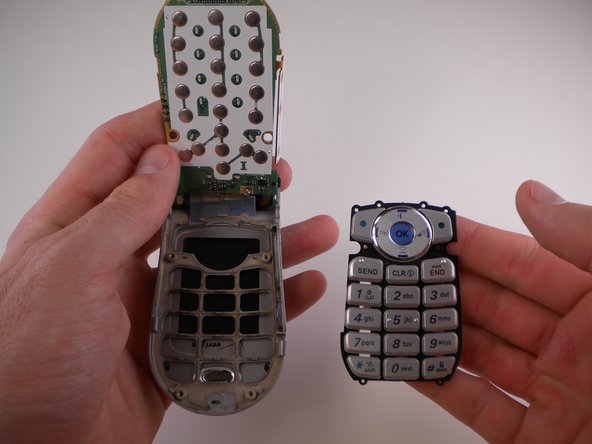
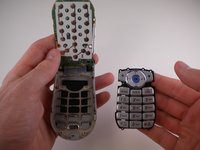
    • Use an iPod Opening Tool to lift up on the keypad and pull it out.

    Pergunte ao FixBot

    Comentar

Conclusão

To reassemble your device, follow these instructions in reverse order.

Cancelar: não concluí este guia.

Equipe

Cal Poly, Team 25-88, Amido Spring 2010 Membro de Cal Poly, Team 25-88, Amido Spring 2010

CPSU-AMIDO-S10S25G88

4 Membros

Autoria de 19 guias

0Comentários do guia

Comentar

Visualizações:

Últimas 24 horas: 0

Últimos 7 dias: 6

Últimos 30 dias: 37

Ao todo: 1,250