Ir para o conteúdo principal
Participe da comunidade de reparos - Criar conta

LG Tribute 5 Display Replacement

O que você precisa

  1. LG Tribute 5 Display Replacement, Battery: passo 1, imagem 1 %32 LG Tribute 5 Display Replacement, Battery: passo 1, imagem 2 %32
    • Using an iFixit opening tool, gently pull outward on the cutout on the bottom left corner of the phone to remove the back cover.

    Pergunte ao FixBot

    Comentar

  2. LG Tribute 5 Display Replacement: passo 2, imagem 1 %32 LG Tribute 5 Display Replacement: passo 2, imagem 2 %32 LG Tribute 5 Display Replacement: passo 2, imagem 3 %32
    • Gently lift the battery out from the compartment.

    • Use an iFixit opening tool to slide out the SD card and nano sim card from the device as shown.

    Pergunte ao FixBot

    Comentar

  3. LG Tribute 5 Display Replacement, Display: passo 3, imagem 1 %32 LG Tribute 5 Display Replacement, Display: passo 3, imagem 2 %32 LG Tribute 5 Display Replacement, Display: passo 3, imagem 3 %32
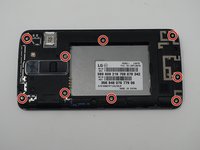
    • Remove the nine 2mm JIS #00 screws from the mid-frame.

    Pergunte ao FixBot

    Comentar

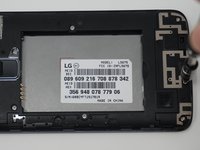
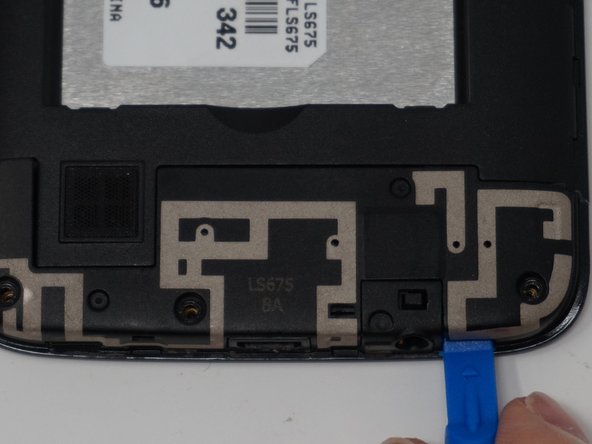
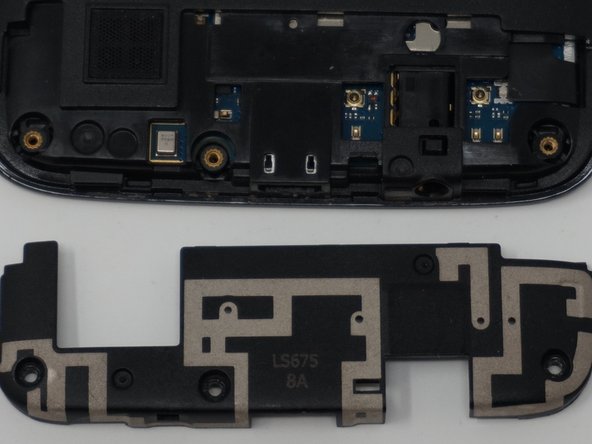
  4. LG Tribute 5 Display Replacement: passo 4, imagem 1 %32 LG Tribute 5 Display Replacement: passo 4, imagem 2 %32 LG Tribute 5 Display Replacement: passo 4, imagem 3 %32
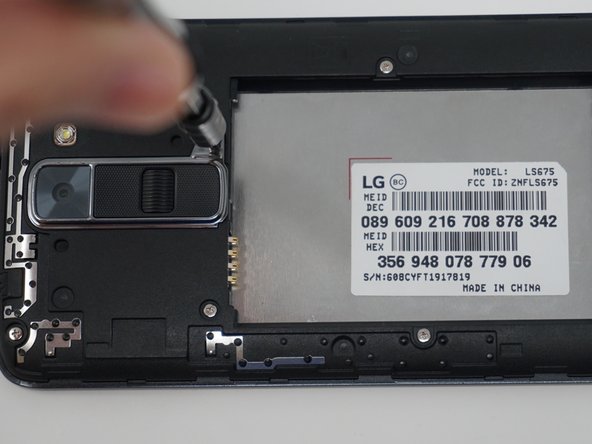
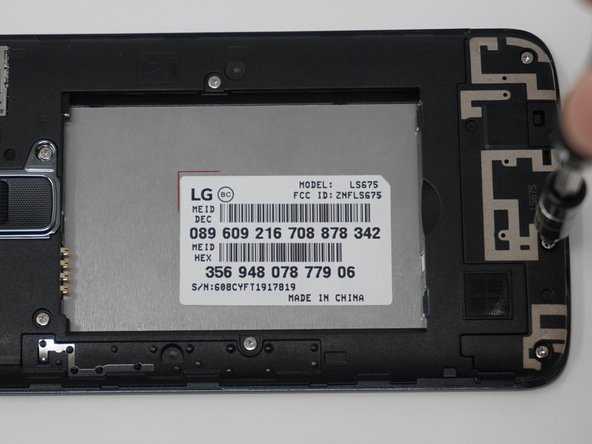
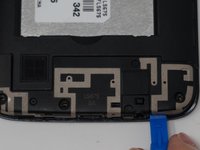
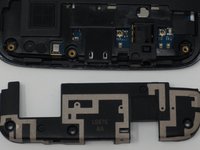
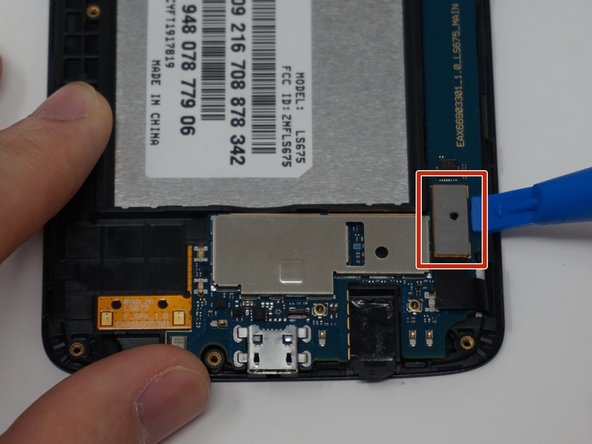
    • Using an iFixit opening tool, remove the antenna extender located at the bottom.

    Pergunte ao FixBot

    Comentar

  5. LG Tribute 5 Display Replacement: passo 5, imagem 1 %32 LG Tribute 5 Display Replacement: passo 5, imagem 2 %32
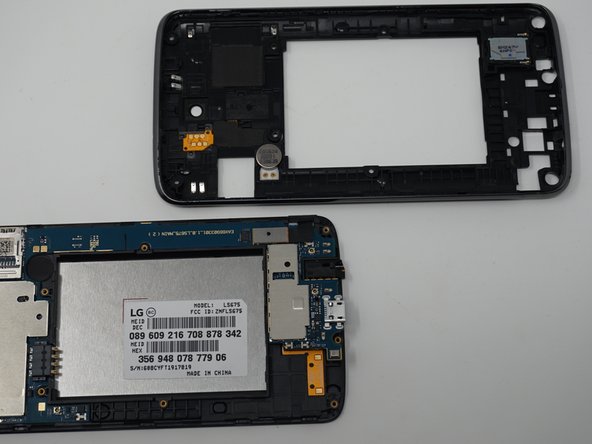
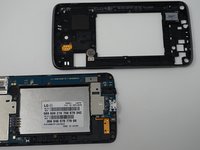
    • Gently remove the mid-frame using an iFixit opening tool as shown.

    • Avoid applying too much force when separating the mid frame. Too much force can bend or damage the device.

    Pergunte ao FixBot

    Comentar

  6. LG Tribute 5 Display Replacement: passo 6, imagem 1 %32
    • Disconnect the flex cable from the motherboard with the iFixit opening tool.

    Pergunte ao FixBot

    Comentar

  7. LG Tribute 5 Display Replacement: passo 7, imagem 1 %32 LG Tribute 5 Display Replacement: passo 7, imagem 2 %32
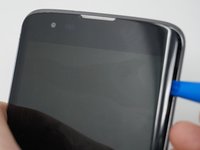
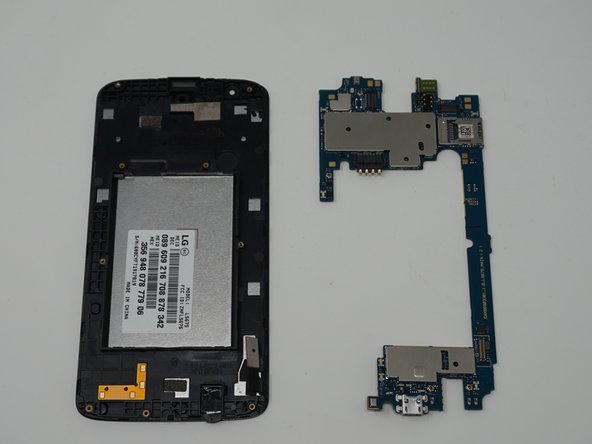
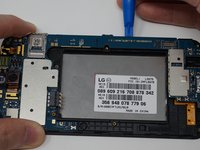
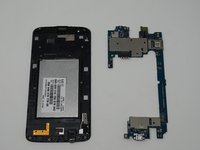
    • Use an iFixit opening tool to separate the motherboard and the display.

    Pergunte ao FixBot

    Comentar

Conclusão

To reassemble your device, follow these instructions in reverse order.

Cancelar: não concluí este guia.

5 outras pessoas executaram este guia.

Equipe

UW Tacoma, Team S1-G6, Cardinal Spring 2019 Membro de UW Tacoma, Team S1-G6, Cardinal Spring 2019

UWT-CARDINAL-S19S1G6

3 Membros

Autoria de 12 guias

0Comentários do guia

Comentar

Visualizações:

Últimas 24 horas: 2

Últimos 7 dias: 4

Últimos 30 dias: 29

Ao todo: 741