Ir para o conteúdo principal
Participe da comunidade de reparos - Criar conta

LG Cosmos 2 QWERTY Keyboard Replacement

O que você precisa

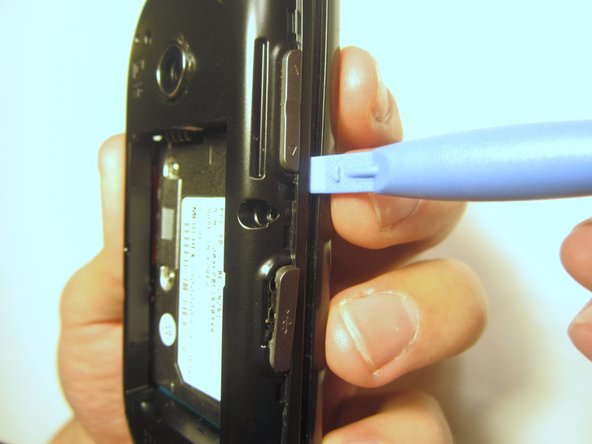
  1. LG Cosmos 2 QWERTY Keyboard Replacement, Battery: passo 1, imagem 1 %32 LG Cosmos 2 QWERTY Keyboard Replacement, Battery: passo 1, imagem 2 %32 LG Cosmos 2 QWERTY Keyboard Replacement, Battery: passo 1, imagem 3 %32
    • Insert the plastic opener into the slot at the top of the device.

    • Apply gentle pressure with the plastic tool to pop the back case off.

  2. LG Cosmos 2 QWERTY Keyboard Replacement: passo 2, imagem 1 %32 LG Cosmos 2 QWERTY Keyboard Replacement: passo 2, imagem 2 %32 LG Cosmos 2 QWERTY Keyboard Replacement: passo 2, imagem 3 %32
    • Use the plastic opener to lift, and remove, the device battery.

  3. LG Cosmos 2 QWERTY Keyboard Replacement, Rear Case: passo 3, imagem 1 %32
    • Use a screwdriver and corresponding bit to remove the six 2mm screws that are located along the edge of the rear case. Set the screws aside.

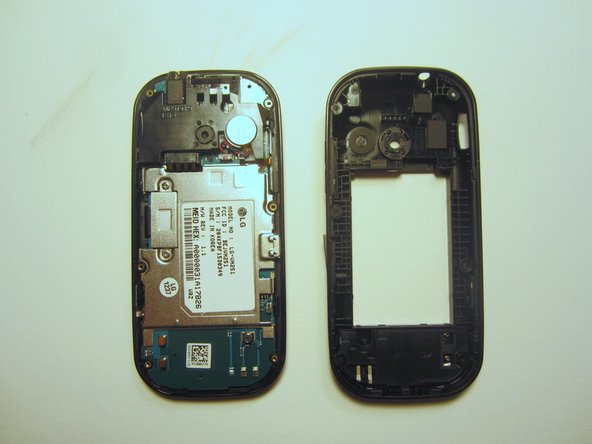
  4. LG Cosmos 2 QWERTY Keyboard Replacement: passo 4, imagem 1 %32 LG Cosmos 2 QWERTY Keyboard Replacement: passo 4, imagem 2 %32 LG Cosmos 2 QWERTY Keyboard Replacement: passo 4, imagem 3 %32
    • Use the plastic opener to pry the rear case loose.

    • This can be difficult. You will need to pry around the entire edge of the rear case, not just in one place.

  5. LG Cosmos 2 QWERTY Keyboard Replacement, Motherboard: passo 5, imagem 1 %32
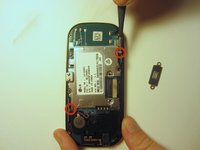
    • Use a screwdriver and corresponding bit to remove the two 3mm screws that attach the motherboard to the front case. Set the screws aside

  6. LG Cosmos 2 QWERTY Keyboard Replacement: passo 6, imagem 1 %32
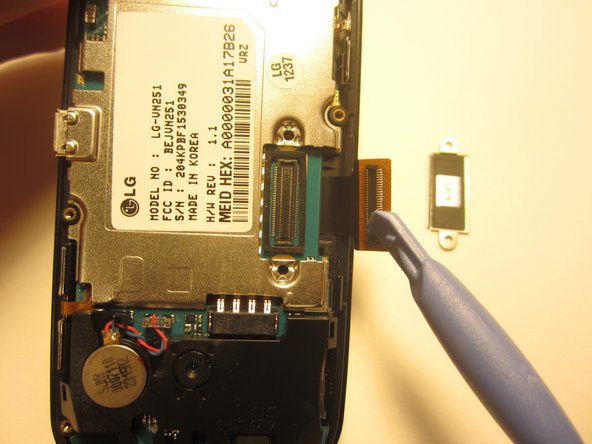
    • Rotate the phone 180 degrees and use the plastic opener to lift the metal piece that covers the ribbon cable.

  7. LG Cosmos 2 QWERTY Keyboard Replacement: passo 7, imagem 1 %32 LG Cosmos 2 QWERTY Keyboard Replacement: passo 7, imagem 2 %32
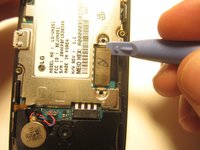
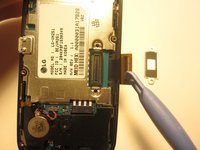
    • Use the plastic opener to disconnect the ribbon cable.

  8. LG Cosmos 2 QWERTY Keyboard Replacement: passo 8, imagem 1 %32 LG Cosmos 2 QWERTY Keyboard Replacement: passo 8, imagem 2 %32
    Ferramenta utilizada neste passo:
    Tweezers
    $4.99
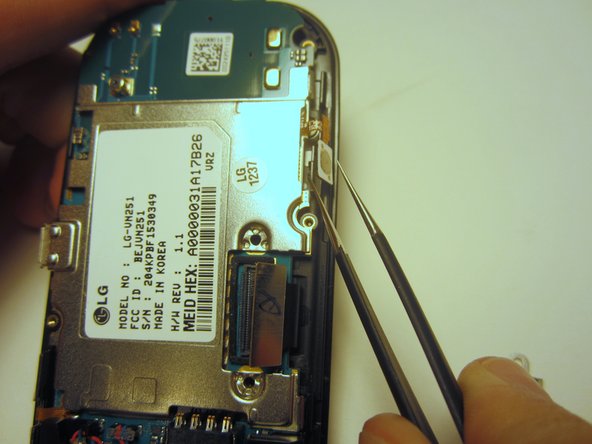
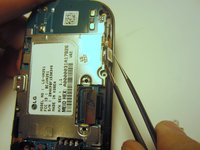
    • Use tweezers to disconnect the two cables that attach the motherboard to the case.

    • Note: Pull on the cables gently to prevent damage for future use.

  9. LG Cosmos 2 QWERTY Keyboard Replacement: passo 9, imagem 1 %32
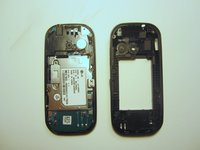
    • Remove the motherboard from the front case.

  10. LG Cosmos 2 QWERTY Keyboard Replacement, QWERTY Keyboard: passo 10, imagem 1 %32
    • Flip the front case over. If the keyboard doesn't fall out, push it through the front case.

Conclusão

To reassemble your device, follow these instructions in reverse order.

Uma outra pessoa concluiu este guia.

Nick White

Membro desde: 10/18/13

866 Reputação

Autoria de 8 guias

Equipe

Clemson, Team 13-1, Benson Fall 2013 Membro de Clemson, Team 13-1, Benson Fall 2013

CLEM-BENSON-F13S13G1

3 Membros

Autoria de 18 guias

0Comentários do guia

Comentar

Visualizações:

Últimas 24 horas: 4

Últimos 7 dias: 9

Últimos 30 dias: 17

Ao todo: 622