Introdução
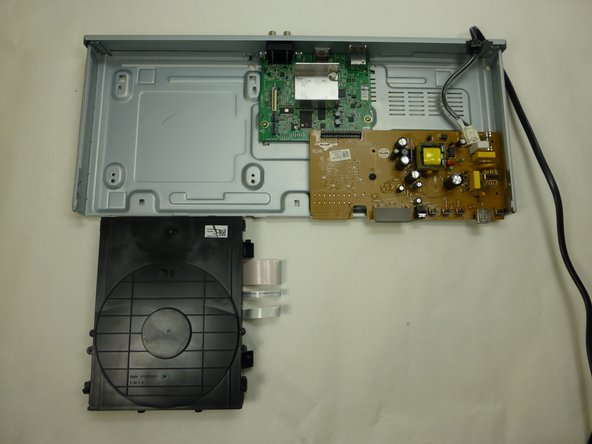
This guide will show you how to open up your Blu-ray player and remove the motherboard in order to replace various components of it or the whole unit.
O que você precisa
-
-
Remove the three black 3/16” Phillips #2 screws from the backside of the player.
-
With the backside (audio/video jacks) facing you, lift the part of the cover closer to you and pull until it is off.
 Pergunte ao FixBot
-
-
-
Unhinge the tabs that attach the front panel to the unit:
-
Two tabs on the disc drive
-
Two tabs on the left and right side of the player
-
Three tabs on the underside of the player
-
Pull panel away from case.
-
-
-
Using your fingers, pull the three tape-like cables to disconnect the disc drive from the green motherboard.
-
-
-
-
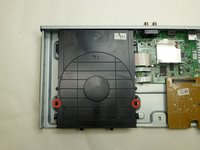
Remove the two black 3/16” Phillips #2 mounting screws from the left and right side of the disc drive.
-
With the front side facing you lift the front of disc drive, slide it toward you and pull out to remove.
-
-
-
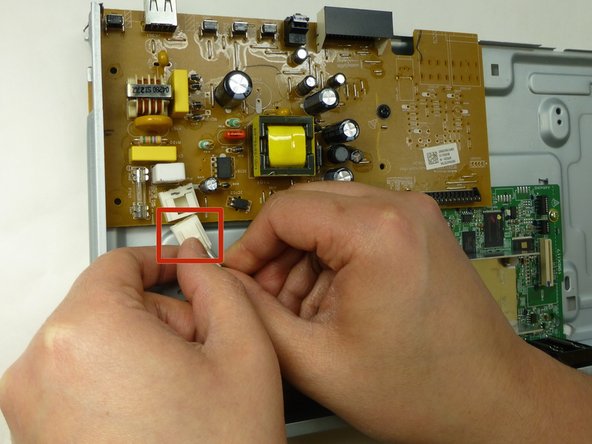
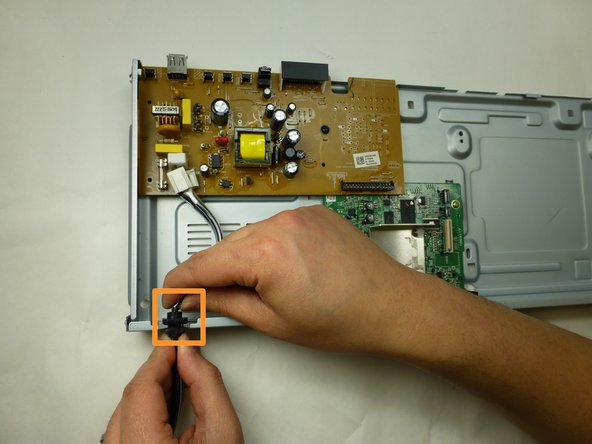
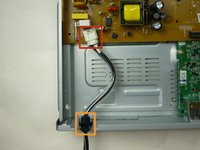
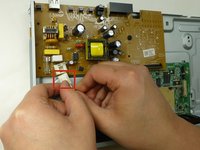
Detach the power supply cord from the brown motherboard by pushing the locking clip on the connector, and pulling out.
-
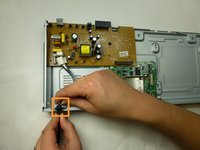
Remove the power cord from the panel by carefully sliding it upwards from its seating.
-
-
-
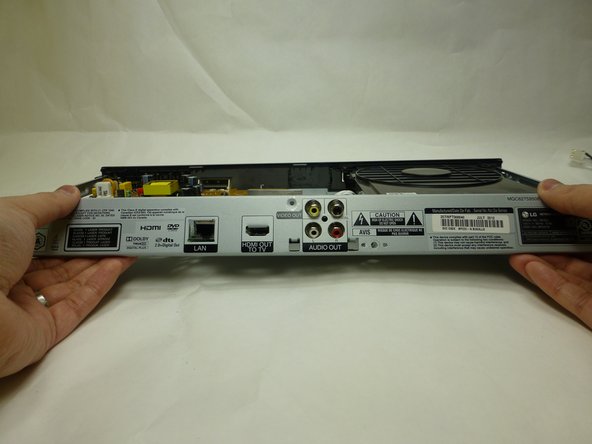
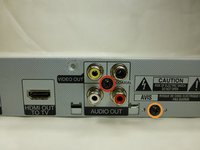
Remove the two black 3/16” Phillips #2 screws from the backside of the player.
-
One screw inbetween the audio/video jacks
-
One screw to the bottom right of the audio/video jacks
-
With the backside facing you, pull the bottom of the panel towards you and lift to remove it.
-
-
-
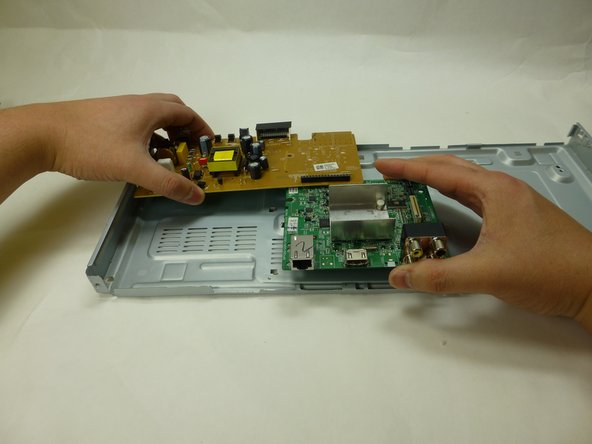
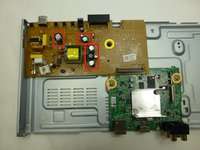
Remove the the two silver 3/16” Phillips #2 screws from the green motherboard.
-
Remove the one black 3/16” Phillips #2 screw from the brown motherboard
-
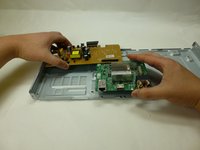
Use both hands to carefully lift the motherboard unit away from the player.
-





To reassemble your device, follow these instructions in reverse order.
Cancelar: não concluí este guia.
6 outras pessoas executaram este guia.

Equipe

UW Tacoma, Team 1-1, Rose Winter 2015 Membro de UW Tacoma, Team 1-1, Rose Winter 2015
UWT-ROSE-W15S1G1
4 Membros
Autoria de 3 guias
1Comentário do guia
I need Ic htc lm37102 which is on this lg motherboard. How can i get that. I am not able to find
Email Id abhishek.mishra171983@gmail.com
Please let me know if you have this rgulator ic on my email id.
Thnx
Abhishek
