Essa tradução foi gerada por um programa e ainda não foi revisada por uma pessoa. Falas essa língua? Dá uma olhada.
Introdução
A fan de refrigeração resfria o motor e a placa de circuito quando o liquidificador está em funcionamento.
O que você precisa
-
-
-
Remova o recipiente de vidro e coloque o liquidificador de cabeça para baixo sobre uma superfície sólida.
-
Remova os quatro pés de borracha usando o alicate ponta fina.
-
Remova os quatro parafusos Phillips de 25 mm que estavam localizados abaixo dos pés de borracha usando a chave Phillips #2.
 Pergunte ao FixBot
-
-
-
Levante o painel traseiro, deslizando-o ao longo do cabo de alimentação.
-
-
-
-
-
-
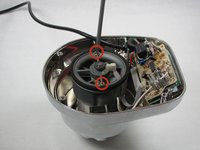
Remova os dois parafusos de máquina Phillips #5 de 95 mm usando a chave Phillips #2.
-
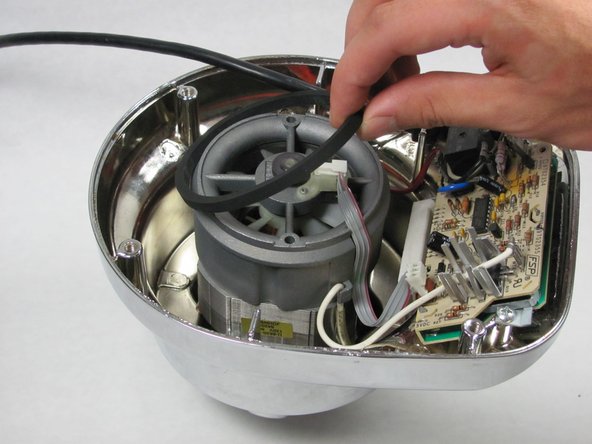
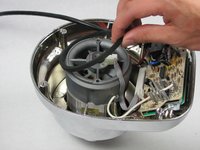
Remova o anel de vedação (O-ring) levantando-o.
-
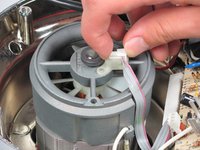
Remova o cabo plano do chassi levantando-o.
-
-
-
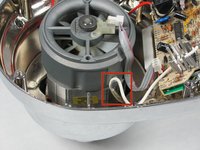
Desconecte o fio branco que está preso ao pino, puxando-o para fora do clipe.
-
Repita este processo com o fio vermelho no outro lado do chassi.
-
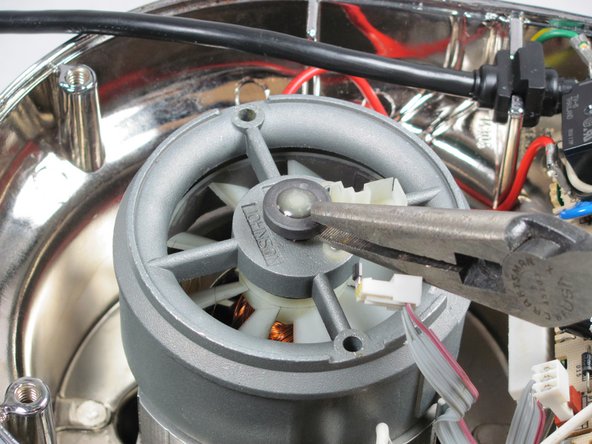
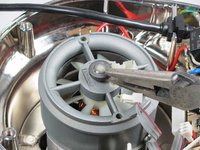
Remova a tampa da extremidade usando o alicate ponta fina de 8".
-
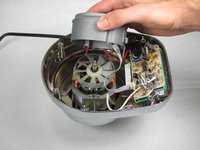
Puxe o chassi da ventoinha para cima.
-
-






Para a remontagem de seu dispositivo, siga estas instruções na ordem inversa.
Cancelar: não concluí este guia.
Uma outra pessoa concluiu este guia.

Equipe

Cal Poly, Team 12-5, Forte Fall 2014 Membro de Cal Poly, Team 12-5, Forte Fall 2014
CPSU-FORTE-F14S12G5
5 Membros
Autoria de 72 guias
3Comentários do guia
Hi,
Do you know if it is possible to convert Kitchenaid Artisan stand mixer to 240v, has anyone looked inside or know if i should change something.
Does raplacing the fan mean that the fan itself (when broken) can be ordered? So just the white plastic round part. If so, could someone please give me a reference number? Would be highly appreciated.
Hugo, the Netherlands.
my blender turn on all the numbers light at the same time and is not working at all. do you know what the problem could be?
