Introdução
If you discover any issues such as quickly draining battery, freezing, overheating, or charging problems, this could indicate that you need to replace your battery. Through using this guide, you can learn the proper way to conduct a battery replacement for the Kindle 10.
O que você precisa
-
-
-
Gently use a metal spudger to pry, twist, and lift the bezel away from the display.
 Pergunte ao FixBot
-
-
-
-
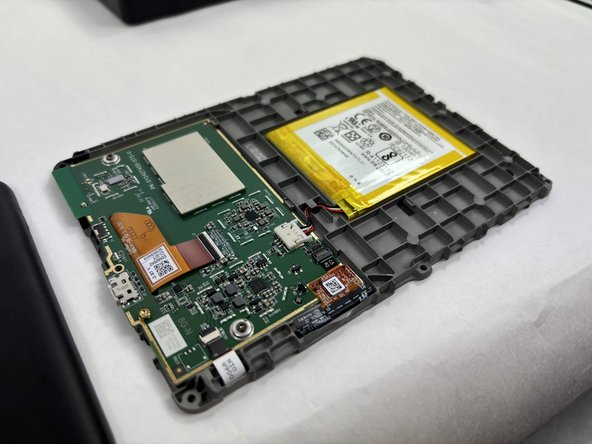
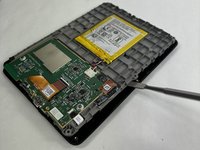
Use the metal spudger to gently lift the screen out of the back frame.
-
-


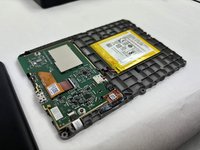

To reassemble your device, follow these instructions in reverse order.
Cancelar: não concluí este guia.
2 outras pessoas executaram este guia.

Equipe

UMass Dartmouth, Team 1-2, Konn Fall 2024 Membro de UMass Dartmouth, Team 1-2, Konn Fall 2024
UMASSD-KONN-F24S1G2
3 Membros
Autoria de 7 guias
2Comentários do guia
Do you have any replacements if we break the case ?
The affiliate-linked battery is incorrect. Don’t make the mistake I made. Do not purchase it.
