O que você precisa
-
-
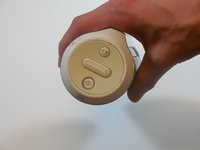
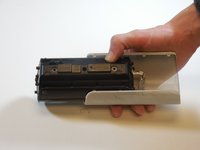
On the end with the buttons, remove the end cap using the flat head screwdriver to get between the rubber lining and the plastic.
-
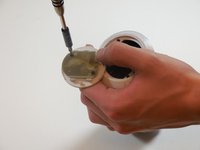
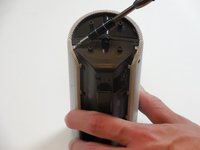
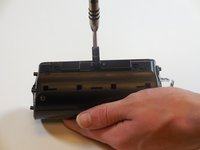
After the cap is removed, unscrew the two 3.3mm screws using a size 1 ph screw driver.
 Pergunte ao FixBot
-
-
-
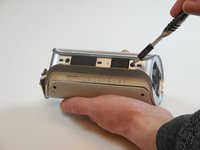
Unscrew four 3.3mm screws on each end of the JBL using a size 1 ph screw driver (8 screws total).
-
-
-
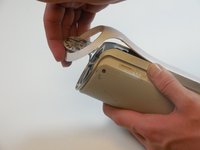
Remove outermost white casing by gently lifting up on one side.
-
Remove two 5mm screws holding the silver back plate in place with a size 2 ph screw driver.
-
Gently lift up and remove the silver casing.
-
-
-
Remove last white back plate to expose the back of the speaker cover.
-
-
-
-
Pry the four tabs on each side of the speaker cover (8 tabs total).
-
Pry the two tabs on each end to remove the cover (4 tabs total).
-
Slide speaker out of metal speaker cover.
-
-
-
Remove 5mm screw in the middle of the back of the device with a size 2 ph screw driver.
-
Unscrew the two 5mm screws on each side using a size 2 ph screwdriver.
-
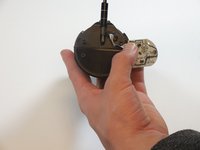
Open the speaker.
-
-
-
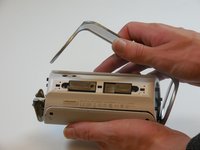
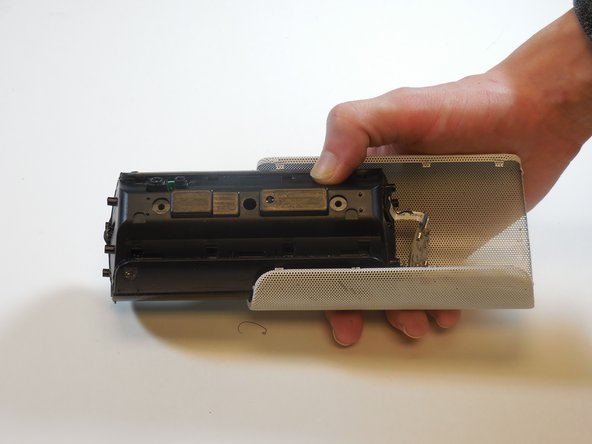
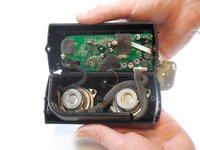
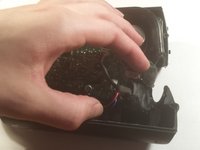
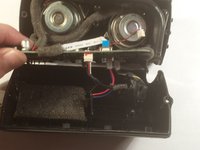
Slowly peel the motherboard away from the black glue on the underside.
-
-
-
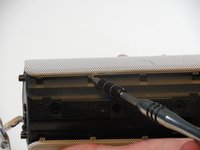
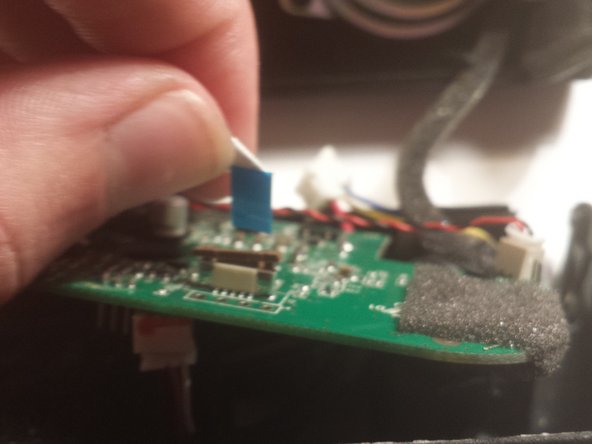
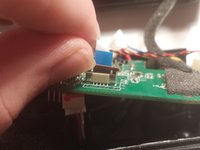
Remove the first two connectors on the underside of the motherboard.
-












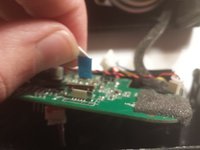


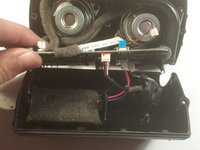
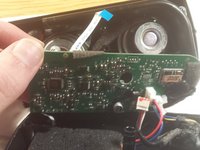
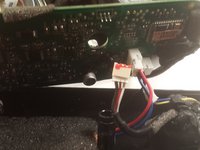


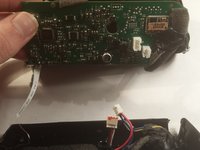
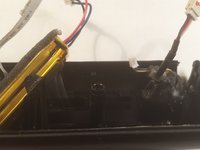
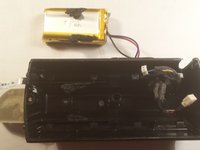
To reassemble your device, follow these instructions in reverse order.
Cancelar: não concluí este guia.
24 outras pessoas executaram este guia.

Equipe

Colorado Springs, Team 9-5, Panko Spring 2015 Membro de Colorado Springs, Team 9-5, Panko Spring 2015
UCCS-PANKO-S15S9G5
3 Membros
Autoria de 5 guias
52Comentários do guia
Excellent tutorial. Very detailed and helpful pictures.
Do you know what the part number and where it can be purchased?
Thanks!
I also want to know about the battery specs
https://www.youtube.com/watch?v=apF4qT3e...
Follow this video tutorial. this will help you definitely
Mine is not working anymore and I suspect that the battery is not charging. I´ve checked the battery and its code is AEC653055-2Pwith rating 3,7V 2000 mAh. It has 3 cables: red, yellow and black. I´ve used a voltage meetering to check if there some charge coming from and it had 4,0 VDC. So, probably the problem related to my device is with the battery, because it´s not charging. Anyone else had this same issue?
hey. i had the same problem with the battery of JBL flip. and i fixed it. Complete video tutorial is here :)
