Introdução
Use this guide to replace the loudspeaker and/or the vibration motor in your Huawei P10 Lite smartphone. When reassembling your phone apply new adhesive where it is necessary.
O que você precisa
-
-
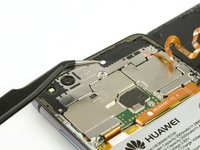
Insert the tip of an opening pick between the back cover and the mid frame and slide it around the phone, to cut the adhesive.
-
Using a suction handle to lift the back cover may help to get an initial gap for the opening pick to put in.
-
-
-
-
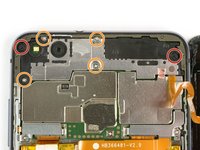
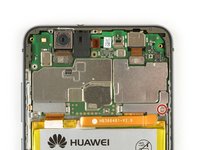
Remove the Phillips screw holding the battery connector plate in place.
-
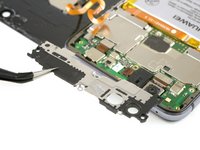
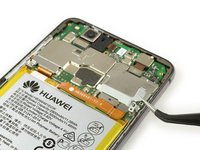
Remove the battery connector plate.
-
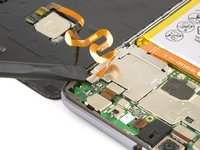
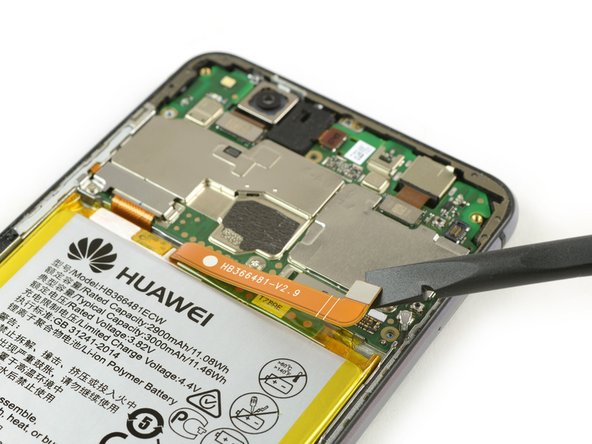
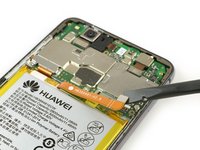
Use the flat end of a spudger to disconnect the battery flex cable.
-
-
-
Use an iOpener to loosen the glue under the vibration motor.
-
Remove the vibration motor.
-








To reassemble your device, follow these instructions in reverse order. When reassembling your phone apply new adhesive where it is necessary.
Cancelar: não concluí este guia.
3 outras pessoas executaram este guia.



1Comentário do guia
is it necessary to disconnect the finger print sensor flex cable in order to remove/replace the loudspeaker, or is just a precaution!?
