Ir para o conteúdo principal
Participe da comunidade de reparos - Criar conta

How to clean Microtek ScanMaker 5900 glass

O que você precisa

  1. How to clean Microtek ScanMaker 5900 glass, Remove serial port connection: passo 1, imagem 1 %32 How to clean Microtek ScanMaker 5900 glass, Remove serial port connection: passo 1, imagem 2 %32 How to clean Microtek ScanMaker 5900 glass, Remove serial port connection: passo 1, imagem 3 %32
    • Loosen the screws on the serial port by turning them counter clockwise by hand.

    • After loosening the screws, pull the serial port out.

    Pergunte ao FixBot
  2. How to clean Microtek ScanMaker 5900 glass, Remove Lid: passo 2, imagem 1 %32 How to clean Microtek ScanMaker 5900 glass, Remove Lid: passo 2, imagem 2 %32 How to clean Microtek ScanMaker 5900 glass, Remove Lid: passo 2, imagem 3 %32
    • Lift lid to its vertical position.

    • Pull lid straight up to remove it from the scanner.

    Pergunte ao FixBot
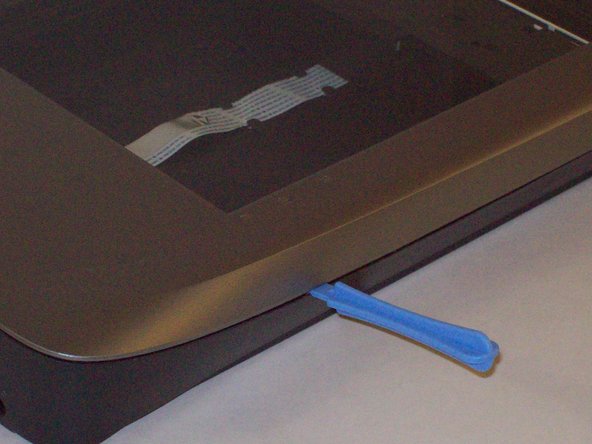
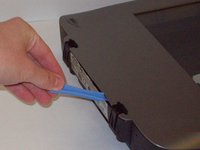
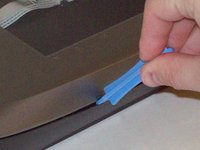
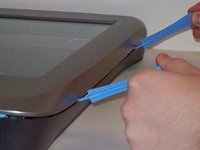
  3. How to clean Microtek ScanMaker 5900 glass, Detach plastic latches: passo 3, imagem 1 %32 How to clean Microtek ScanMaker 5900 glass, Detach plastic latches: passo 3, imagem 2 %32 How to clean Microtek ScanMaker 5900 glass, Detach plastic latches: passo 3, imagem 3 %32
    • Push the plastic opening tools into the crack between the top and the bottom of the chassis.

    Pergunte ao FixBot
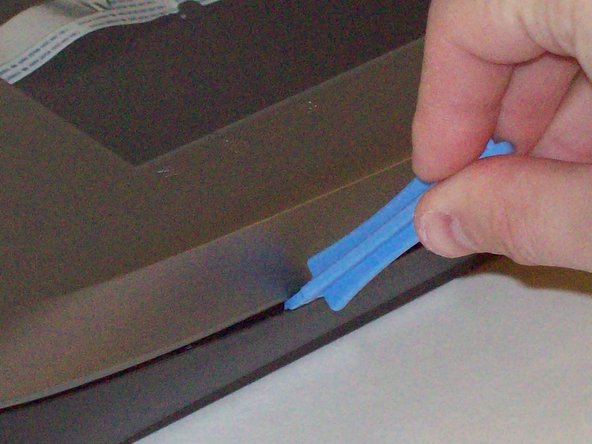
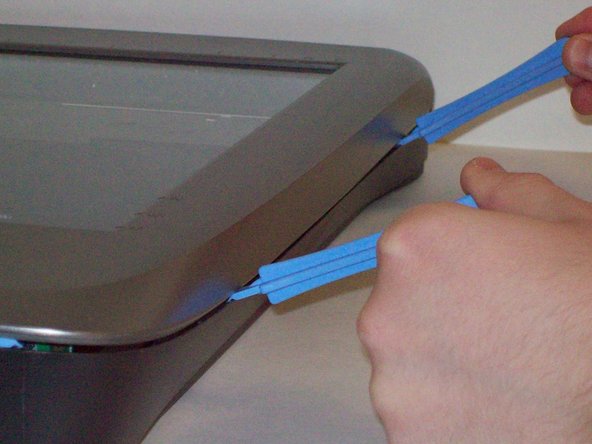
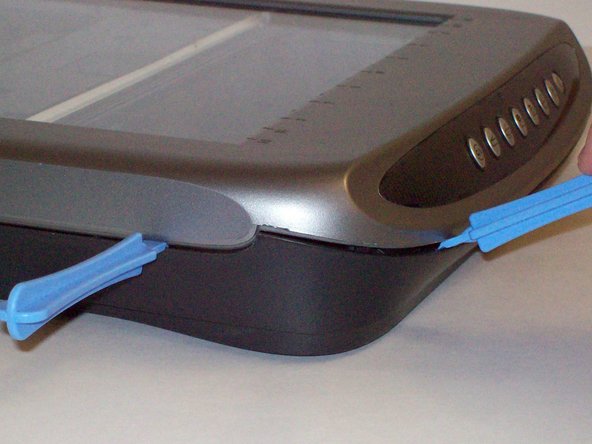
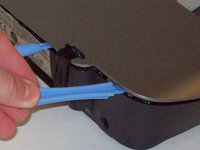
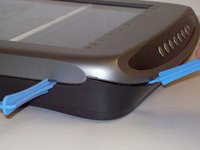
  4. How to clean Microtek ScanMaker 5900 glass, Continue latch detachment: passo 4, imagem 1 %32 How to clean Microtek ScanMaker 5900 glass, Continue latch detachment: passo 4, imagem 2 %32 How to clean Microtek ScanMaker 5900 glass, Continue latch detachment: passo 4, imagem 3 %32
    • After placing one plastic opening tool into the slit, slide other plastic opening tools along the slit to detach the top from the bottom of the chassis.

    • Go all the way along the chassis until you can lift the upper lid.

    Pergunte ao FixBot
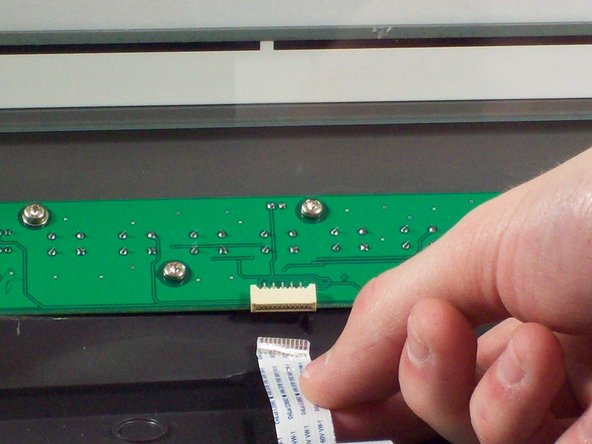
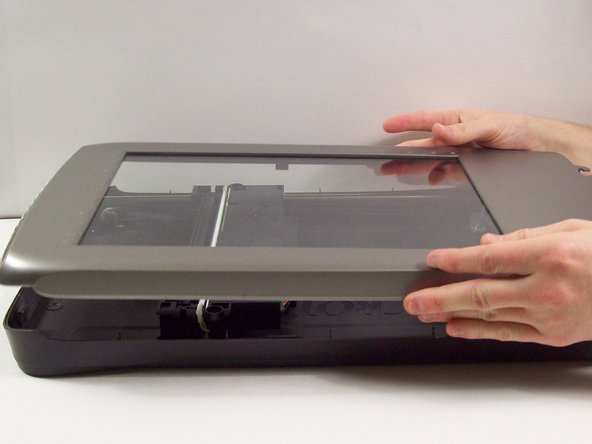
  5. How to clean Microtek ScanMaker 5900 glass, Fully remove the upper lid: passo 5, imagem 1 %32 How to clean Microtek ScanMaker 5900 glass, Fully remove the upper lid: passo 5, imagem 2 %32 How to clean Microtek ScanMaker 5900 glass, Fully remove the upper lid: passo 5, imagem 3 %32
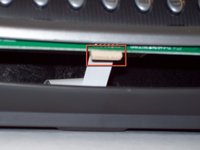
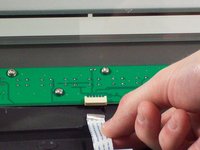
    • Do not fully remove the lid until you remove the ribbon cable attached to the front of the upper lid.

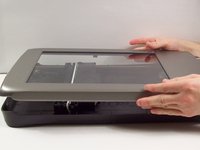
    • Do this by grabbing the upper lid from the sides and rotating it ninety degrees so it is perpendicular to the bottom lid.

    • Grab the ribbon cable and gently pull it out of its slot with your fingers.

    • The upper lid can now safely be removed from the bottom lid.

    Pergunte ao FixBot
  6. How to clean Microtek ScanMaker 5900 glass, How to clean Microtek ScanMaker 5900 glass: passo 6, imagem 1 %32
    • Using a soft lint-free cloth clean the surface glass of dust, finger prints and other debris.

    Pergunte ao FixBot
Conclusão

To reassemble your device, follow these instructions in reverse order.

Equipe

Cal Poly, Team 6-9, Regan Fall 2011 Membro de Cal Poly, Team 6-9, Regan Fall 2011

CPSU-REGAN-F11S6G9

2 Membros

Autoria de 22 guias

0Comentários do guia

Comentar

Visualizações:

Últimas 24 horas: 0

Últimos 7 dias: 7

Últimos 30 dias: 86

Ao todo: 2,932