Introdução
The battery for the Hover-1 Superstar can cause many different problems when it is faulty or not working. This guide will show you the steps that go along with replacing the battery.
O que você precisa
-
-
-
Flip your Hover-1 Superstar device upside down.
-
Using a Phillips #1 screwdriver, remove all twenty of the 18mm screws holding the case onto the device.
-
Remove the bottom case. Be careful of the connector holding the case and the device together.
 Pergunte ao FixBot
-
-
-
Locate the cable connected to the front lights.
-
Pull apart the wires until the black clip separates.
-
-
-
-
-
-
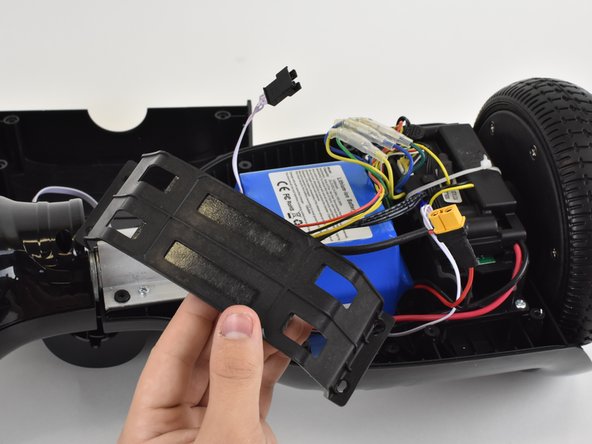
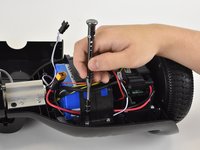
Locate the four 14mm screws securing the battery bracket.
-
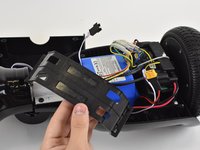
Remove the screws with a Phillips #1 screwdriver.
-
-
-
Pull and disconnect the cable connector that is connected to the battery.
-
-
-
Pull on the battery until it separates from the hover board. You may need to use some force.
-
Pull the battery out of the hoverboard. Move wires away from the battery if necessary.
-
-




To reassemble your device, follow these instructions in reverse order.

Equipe

Linn Benton Community College, Team S1-G1, Karnes Fall 2018 Membro de Linn Benton Community College, Team S1-G1, Karnes Fall 2018
LBCC-KARNES-F18S1G1
3 Membros
Autoria de 5 guias
1Comentário do guia
How do u get a 25.2v battery at for my hover-1
