Ir para o conteúdo principal
Participe da comunidade de reparos - Criar conta

HTC Wizard 200 Front Buttons Replacement

O que você precisa

  1. HTC Wizard 200 Front Buttons Replacement, Battery: passo 1, imagem 1 %32 HTC Wizard 200 Front Buttons Replacement, Battery: passo 1, imagem 2 %32
    • To expose the battery, remove the outer case with your fingernail.

    • Remove the battery by pulling the black tab.

    Pergunte ao FixBot

    Comentar

  2. HTC Wizard 200 Front Buttons Replacement, Back Panel: passo 2, imagem 1 %32
    Ferramenta utilizada neste passo:
    Spudger
    $3.99
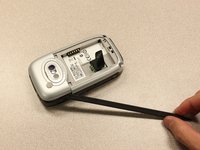
    • Insert the flat end of the spudger into the two notches on the back of the camera cover and pry them up.

    Pergunte ao FixBot

    Comentar

  3. HTC Wizard 200 Front Buttons Replacement: passo 3, imagem 1 %32 HTC Wizard 200 Front Buttons Replacement: passo 3, imagem 2 %32
    Ferramenta utilizada neste passo:
    Spudger
    $3.99
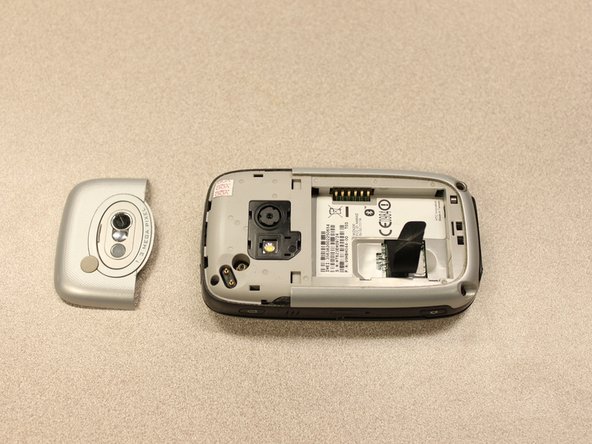
    • Work the spudger around the edges of the camera cover until it comes off.

    Pergunte ao FixBot

    Comentar

  4. HTC Wizard 200 Front Buttons Replacement: passo 4, imagem 1 %32 HTC Wizard 200 Front Buttons Replacement: passo 4, imagem 2 %32
    Ferramenta utilizada neste passo:
    T5 Torx Screwdriver
    $5.49
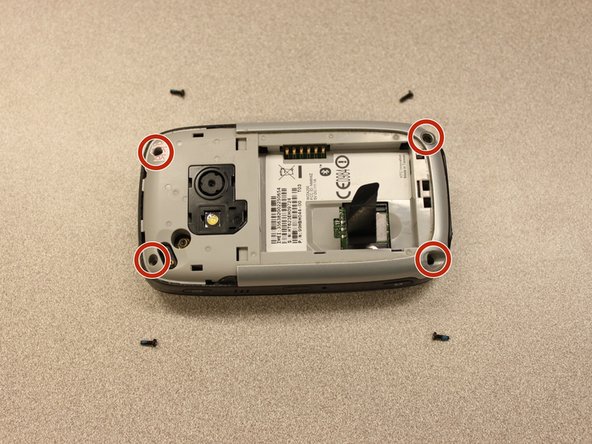
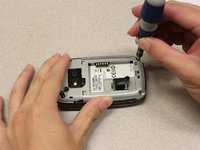
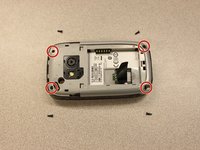
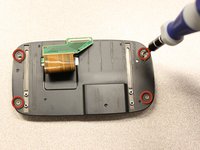
    • Remove the four 6 mm screws with the T5 Torx screwdriver.

    • One of the screws is under the "void" sticker.

    Pergunte ao FixBot

    Comentar

  5. HTC Wizard 200 Front Buttons Replacement: passo 5, imagem 1 %32 HTC Wizard 200 Front Buttons Replacement: passo 5, imagem 2 %32 HTC Wizard 200 Front Buttons Replacement: passo 5, imagem 3 %32
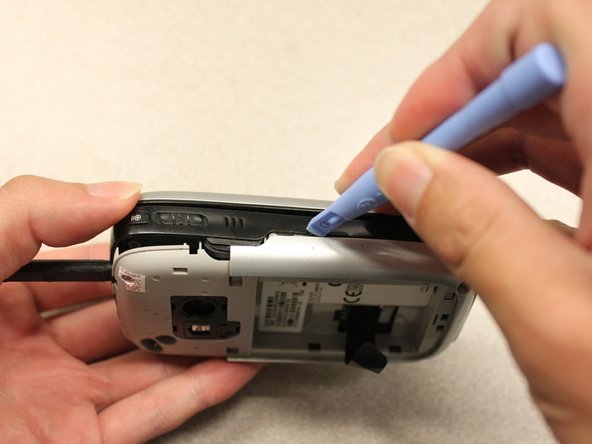
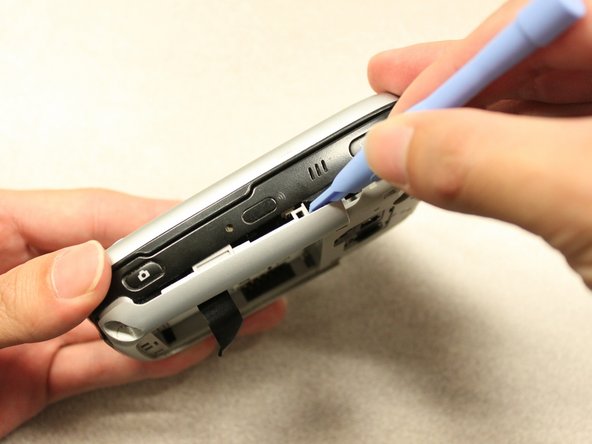
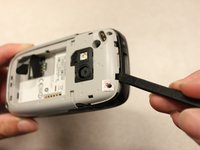
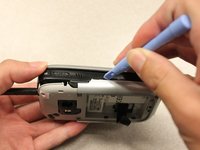
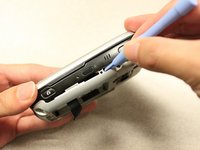
    • Insert the flat end of an iFixit opening tool between the side and inner covers to create a gap.

    • Work the tool around the edges until all the clips release.

    Pergunte ao FixBot

    Comentar

  6. HTC Wizard 200 Front Buttons Replacement: passo 6, imagem 1 %32 HTC Wizard 200 Front Buttons Replacement: passo 6, imagem 2 %32
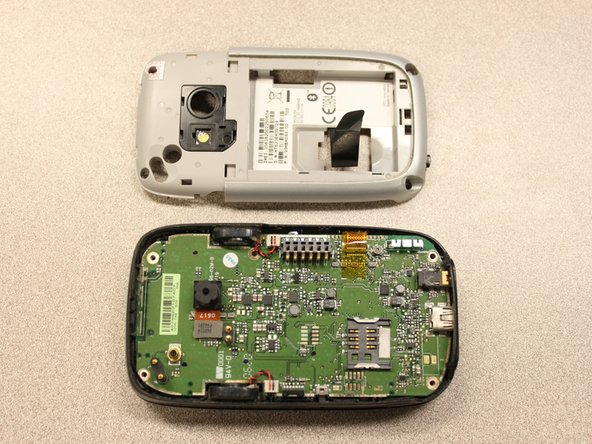
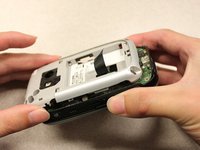
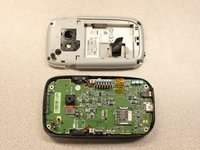
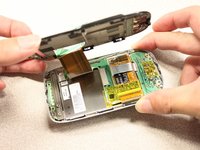
    • Once all the clips are open, remove the inner panel from the phone.

    Pergunte ao FixBot

    Comentar

  7. HTC Wizard 200 Front Buttons Replacement, Motherboard: passo 7, imagem 1 %32
    Ferramenta utilizada neste passo:
    Spudger
    $3.99
    • Use the spudger to pry the camera off.

    Pergunte ao FixBot

    Comentar

  8. HTC Wizard 200 Front Buttons Replacement: passo 8, imagem 1 %32 HTC Wizard 200 Front Buttons Replacement: passo 8, imagem 2 %32
    Ferramenta utilizada neste passo:
    Tweezers
    $4.99
    • Using tweezers, flip the connector latch away from the motherboard.

    • Detach the flexible connection from under the connector latch.

    Pergunte ao FixBot

    Comentar

  9. HTC Wizard 200 Front Buttons Replacement: passo 9, imagem 1 %32
    • Slide the keyboard into the open position.

    Pergunte ao FixBot

    Comentar

  10. HTC Wizard 200 Front Buttons Replacement: passo 10, imagem 1 %32 HTC Wizard 200 Front Buttons Replacement: passo 10, imagem 2 %32
    Ferramenta utilizada neste passo:
    Spudger
    $3.99
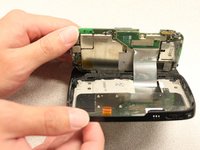
    • Lift the motherboard out of the case using the spudger.

    • Expose the underside of the motherboard using your hands.

    Pergunte ao FixBot

    Comentar

  11. HTC Wizard 200 Front Buttons Replacement: passo 11, imagem 1 %32 HTC Wizard 200 Front Buttons Replacement: passo 11, imagem 2 %32
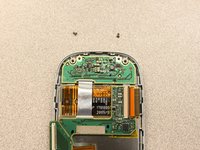
    • Remove the flexible connection from the motherboard.

    • Caution: Removing the connection too fast may cause damage to the connection and cables.

    Pergunte ao FixBot

    Comentar

  12. HTC Wizard 200 Front Buttons Replacement, Keyboard Slider: passo 12, imagem 1 %32 HTC Wizard 200 Front Buttons Replacement, Keyboard Slider: passo 12, imagem 2 %32 HTC Wizard 200 Front Buttons Replacement, Keyboard Slider: passo 12, imagem 3 %32
    Ferramenta utilizada neste passo:
    T5 Torx Screwdriver
    $5.49
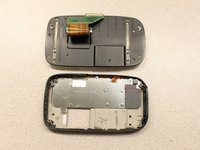
    • Remove the four 5mm screws with the T5 Torx screwdriver.

    • Remove the keyboard slider from the main body.

    Pergunte ao FixBot

    Comentar

  13. HTC Wizard 200 Front Buttons Replacement, Screen Cover: passo 13, imagem 1 %32 HTC Wizard 200 Front Buttons Replacement, Screen Cover: passo 13, imagem 2 %32
    • Use the T5 Torx screwdriver to remove four 5mm screws that secure the back of the screen casing.

    Pergunte ao FixBot

    Comentar

  14. HTC Wizard 200 Front Buttons Replacement: passo 14, imagem 1 %32 HTC Wizard 200 Front Buttons Replacement: passo 14, imagem 2 %32
    • Insert the plastic opening tool between the front panel and the rear panel and pry open to reach the screen.

    Pergunte ao FixBot

    Comentar

  15. HTC Wizard 200 Front Buttons Replacement: passo 15, imagem 1 %32 HTC Wizard 200 Front Buttons Replacement: passo 15, imagem 2 %32
    • Once the rear panel is loose, lift it off of the front panel.

    • The flexible connection will pop loose.

    Pergunte ao FixBot

    Comentar

  16. HTC Wizard 200 Front Buttons Replacement: passo 16, imagem 1 %32
    • Device rotated 90 degrees CCW.

    • Remove the yellow anti-static tape.

    Pergunte ao FixBot

    Comentar

  17. HTC Wizard 200 Front Buttons Replacement: passo 17, imagem 1 %32 HTC Wizard 200 Front Buttons Replacement: passo 17, imagem 2 %32
    • Unscrew the two 3mm phillips #0 screws from the bottom of the device that secure the rigid flex board to the screen panel.

    Pergunte ao FixBot

    Comentar

  18. HTC Wizard 200 Front Buttons Replacement: passo 18, imagem 1 %32
    • Device rotated 180 degrees CW.

    • Unscrew the two 3mm Phillips #0 screws from the top of the device that secure the rigid flex board to the screen panel.

    Pergunte ao FixBot

    Comentar

  19. HTC Wizard 200 Front Buttons Replacement: passo 19, imagem 1 %32
    • Device rotated 90 degrees CCW.

    • Unhinge the flexible connection and use the tweezers to disconnect.

    Pergunte ao FixBot

    Comentar

  20. HTC Wizard 200 Front Buttons Replacement: passo 20, imagem 1 %32
    • Now that the rigid flex board is loose, remove it from the screen.

    Pergunte ao FixBot

    Comentar

  21. HTC Wizard 200 Front Buttons Replacement, LCD Screen: passo 21, imagem 1 %32 HTC Wizard 200 Front Buttons Replacement, LCD Screen: passo 21, imagem 2 %32
    • Simply pull out the loose screen.

    Pergunte ao FixBot

    Comentar

  22. HTC Wizard 200 Front Buttons Replacement, Front Buttons: passo 22, imagem 1 %32 HTC Wizard 200 Front Buttons Replacement, Front Buttons: passo 22, imagem 2 %32
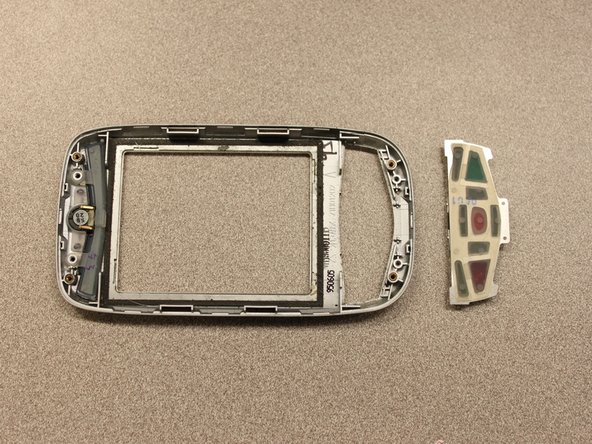
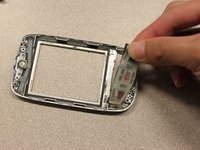
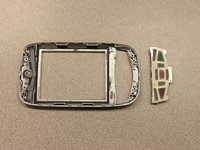
    • Pull out the front button panel.

    Pergunte ao FixBot

    Comentar

Conclusão

To reassemble your device, follow these instructions in reverse order.

Cancelar: não concluí este guia.

Kyle Champ

Membro desde: 10/03/11

225 Reputação

Autoria de 12 guias

Equipe

Cal Poly, Team 20-27, Maness Fall 2011 Membro de Cal Poly, Team 20-27, Maness Fall 2011

CPSU-MANESS-F11S20G27

4 Membros

Autoria de 24 guias

0Comentários do guia

Comentar

Visualizações:

Últimas 24 horas: 1

Últimos 7 dias: 5

Últimos 30 dias: 45

Ao todo: 848