Ir para o conteúdo principal
Participe da comunidade de reparos - Criar conta

HTC Thunderbolt Volume Buttons Replacement

O que você precisa

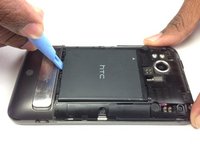
  1. HTC Thunderbolt Volume Buttons Replacement, Rear Panel: passo 1, imagem 1 %32
    • Insert the plastic opening tool into the top of the Thunderbolt near the power button.

    • Gently pry up on the rear panel around the edges until it is loose.

    Pergunte ao FixBot

    Comentar

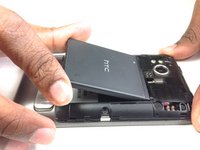
  2. HTC Thunderbolt Volume Buttons Replacement: passo 2, imagem 1 %32
    • Lift and remove the rear panel.

    Pergunte ao FixBot

    Comentar

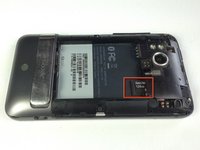
  3. HTC Thunderbolt Volume Buttons Replacement, Battery: passo 3, imagem 1 %32 HTC Thunderbolt Volume Buttons Replacement, Battery: passo 3, imagem 2 %32
    • Using the plastic opening tool, lift up the battery from the bottom near the kickstand.

    • Remove the battery from the inner frame.

    Pergunte ao FixBot

    Comentar

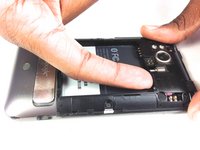
  4. HTC Thunderbolt Volume Buttons Replacement, MicroSD Card: passo 4, imagem 1 %32 HTC Thunderbolt Volume Buttons Replacement, MicroSD Card: passo 4, imagem 2 %32
    • Use your finger to push the MicroSD card in towards the top of the phone, allowing it to be released from the casing.

    Pergunte ao FixBot

    Comentar

  5. HTC Thunderbolt Volume Buttons Replacement: passo 5, imagem 1 %32
    Ferramenta utilizada neste passo:
    Tweezers
    $4.99
    • Use tweezers to grab onto the MicroSD card and carefully remove it from the casing.

    Pergunte ao FixBot

    Comentar

  6. HTC Thunderbolt Volume Buttons Replacement, Rear Frame: passo 6, imagem 1 %32
    • Remove the six Phillips screws from the perimeter of the rear frame.

    • By removing the screw with the "void" sticker on it, your Thunderbolt will no longer be covered under warranty.

    Pergunte ao FixBot

    Comentar

  7. HTC Thunderbolt Volume Buttons Replacement: passo 7, imagem 1 %32 HTC Thunderbolt Volume Buttons Replacement: passo 7, imagem 2 %32
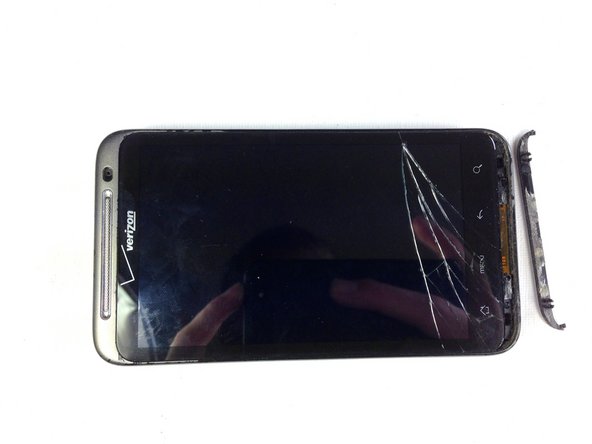
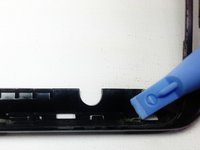
    • Insert the plastic opening tool into the bottom of the phone underneath the soft keys.

    • Gently pry up on the plastic cover by sliding the plastic opening tool across the bottom of the phone.

    • Remove the plastic cover.

    • The plastic cover will have adhesive on it making it difficult to remove.

    Pergunte ao FixBot

    Comentar

  8. HTC Thunderbolt Volume Buttons Replacement: passo 8, imagem 1 %32
    • Remove the two Phillips screws where the plastic cover was.

    Pergunte ao FixBot

    Comentar

  9. HTC Thunderbolt Volume Buttons Replacement: passo 9, imagem 1 %32 HTC Thunderbolt Volume Buttons Replacement: passo 9, imagem 2 %32
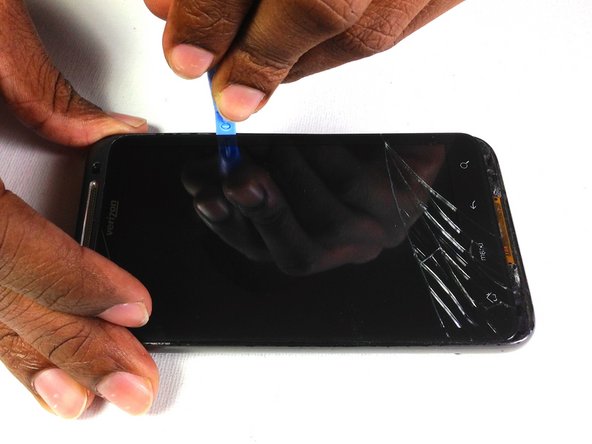
    • Insert the plastic opening tool in between the screen and the frame on the side of the phone.

    • Slowly slide the the plastic opening tool along the side of the phone until the screen begins to separate from the frame.

    • Do the same for the opposite side of the phone.

    Pergunte ao FixBot

    Comentar

  10. HTC Thunderbolt Volume Buttons Replacement: passo 10, imagem 1 %32 HTC Thunderbolt Volume Buttons Replacement: passo 10, imagem 2 %32 HTC Thunderbolt Volume Buttons Replacement: passo 10, imagem 3 %32
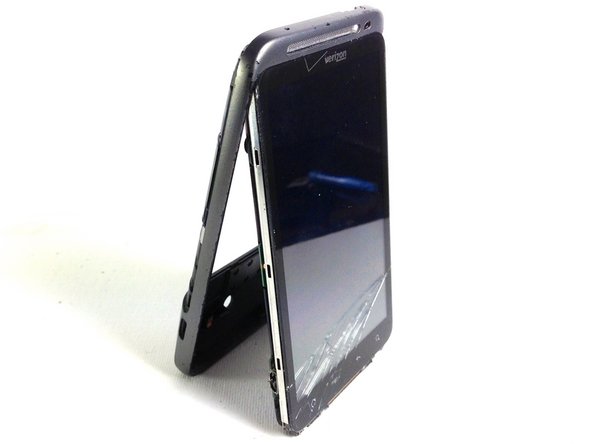
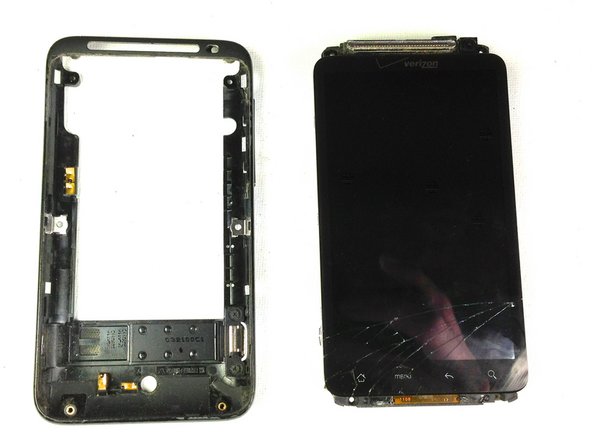
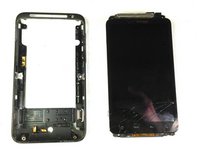
    • Carefully separate the screen and phone from the rear frame, starting from the bottom.

    • Gently pull down on the phone and screen to fully separate it from the rear frame.

    Pergunte ao FixBot

    Comentar

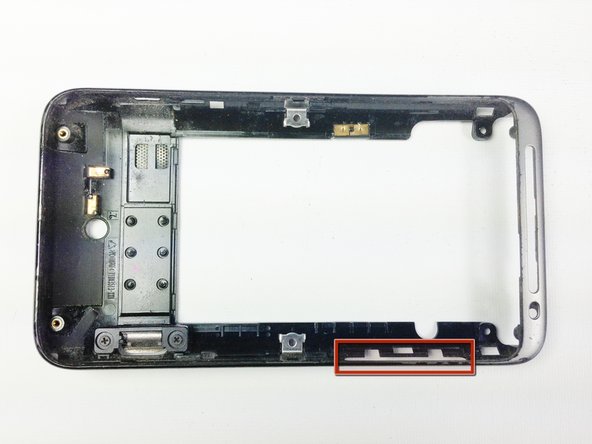
  11. HTC Thunderbolt Volume Buttons Replacement, Volume Buttons: passo 11, imagem 1 %32
    • Locate the side volume buttons

    Pergunte ao FixBot

    Comentar

  12. HTC Thunderbolt Volume Buttons Replacement: passo 12, imagem 1 %32 HTC Thunderbolt Volume Buttons Replacement: passo 12, imagem 2 %32
    • Use a pry tool to lift the buttons out of the case

    Pergunte ao FixBot

    Comentar

Conclusão

To reassemble your device, follow these instructions in reverse order.

Cancelar: não concluí este guia.

Vanessa

Membro desde: 01/18/13

60 Reputação

Autoria de 4 guias

Equipe

Cal Poly, Team 19-45, Regan Winter 2013 Membro de Cal Poly, Team 19-45, Regan Winter 2013

CPSU-REGAN-W13S19G45

4 Membros

Autoria de 24 guias

0Comentários do guia

Comentar

Visualizações:

Últimas 24 horas: 2

Últimos 7 dias: 12

Últimos 30 dias: 49

Ao todo: 915