Essa tradução foi gerada por um programa e ainda não foi revisada por uma pessoa. Falas essa língua? Dá uma olhada.
Introdução
A tela de cristal líquido (LCD) fica protegida atrás da carcaça plástica externa do celular. Danos à tela são um dos principais motivos para a troca de um celular, mas você não precisa substituir o aparelho todo! Este guia mostrará como substituir o LCD do seu HTC SMT 6175 caso o celular tenha caído e a tela esteja trincada, ou se houver outros danos ao LCD.
O que você precisa
-
-
-
Primeiro, vire o celular para que a parte traseira fique voltada para cima.
 Pergunte ao FixBot
-
-
-
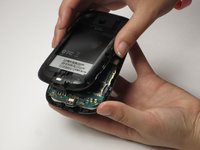
Com ambos os polegares, empurre a parte traseira do exterior do celular para cima e remova a face frontal do aparelho.
-
-
-
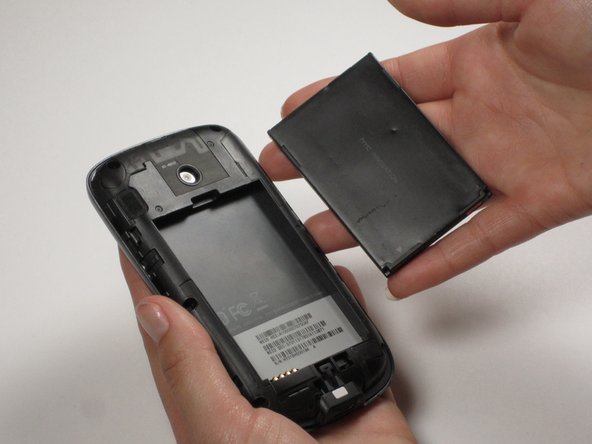
Insira o dedo ou uma espátula na ranhura acima da bateria. Remova-a e reserve.
-
-
-
-
-
-
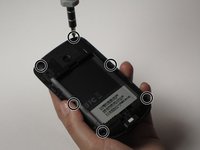
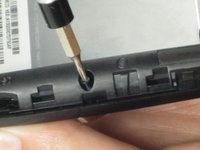
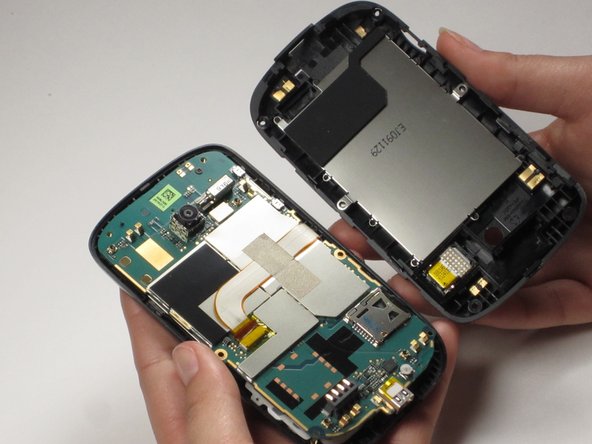
Para remover a tampa, use uma chave pequena de cinco pontas para desparafusar os 6 parafusos localizados ao redor das bordas.
-
-
-
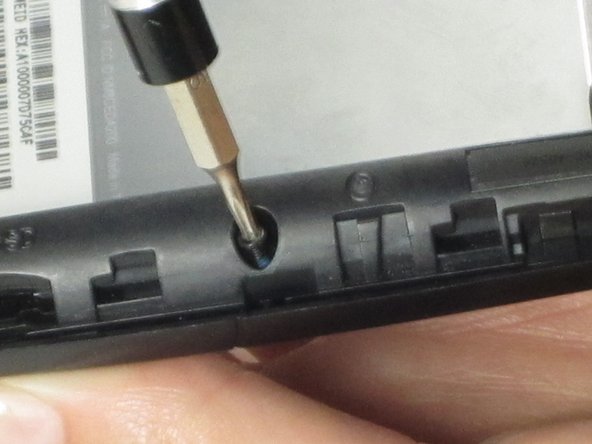
Em seguida, desparafuse o parafuso superior usando uma chave (de fenda) Phillips pequena.
-
Puxe a placa-mãe para trás.
-
-
-
Usando uma espátula, remova a tela do display de seu compartimento na carcaça frontal. Insira a espátula ao lado do LCD, no lado oposto ao ponto em que a placa-mãe está conectada.
-
-
Ferramenta utilizada neste passo:Tweezers$4.99
-
Posicione a placa-mãe sobre o LCD. Usando a pinça, remova o pedaço de fita amarela que cobre a extremidade do cabo plano.
-
-
-
Retire a fita prateada que cobre o cabo plano. A placa-mãe está agora livre do restante do celular.
-
-




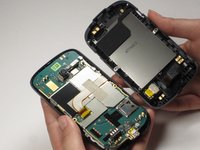


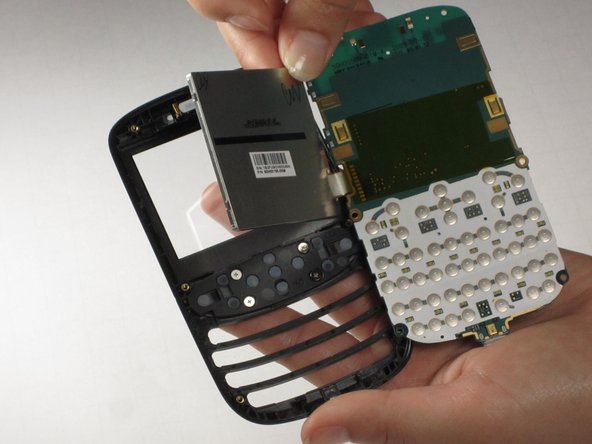
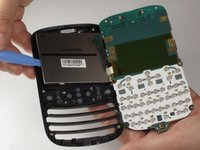
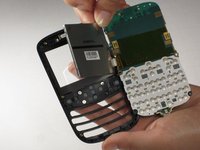


Para a remontagem de seu dispositivo, siga estas instruções na ordem inversa.
Cancelar: não concluí este guia.
Uma outra pessoa concluiu este guia.

Equipe

Cal Poly, Team 25-29, Garner Spring 2011 Membro de Cal Poly, Team 25-29, Garner Spring 2011
CPSU-GARNER-S11S25G29
3 Membros
Autoria de 60 guias
