Ir para o conteúdo principal
Participe da comunidade de reparos - Criar conta

HTC Incredible 2 Micro SD Card Replacement

  1. HTC Incredible 2  Micro SD Card Replacement, Disassembling HTC Incredible 2 Back Panel: passo 1, imagem 1 %32 HTC Incredible 2  Micro SD Card Replacement, Disassembling HTC Incredible 2 Back Panel: passo 1, imagem 2 %32
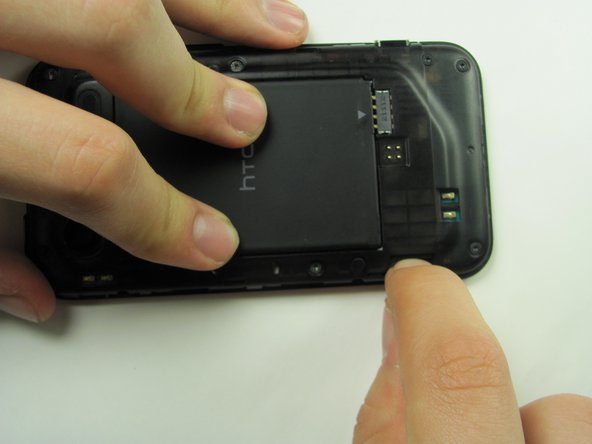
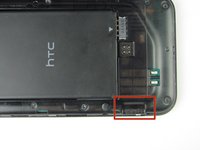
    • Press your thumbnail into the slot between the rear panel and the front casing located on the bottom of the phone. Use a penny or dime if you have trouble using your thumbnail.

    • With a moderate amount of force, pry the rear panel up and away from the phone. You may need to slide your thumbnail up the crack to separate the rear panel from the front casing.

    • This can take a little bit of effort. Don't be discouraged if you can't get it right away.

  2. HTC Incredible 2  Micro SD Card Replacement: passo 2, imagem 1 %32
    • Remove the rear panel from the phone.

  3. HTC Incredible 2  Micro SD Card Replacement, Micro SD Card: passo 3, imagem 1 %32 HTC Incredible 2  Micro SD Card Replacement, Micro SD Card: passo 3, imagem 2 %32
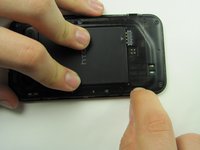
    • Use your fingertip to push inward on the SD card until you hear a click.

  4. HTC Incredible 2  Micro SD Card Replacement: passo 4, imagem 1 %32 HTC Incredible 2  Micro SD Card Replacement: passo 4, imagem 2 %32 HTC Incredible 2  Micro SD Card Replacement: passo 4, imagem 3 %32
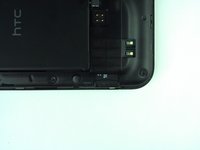
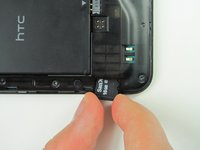
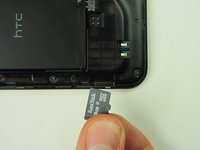
    • Remove your finger. The SD card is no longer being held in place.

    • Grasp it with two fingers and pull it towards you to remove it.

Conclusão

To reassemble your device, follow these instructions in reverse order.

Ka Tong

Membro desde: 04/26/14

131 Reputação

Autoria de 1 guia

Equipe

Cal Poly, Team 11-53, Amido Spring 2014 Membro de Cal Poly, Team 11-53, Amido Spring 2014

CPSU-AMIDO-S14S11G53

5 Membros

Autoria de 14 guias

0Comentários do guia

Comentar

Visualizações:

Últimas 24 horas: 1

Últimos 7 dias: 7

Últimos 30 dias: 26

Ao todo: 479