Ir para o conteúdo principal
Participe da comunidade de reparos - Criar conta

HP w2216h Control Buttons Replacement

O que você precisa

  1. HP w2216h Control Buttons Replacement, Control Buttons: passo 1, imagem 1 %32
    • Make sure you are grounded, the power supply is not connected, and you are wearing safety goggles.

    • Remove the four 12 mm Phillips #000 screws on the back panel.

    Pergunte ao FixBot

    Comentar

  2. HP w2216h Control Buttons Replacement: passo 2, imagem 1 %32 HP w2216h Control Buttons Replacement: passo 2, imagem 2 %32
    • Remove the two 12 mm Phillips #000 screws above stand mounting bracket.

    • Using a Phillips #1 with the 150 mm flexible extension remove 1 Phillips #1 screw under the stand mounting bracket.

    • Stand will easily pull off.

    Pergunte ao FixBot

    Comentar

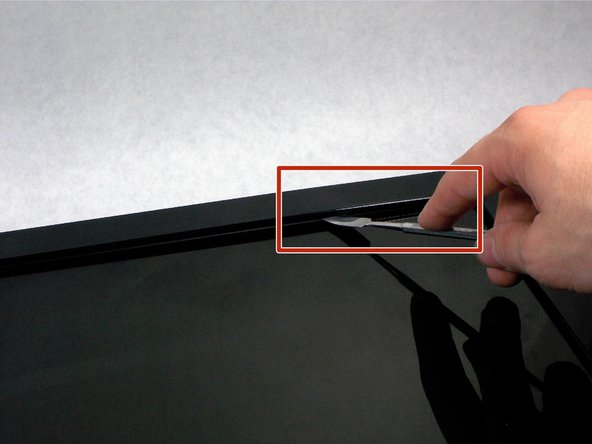
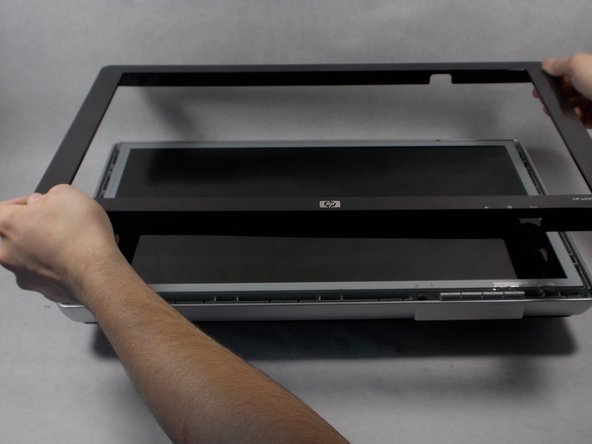
  3. HP w2216h Control Buttons Replacement: passo 3, imagem 1 %32 HP w2216h Control Buttons Replacement: passo 3, imagem 2 %32 HP w2216h Control Buttons Replacement: passo 3, imagem 3 %32
    • Do not put the metal spudger between the metal and the glass. It needs to go under the bezel and above the metal.

    • Turn monitor so that the screen is facing you.

    • Pry the black bezel from above the metal by placing your metal spudger between the bezel and the metal and twisting the tool slightly.

    • The best places to pry are in the lower left and lower right corners of the black bezel.

    Pergunte ao FixBot

    Comentar

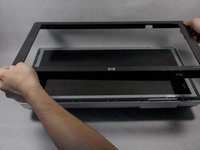
  4. HP w2216h Control Buttons Replacement: passo 4, imagem 1 %32
    • Lift the screen assembly from the plastic housing from the corners.

    Pergunte ao FixBot

    Comentar

  5. HP w2216h Control Buttons Replacement: passo 5, imagem 1 %32
    • Remove the plastic buttons from the contacts

    Pergunte ao FixBot

    Comentar

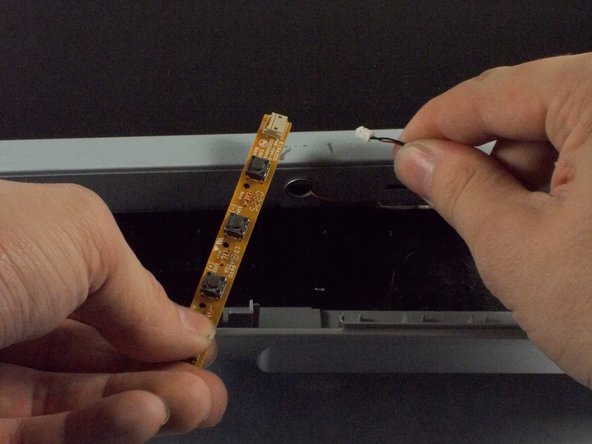
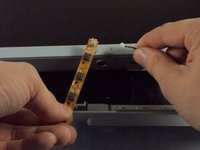
  6. HP w2216h Control Buttons Replacement: passo 6, imagem 1 %32 HP w2216h Control Buttons Replacement: passo 6, imagem 2 %32
    • Remove the wire connecting the contacts to the screen assembly.

    Pergunte ao FixBot

    Comentar

Conclusão

To reassemble your device, follow these instructions in reverse order.

Cancelar: não concluí este guia.

Uma outra pessoa concluiu este guia.

Patrick Aucoin

Membro desde: 03/25/16

221 Reputação

Autoria de 2 guias

Equipe

UMass Dartmouth, Team 1-1, Miles Spring 2016 Membro de UMass Dartmouth, Team 1-1, Miles Spring 2016

UMASSD-MILES-S16S1G1

4 Membros

Autoria de 12 guias

0Comentários do guia

Comentar

Visualizações:

Últimas 24 horas: 0

Últimos 7 dias: 15

Últimos 30 dias: 44

Ao todo: 768