Ir para o conteúdo principal
Participe da comunidade de reparos - Criar conta

HP Slate 7 4601 Front Screen Replacement

O que você precisa

  1. HP Slate 7 4601 Front Screen Replacement, Battery: passo 1, imagem 1 %32 HP Slate 7 4601 Front Screen Replacement, Battery: passo 1, imagem 2 %32
    • Begin your replacement by using a T3 or T4 Torx screwdriver.

    • Remove the two 1.4mm x 3mm Torx Head screws at the top of the device.

    Pergunte ao FixBot

    Comentar

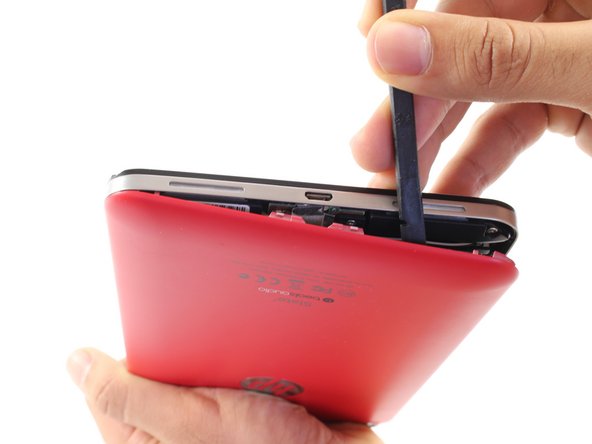
  2. HP Slate 7 4601 Front Screen Replacement: passo 2, imagem 1 %32 HP Slate 7 4601 Front Screen Replacement: passo 2, imagem 2 %32
    • With the pointed end of the spudger, remove the thin metal band.

    • It is easiest to remove the metal band through the headphone opening.

    Pergunte ao FixBot

    Comentar

  3. HP Slate 7 4601 Front Screen Replacement: passo 3, imagem 1 %32 HP Slate 7 4601 Front Screen Replacement: passo 3, imagem 2 %32
    • Using the flat end of the spudger, pry back the rear plastic cover.

    • As you work your way around the edge, several "pop" noises will be made. These noises are caused by the plastic clips coming undone.

    Pergunte ao FixBot

    Comentar

  4. HP Slate 7 4601 Front Screen Replacement: passo 4, imagem 1 %32
    • Remove the rear cover.

    Pergunte ao FixBot

    Comentar

  5. HP Slate 7 4601 Front Screen Replacement: passo 5, imagem 1 %32
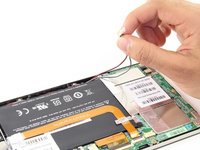
    • Locate and remove the yellow tape covering the red and white speaker wires.

    Pergunte ao FixBot

    Comentar

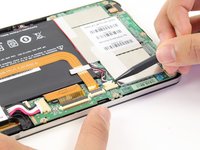
  6. HP Slate 7 4601 Front Screen Replacement: passo 6, imagem 1 %32 HP Slate 7 4601 Front Screen Replacement: passo 6, imagem 2 %32
    • Using the pointed end of the spudger, push both sides of the speaker wire connector out of its base.

    • Push the same amount on both sides of the connector to avoid jamming or twisting its metal pins.

    • Do not yank or pull on the speaker wires, since they are fragile. Only push on the white connector.

    Pergunte ao FixBot

    Comentar

  7. HP Slate 7 4601 Front Screen Replacement: passo 7, imagem 1 %32
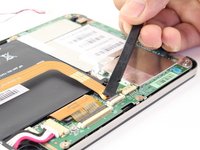
    • Gently pull back the foil covering the gold charging port ribbon.

    Pergunte ao FixBot

    Comentar

  8. HP Slate 7 4601 Front Screen Replacement: passo 8, imagem 1 %32 HP Slate 7 4601 Front Screen Replacement: passo 8, imagem 2 %32
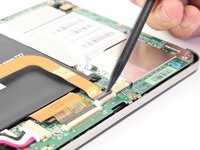
    • Using the flat end of the spudger, lift up the black panel covering the charging port connector.

    • Gently slide the charging port ribbon out from its housing.

    • It may be easier to use the pointed end of the spudger than your fingers.

    Pergunte ao FixBot

    Comentar

  9. HP Slate 7 4601 Front Screen Replacement: passo 9, imagem 1 %32
    • Lift gold charging strip away from the battery.

    Pergunte ao FixBot

    Comentar

  10. HP Slate 7 4601 Front Screen Replacement: passo 10, imagem 1 %32 HP Slate 7 4601 Front Screen Replacement: passo 10, imagem 2 %32
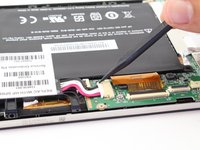
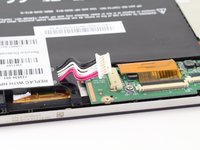
    • Push the white battery connector out of its housing using the pointed end of the spudger.

    Pergunte ao FixBot

    Comentar

  11. HP Slate 7 4601 Front Screen Replacement: passo 11, imagem 1 %32
    • Using the #00 Phillips Head screwdriver, remove the 5 screws holding the battery in place.

    • The four 1.75mm x 3mm silver Phillips Head screws circled in red are interchangeable.

    • The black 1.75mm x 4mm Phillips Head screw must go back to the same spot during reassembly.

    Pergunte ao FixBot

    Comentar

  12. HP Slate 7 4601 Front Screen Replacement: passo 12, imagem 1 %32
    • Lift battery out of its place and set aside.

    Pergunte ao FixBot

    Comentar

  13. HP Slate 7 4601 Front Screen Replacement, Charging Port: passo 13, imagem 1 %32 HP Slate 7 4601 Front Screen Replacement, Charging Port: passo 13, imagem 2 %32
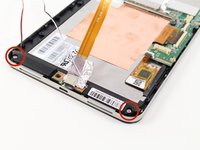
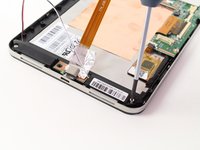
    • To free the speaker assembly, you will need a #00 Phillips Head screwdriver.

    • Remove the two 1.75mm x 3mm Phillips Head screws from the speaker assembly.

    Pergunte ao FixBot

    Comentar

  14. HP Slate 7 4601 Front Screen Replacement: passo 14, imagem 1 %32 HP Slate 7 4601 Front Screen Replacement: passo 14, imagem 2 %32
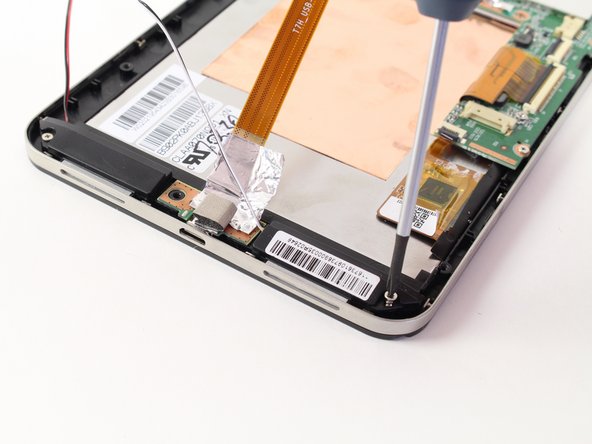
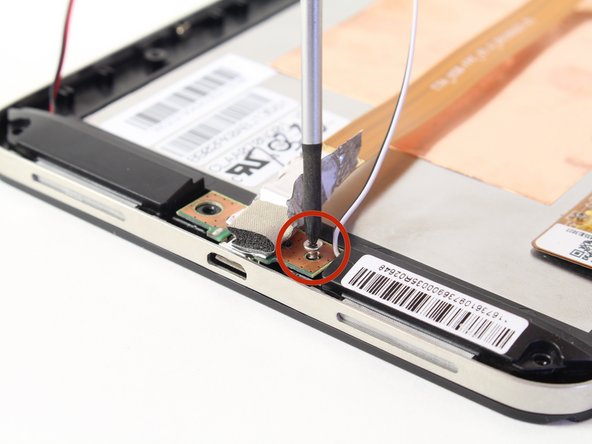
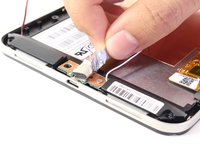
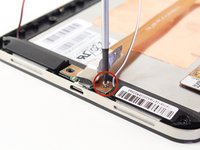
    • Pull back the foil overlapping the charging port to reveal another 1.75mm x 3mm Phillips Head screw.

    • Remove the screw with a #00 Phillips Head screwdriver.

    Pergunte ao FixBot

    Comentar

  15. HP Slate 7 4601 Front Screen Replacement: passo 15, imagem 1 %32
    • Lift the charging port and set it aside.

    Pergunte ao FixBot

    Comentar

  16. HP Slate 7 4601 Front Screen Replacement, Speaker: passo 16, imagem 1 %32
    • Lift the two speakers out of the device and set them aside.

    Pergunte ao FixBot

    Comentar

  17. HP Slate 7 4601 Front Screen Replacement, Motherboard: passo 17, imagem 1 %32 HP Slate 7 4601 Front Screen Replacement, Motherboard: passo 17, imagem 2 %32
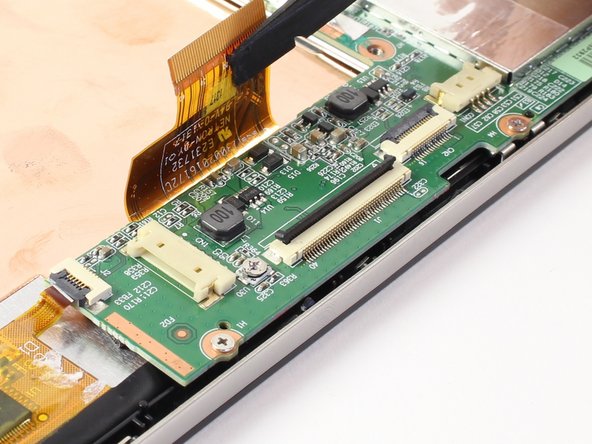
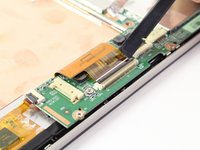
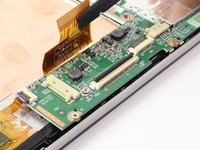
    • Disconnect the LCD screen ribbon by lifting up the black panel with the flat end of a spudger and sliding the gold strip out.

    • When reconnecting the LCD connector ribbon, make sure that it's pushed in all the way. If it isn't, there will be horizontal lines when you power the tablet on.

    Pergunte ao FixBot

    Comentar

  18. HP Slate 7 4601 Front Screen Replacement: passo 18, imagem 1 %32 HP Slate 7 4601 Front Screen Replacement: passo 18, imagem 2 %32
    • Likewise, disconnect the square radio chip ribbon by lifting up the black panel with a spudger and sliding the gold strip out.

    Pergunte ao FixBot

    Comentar

  19. HP Slate 7 4601 Front Screen Replacement: passo 19, imagem 1 %32 HP Slate 7 4601 Front Screen Replacement: passo 19, imagem 2 %32
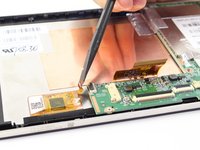
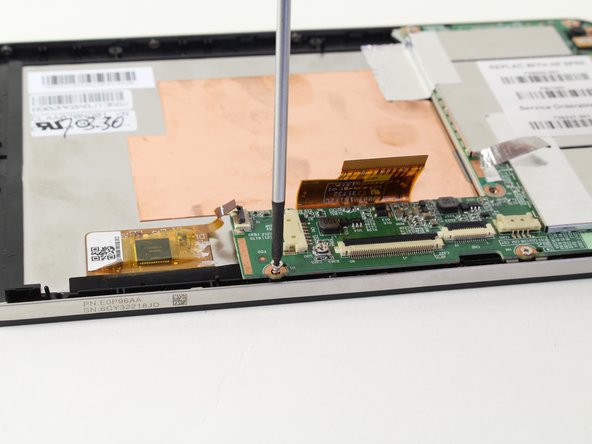
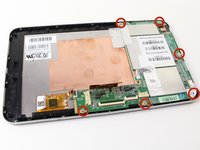
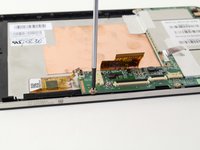
    • You will be using a #00 Phillips Head screwdriver to free the motherboard.

    • Remove the six 1.75mm x 3mm Phillips Head screws holding the motherboard to the screen.

    Pergunte ao FixBot

    Comentar

  20. HP Slate 7 4601 Front Screen Replacement: passo 20, imagem 1 %32 HP Slate 7 4601 Front Screen Replacement: passo 20, imagem 2 %32
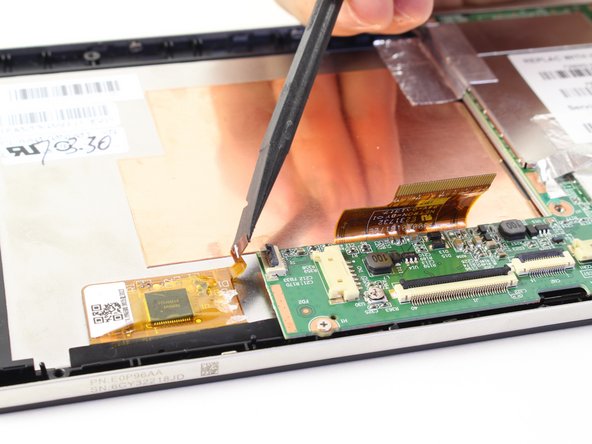
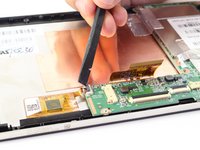
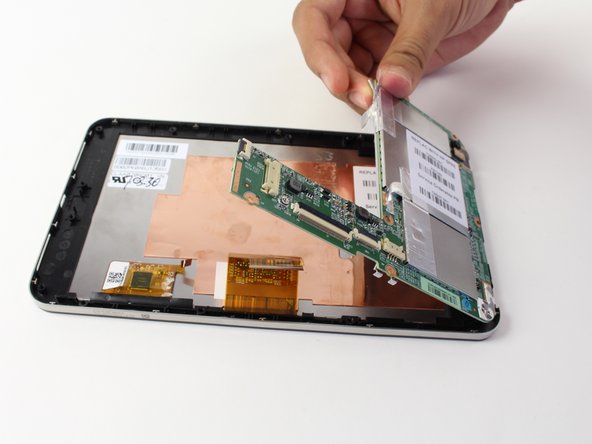
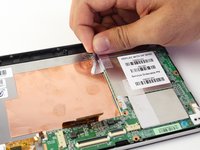
    • Using your hand, lift up the silver tape from the copper plate.

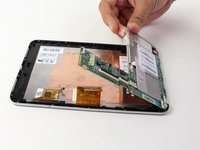
    • Lift the motherboard out of the device.

    • You may need to wiggle and work the motherboard to get it released from the device

    Pergunte ao FixBot

    Comentar

  21. HP Slate 7 4601 Front Screen Replacement, Front Screen / Volume Buttons: passo 21, imagem 1 %32
    • Remove the metal band surrounding the device by lifting it up out of the placement pins. Begin at one end and work your way around.

    Pergunte ao FixBot

    Comentar

  22. HP Slate 7 4601 Front Screen Replacement: passo 22, imagem 1 %32
    • You now have access to the LCD screen.

    • You can replace the volume rocker by lifting it up and out of the device.

    • The volume rocker should be reinserted so the "up" button is toward the top of the tablet during reassembly.

    Pergunte ao FixBot

    Comentar

Conclusão

To reassemble your device, follow these instructions in reverse order.

Cancelar: não concluí este guia.

14 outras pessoas executaram este guia.

Ryan ONeill

Membro desde: 04/11/14

2.127 Reputação

Autoria de 1 guia

Equipe

Cal Poly, Team 13-30, Maness Spring 2014 Membro de Cal Poly, Team 13-30, Maness Spring 2014

CPSU-MANESS-S14S13G30

3 Membros

Autoria de 8 guias

0Comentários do guia

Comentar

Visualizações:

Últimas 24 horas: 0

Últimos 7 dias: 5

Últimos 30 dias: 56

Ao todo: 23,797