Essa tradução foi gerada por um programa e ainda não foi revisada por uma pessoa. Falas essa língua? Dá uma olhada.
Introdução
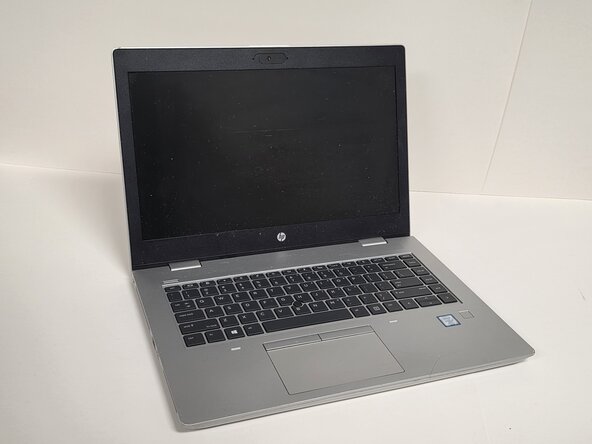
O módulo de rede sem fio (WLAN) de um notebook (também chamado de placa Wi-Fi, módulo wireless ou adaptador wireless M.2 2230) controla toda a conectividade sem fio, incluindo Wi-Fi e, por vezes, Bluetooth. Com o tempo, esses módulos podem falhar, tornar-se instáveis ou precisar de uma atualização para um melhor desempenho. Este guia de reparo mostrará como remover e substituir com segurança o módulo WLAN no HP ProBook 640 G5. Antes de iniciar este reparo, desligue o notebook e desconecte todas as fontes de energia.
O que você precisa
-
-
-
Desligue o HP ProBook 640 G5 completamente.
-
Desconecte o adaptador de energia e todos os periféricos conectados.
-
Pressione e segure o botão LIGA/DESLIGA por 5 segundos para descarregar a energia restante.
 Pergunte ao FixBot
-
-
-
Vire o laptop para que a parte inferior fique voltada para cima.
-
Afrouxe oito parafusos Phillips prateados de 6 mm usando uma chave Phillips #0.
-
Remova dois parafusos pretos de 6 mm usando uma chave Torx TR7.
-
Insira uma Ferramenta de abertura na fresta e force suavemente ao redor das bordas.
-
Levante a tampa inferior para removê-la do laptop.
-
-
-
-
-
-
Localize o módulo Wi-Fi.
-
Remova o único parafuso que prende a placa Wi-Fi.
-
-


Para a remontagem de seu dispositivo, siga estas instruções na ordem inversa.

Equipe

Austin Community College, Team 1-2, Anderson Spring 2026 Membro de Austin Community College, Team 1-2, Anderson Spring 2026
AUSTINCC-ANDERSON-S26S1G2
3 Membros
Autoria de 51 guias
