Ir para o conteúdo principal
Participe da comunidade de reparos - Criar conta

HP ProBook 440 G1 RAM Replacement

  1. HP ProBook 440 G1 RAM Replacement, Battery: passo 1, imagem 1 %32 HP ProBook 440 G1 RAM Replacement, Battery: passo 1, imagem 2 %32
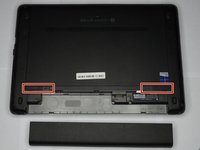
    • Make sure the laptop is turned off before you start.

    • Push and hold the release tab on the right and left toward the center.

    Pergunte ao FixBot

    Comentar

  2. HP ProBook 440 G1 RAM Replacement: passo 2, imagem 1 %32 HP ProBook 440 G1 RAM Replacement: passo 2, imagem 2 %32
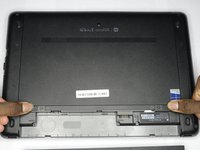
    • Pull the battery out.

    Pergunte ao FixBot

    Comentar

  3. HP ProBook 440 G1 RAM Replacement, Backplate: passo 3, imagem 1 %32 HP ProBook 440 G1 RAM Replacement, Backplate: passo 3, imagem 2 %32 HP ProBook 440 G1 RAM Replacement, Backplate: passo 3, imagem 3 %32
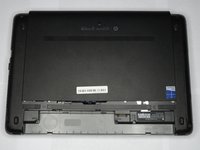
    • Push and hold the release tabs on the right and left toward the center again.

    Pergunte ao FixBot

    Comentar

  4. HP ProBook 440 G1 RAM Replacement: passo 4, imagem 1 %32
    • Slide the backplate off.

    Pergunte ao FixBot

    Comentar

  5. HP ProBook 440 G1 RAM Replacement, RAM: passo 5, imagem 1 %32 HP ProBook 440 G1 RAM Replacement, RAM: passo 5, imagem 2 %32
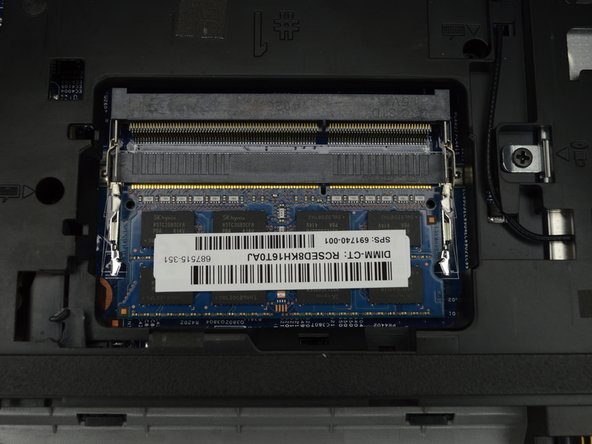
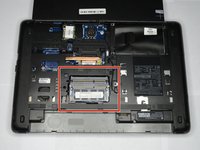
    • Locate the RAM, in the middle of the laptop near the battery.

    Pergunte ao FixBot

    Comentar

  6. HP ProBook 440 G1 RAM Replacement: passo 6, imagem 1 %32 HP ProBook 440 G1 RAM Replacement: passo 6, imagem 2 %32 HP ProBook 440 G1 RAM Replacement: passo 6, imagem 3 %32
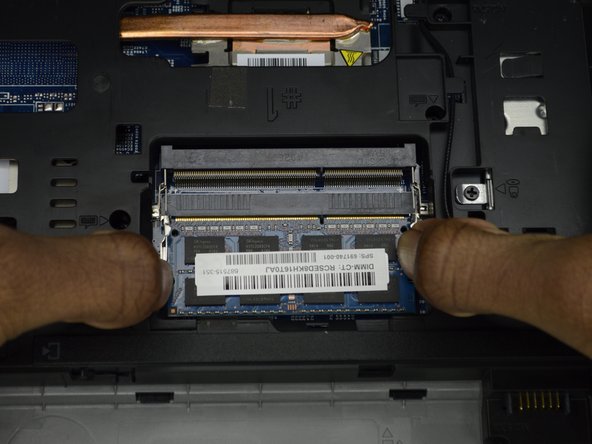
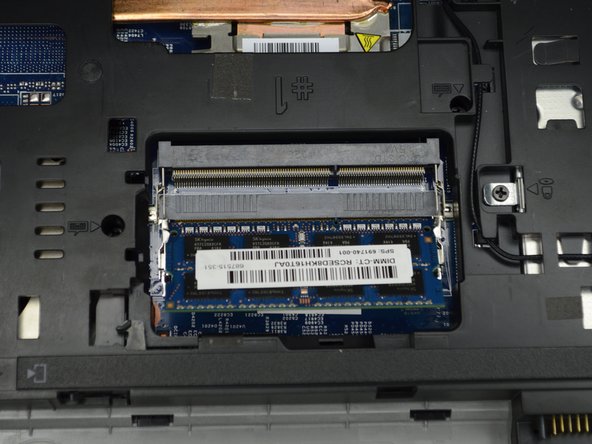
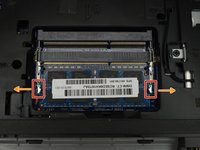
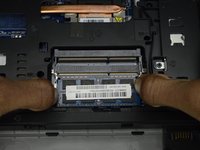
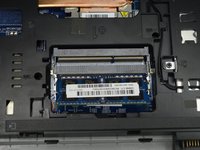
    • Push the two metal tabs on either side of the RAM stick out.

    • The RAM stick will pop up slightly.

    Pergunte ao FixBot

    Comentar

  7. HP ProBook 440 G1 RAM Replacement: passo 7, imagem 1 %32
    • Remove the RAM stick.

    Pergunte ao FixBot

    Comentar

Conclusão

To reassemble your device, follow these instructions in reverse order.

Cancelar: não concluí este guia.

2 outras pessoas executaram este guia.

0Comentários do guia

Comentar

Visualizações:

Últimas 24 horas: 3

Últimos 7 dias: 7

Últimos 30 dias: 40

Ao todo: 2,858