Essa tradução foi gerada por um programa e ainda não foi revisada por uma pessoa. Falas essa língua? Dá uma olhada.
Introdução
Como substituir a unidade de disco óptico de um HP ProBook 440 G1.
O que você precisa
-
-
-
Empurre e segure a trava de liberação da direita e da esquerda em direção ao centro.
 Pergunte ao FixBot
-
-
-
-
-
Empurre e segure novamente as abas de liberação da direita e da esquerda em direção ao centro.
-
-
-
-
-
-
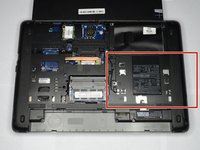
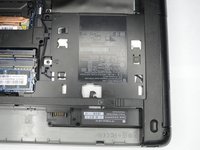
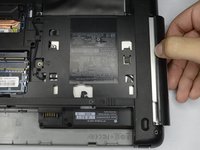
Localize a unidade de disco óptico, perto da bateria no lado direito.
-
-
-
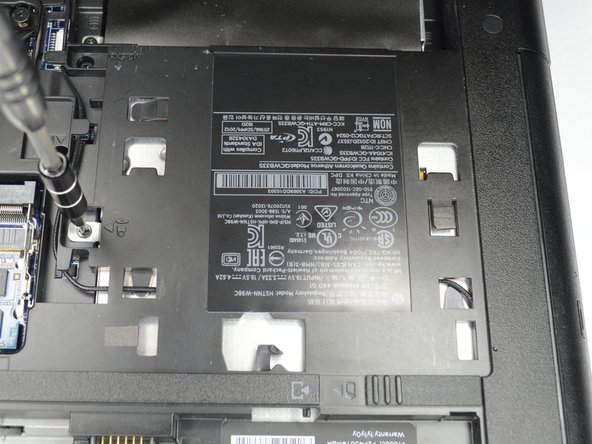
Remova o parafuso Philips PM2.5x6.0 que prende a unidade de disco óptico ao computador.
-
-
-
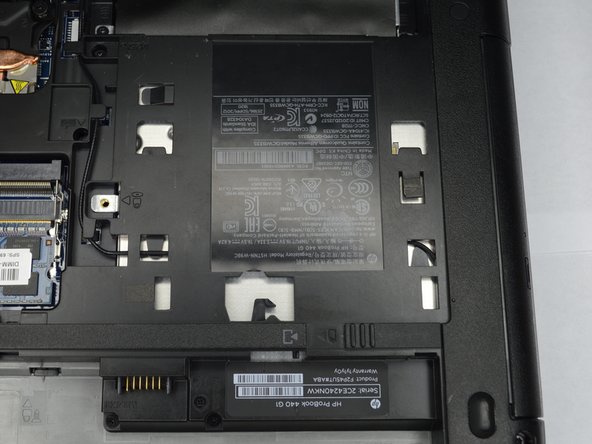
Remova lentamente a unidade de disco óptico, puxando-a para fora da abertura.
-
-


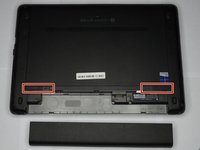
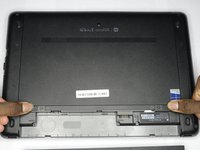
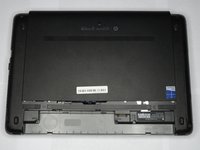


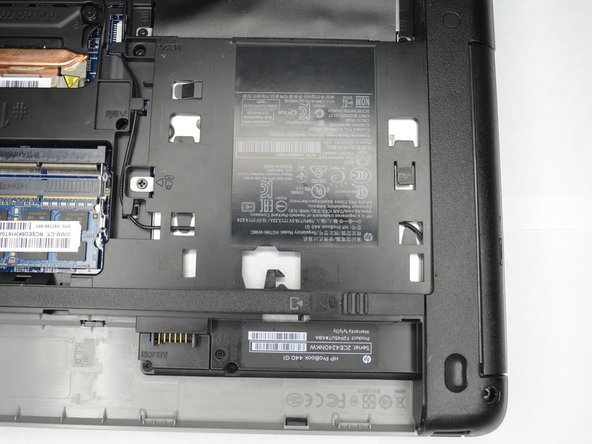

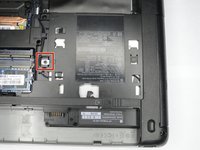
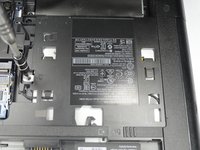
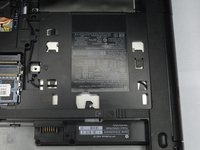

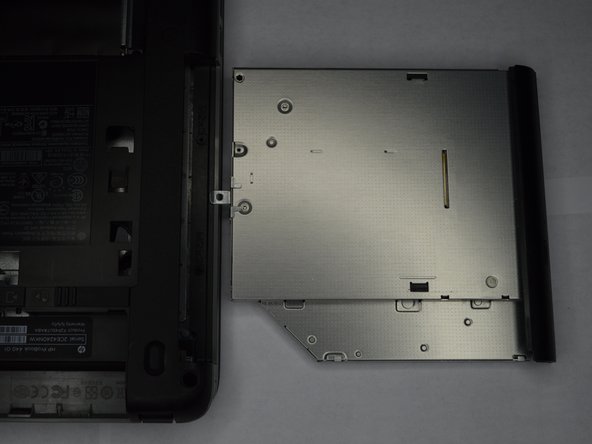
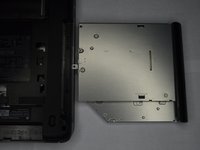
Para a remontagem de seu dispositivo, siga estas instruções na ordem inversa.
Cancelar: não concluí este guia.
Uma outra pessoa concluiu este guia.

Equipe

Purdue University Northwest, Team S1-G4, Hingst Fall 2018 Membro de Purdue University Northwest, Team S1-G4, Hingst Fall 2018
PNW-HINGST-F18S1G4
1 Membro
Autoria de 84 guias
