Ir para o conteúdo principal
Participe da comunidade de reparos - Criar conta

HP ProBook 440 G1 Keyboard Replacement

O que você precisa

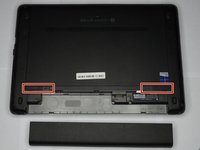
  1. HP ProBook 440 G1 Keyboard Replacement, Battery: passo 1, imagem 1 %32 HP ProBook 440 G1 Keyboard Replacement, Battery: passo 1, imagem 2 %32
    • Make sure the laptop is turned off before you start.

    • Push and hold the release tab on the right and left toward the center.

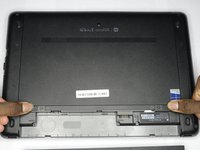
  2. HP ProBook 440 G1 Keyboard Replacement: passo 2, imagem 1 %32 HP ProBook 440 G1 Keyboard Replacement: passo 2, imagem 2 %32
    • Pull the battery out.

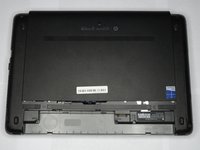
  3. HP ProBook 440 G1 Keyboard Replacement, Backplate: passo 3, imagem 1 %32 HP ProBook 440 G1 Keyboard Replacement, Backplate: passo 3, imagem 2 %32 HP ProBook 440 G1 Keyboard Replacement, Backplate: passo 3, imagem 3 %32
    • Push and hold the release tabs on the right and left toward the center again.

  4. HP ProBook 440 G1 Keyboard Replacement: passo 4, imagem 1 %32
    • Slide the backplate off.

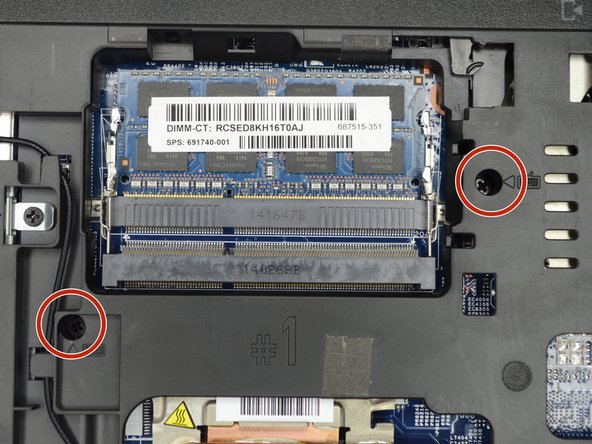
  5. HP ProBook 440 G1 Keyboard Replacement, Keyboard: passo 5, imagem 1 %32 HP ProBook 440 G1 Keyboard Replacement, Keyboard: passo 5, imagem 2 %32
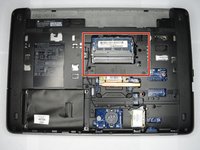
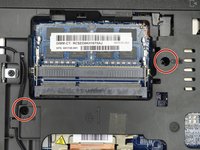
    • Locate the two screws on the back of the laptop, holding the keyboard.

    • Remove the two screws using a Phillips #00 screwdriver.

  6. HP ProBook 440 G1 Keyboard Replacement: passo 6, imagem 1 %32
    • Flip the computer over so as to see the keyboard.

  7. HP ProBook 440 G1 Keyboard Replacement: passo 7, imagem 1 %32 HP ProBook 440 G1 Keyboard Replacement: passo 7, imagem 2 %32
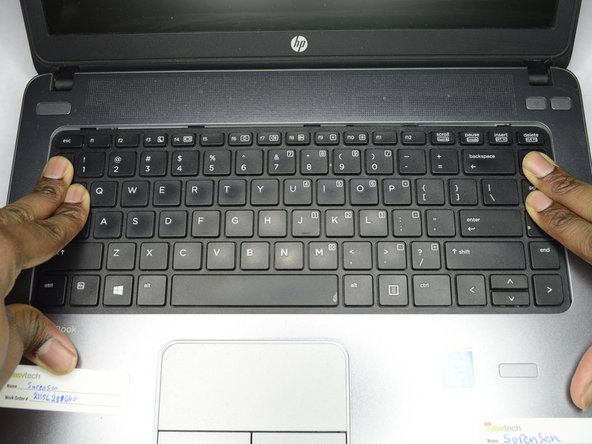
    • Place both hands on the keyboard and slide it back.

    • The keyboard will only slide back a small amount.

  8. HP ProBook 440 G1 Keyboard Replacement: passo 8, imagem 1 %32 HP ProBook 440 G1 Keyboard Replacement: passo 8, imagem 2 %32
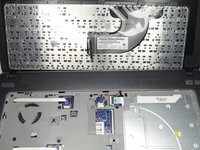
    • Using a plastic opening tool, pull the keyboard up.

  9. HP ProBook 440 G1 Keyboard Replacement: passo 9, imagem 1 %32 HP ProBook 440 G1 Keyboard Replacement: passo 9, imagem 2 %32 HP ProBook 440 G1 Keyboard Replacement: passo 9, imagem 3 %32
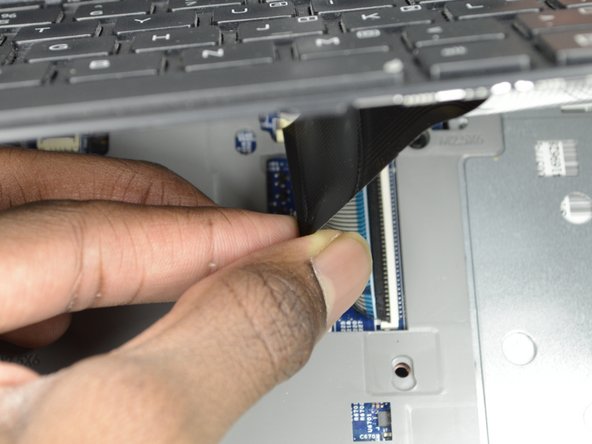
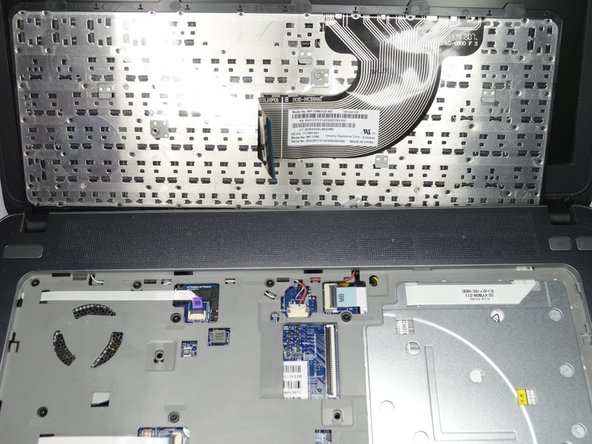
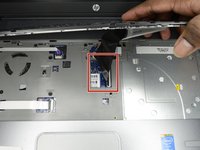
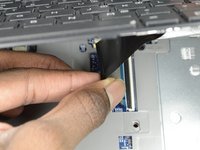
    • Locate the connector strip between the keyboard and the laptop.

    • Pull the strip away from the connector until it unplugs.

    • It may take some force to make the strip disconnect.

Conclusão

To reassemble your device, follow these instructions in reverse order.

2 outras pessoas executaram este guia.

1Comentário do guia

thanks for that

sir i want original keyboard 440 G1

if u dont mine suggest me

karun kumar - Responder

Comentar

Visualizações:

Últimas 24 horas: 0

Últimos 7 dias: 6

Últimos 30 dias: 27

Ao todo: 2,578