Ir para o conteúdo principal
Participe da comunidade de reparos - Criar conta

HP Pavilion dv4000 Keyboard Replacement

O que você precisa

    1. HP Pavilion dv4000 Keyboard Replacement, Battery: passo 1, imagem 1 %32
      • Turn the laptop upside down with the battery compartment facing you.

      Pergunte ao FixBot

      Comentar

    2. HP Pavilion dv4000 Keyboard Replacement: passo 2, imagem 1 %32
      • Slide the battery release latch to the right and hold in place.

      Pergunte ao FixBot

      Comentar

    3. HP Pavilion dv4000 Keyboard Replacement: passo 3, imagem 1 %32
      • Lift the front edge of the battery up and remove it from the compartment.

      Pergunte ao FixBot

      Comentar

    1. HP Pavilion dv4000 Keyboard Replacement, Keyboard: passo 4, imagem 1 %32
      • Have your device open in front of you for easy access to the keyboard.

      Pergunte ao FixBot

      Comentar

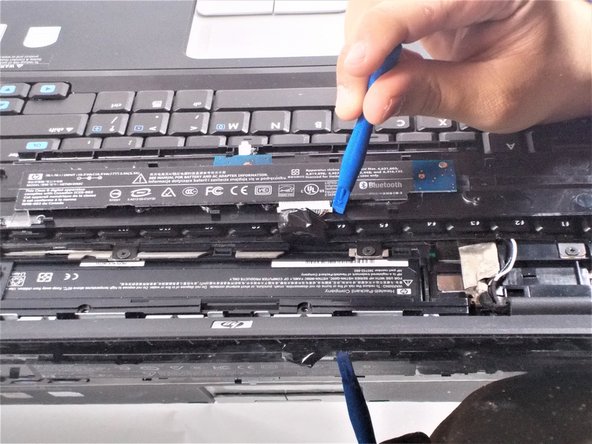
    2. HP Pavilion dv4000 Keyboard Replacement: passo 5, imagem 1 %32
      • Using a metal spudger, pry up on the plastic piece above the keyboard containing the power button.

      • Be careful not to damage any components with the tool while prying.

      Pergunte ao FixBot

      Comentar

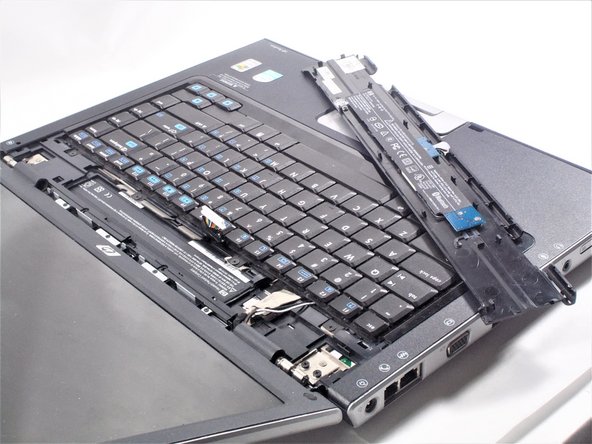
    3. HP Pavilion dv4000 Keyboard Replacement: passo 6, imagem 1 %32
      • Lift the plastic piece up.

      • When lifting this piece, be careful not to damage the ribbon strip connected to it.

      Pergunte ao FixBot

      Comentar

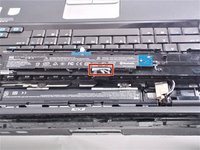
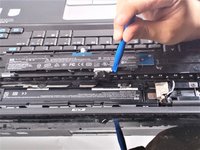
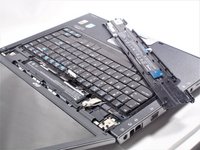
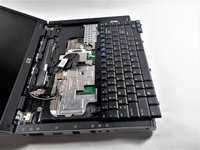
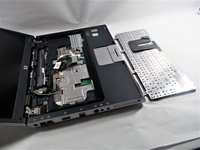
    4. HP Pavilion dv4000 Keyboard Replacement: passo 7, imagem 1 %32 HP Pavilion dv4000 Keyboard Replacement: passo 7, imagem 2 %32 HP Pavilion dv4000 Keyboard Replacement: passo 7, imagem 3 %32
      • Place the plastic piece on the keyboard so the ribbon strip is easily accessible.

      • Carefully disconnect the ribbon strip from the keyboard by pressing on the tabs at the edges.

      • Remove plastic piece and set aside.

      Pergunte ao FixBot

      Comentar

    5. HP Pavilion dv4000 Keyboard Replacement: passo 8, imagem 1 %32
      • Locate the four 2x2 mm screws that hold the keyboard in place.

      Pergunte ao FixBot

      Comentar

    6. HP Pavilion dv4000 Keyboard Replacement: passo 9, imagem 1 %32
      • Unscrew the four 2x2 mm screws with a #00 Phillips screwdriver.

      Pergunte ao FixBot

      Comentar

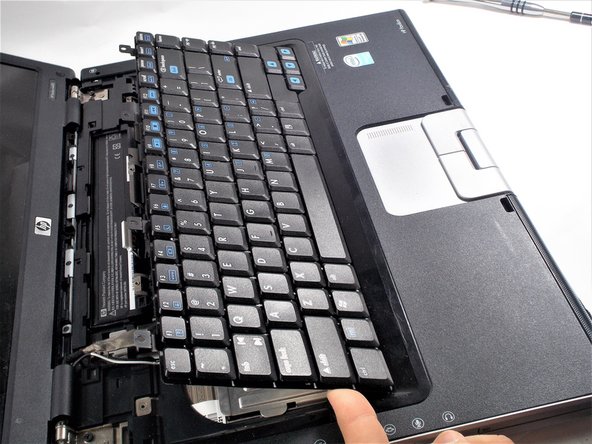
    7. HP Pavilion dv4000 Keyboard Replacement: passo 10, imagem 1 %32 HP Pavilion dv4000 Keyboard Replacement: passo 10, imagem 2 %32
      • Lift the keyboard up.

      • When lifting the keyboard, be sure not to damage the ribbon strip that is connected to it.

      Pergunte ao FixBot

      Comentar

    8. HP Pavilion dv4000 Keyboard Replacement: passo 11, imagem 1 %32
      • Locate where the ribbon strip is connected to the motherboard.

      Pergunte ao FixBot

      Comentar

    9. HP Pavilion dv4000 Keyboard Replacement: passo 12, imagem 1 %32 HP Pavilion dv4000 Keyboard Replacement: passo 12, imagem 2 %32
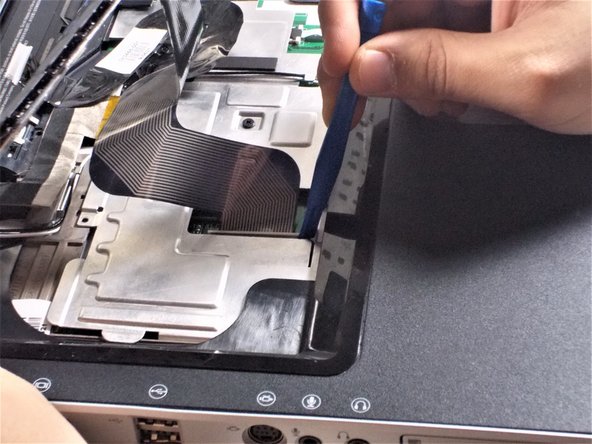
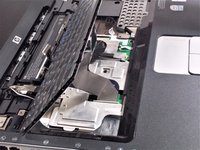
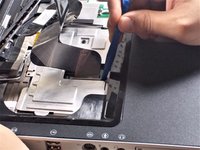
      • Pry at the edges of the plastic clip holding the ribbon cable to the motherboard.

      • Be careful during this step as these clips are very easy to break.

      Pergunte ao FixBot

      Comentar

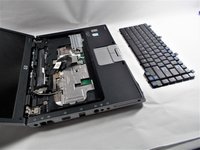
    10. HP Pavilion dv4000 Keyboard Replacement: passo 13, imagem 1 %32 HP Pavilion dv4000 Keyboard Replacement: passo 13, imagem 2 %32 HP Pavilion dv4000 Keyboard Replacement: passo 13, imagem 3 %32
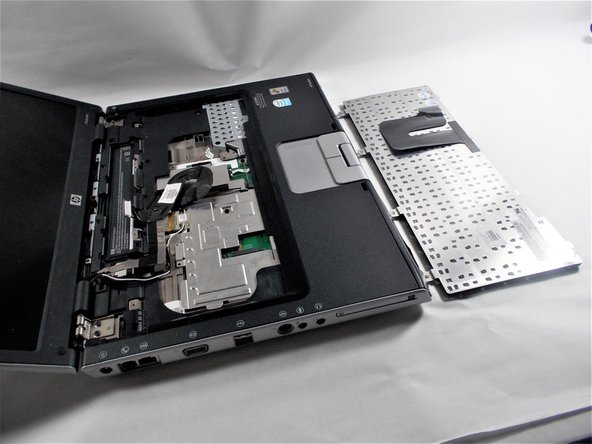
      • Remove the keyboard.

      Pergunte ao FixBot

      Comentar

Conclusão

To reassemble your device, follow these instructions in reverse order.

Cancelar: não concluí este guia.

Uma outra pessoa concluiu este guia.

Nick LaMarche

Membro desde: 10/18/16

373 Reputação

Autoria de 2 guias

Equipe

UMass Dartmouth, Team 4-2, Catania Fall 2016 Membro de UMass Dartmouth, Team 4-2, Catania Fall 2016

UMASSD-CATANIA-F16S4G2

3 Membros

Autoria de 6 guias

0Comentários do guia

Comentar

Visualizações:

Últimas 24 horas: 0

Últimos 7 dias: 6

Últimos 30 dias: 15

Ao todo: 1,264