Introdução
This guide demonstrates how to replace the RAM in the HP Notebook 15-db0003ca laptop. Due to performance slowing down over time or some other technical reason that leads to the memory needing to be being replaced, someone owning this device may not know how to do it and this guide would solve this problem, and it would accomplish restoring the original performance of the laptop.
Before replacing the memory, make sure to have the laptop completely powered off and ensure the charger is disconnected from the laptop so that the device is physically unplugged from any outlet.
O que você precisa
-
-
-
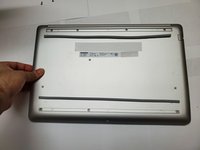
Flip the laptop over such that the backside of it is facing you.
-
Grab a Phillips #1 screwdriver.
-
-
-
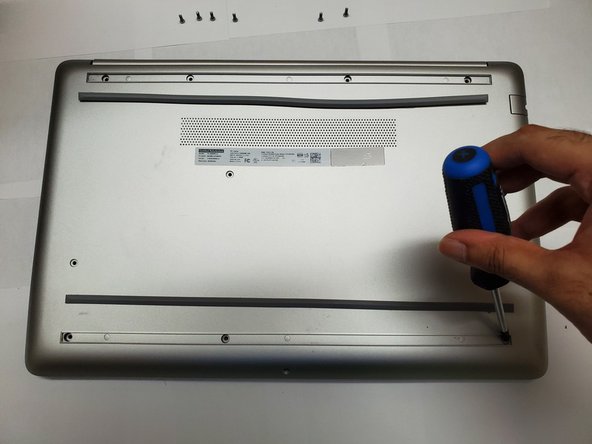
Remove the four 9 mm screws from the back panel using a Phillips #1 screwdriver.
-
-
-
-
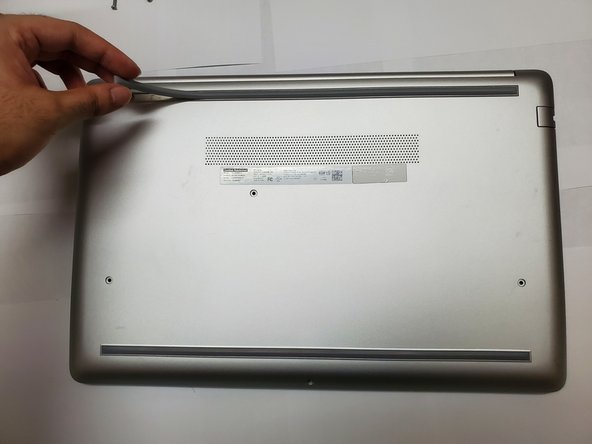
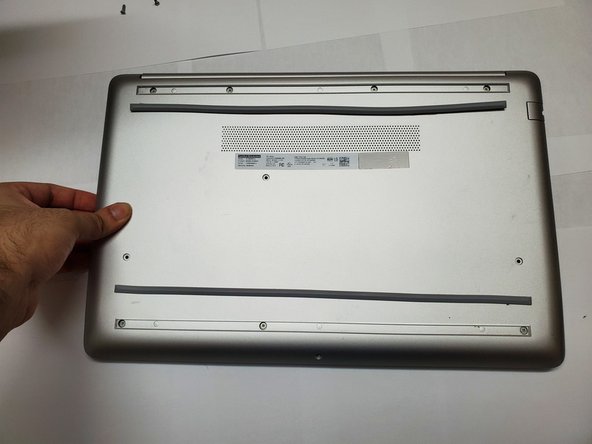
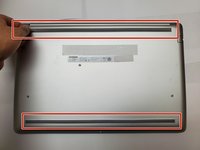
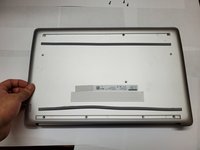
Peel the two strips to uncover more screws.
-
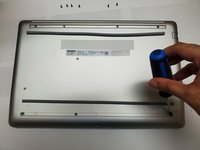
Place the strips near where they were removed.
-
-
-
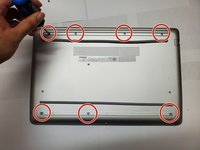
Remove the remaining seven 9 mm screws using a Phillips #1 screwdriver.
-
-
-
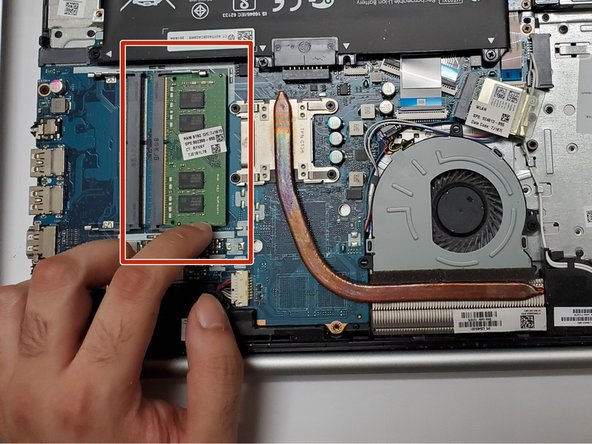
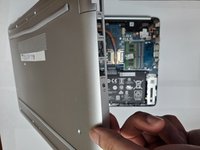
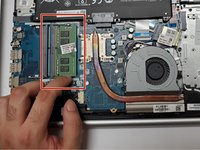
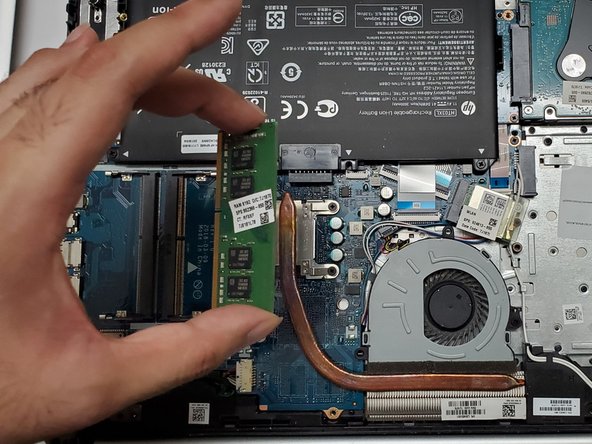
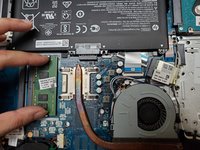
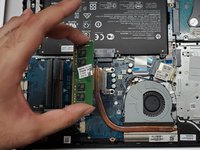
Push the RAM to remove it from its slot like shown in the picture.
-

 Pergunte ao FixBot






To reassemble your device, follow these instructions in reverse order.
Cancelar: não concluí este guia.
3 outras pessoas executaram este guia.

Equipe

York University, Team M-9, Allen Summer 2023 Membro de York University, Team M-9, Allen Summer 2023
YORK-ALLEN-SU23SMG9
2 Membros
Autoria de 19 guias
