Ir para o conteúdo principal
Participe da comunidade de reparos - Criar conta

HP G60T-600 CTO RAM Replacement

O que você precisa

    1. HP G60T-600 CTO RAM Replacement, Battery: passo 1, imagem 1 %32
      • Failure to remove the battery before performing any replacement guide may result in electric shock.

      • Close your device, then turn it over.

      Pergunte ao FixBot

      Comentar

    2. HP G60T-600 CTO RAM Replacement: passo 2, imagem 1 %32 HP G60T-600 CTO RAM Replacement: passo 2, imagem 2 %32
      • Place your index finger on the ridged tab.

      Pergunte ao FixBot

      Comentar

    3. HP G60T-600 CTO RAM Replacement: passo 3, imagem 1 %32
      • Apply moderate pressure to the tab and slide it to the right.

      • While the tab is on the right, you should be able to gently slide your battery out of your device.

      Pergunte ao FixBot

      Comentar

    1. HP G60T-600 CTO RAM Replacement, RAM: passo 4, imagem 1 %32
      • Turn your device over and orient it so the battery is facing you.

      Pergunte ao FixBot

      Comentar

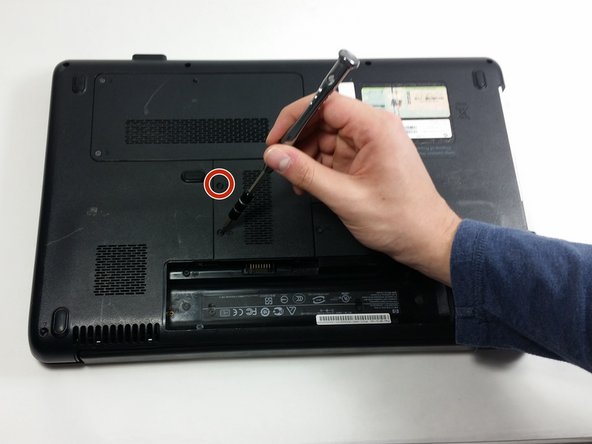
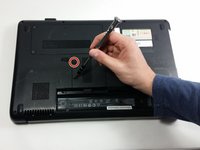
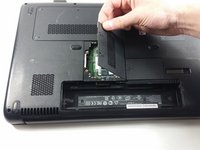
    2. HP G60T-600 CTO RAM Replacement: passo 5, imagem 1 %32 HP G60T-600 CTO RAM Replacement: passo 5, imagem 2 %32 HP G60T-600 CTO RAM Replacement: passo 5, imagem 3 %32
      • Unscrew the following 5mm screws using a Phillips head #0 screwdriver.

      • Remove the cover.

      Pergunte ao FixBot

      Comentar

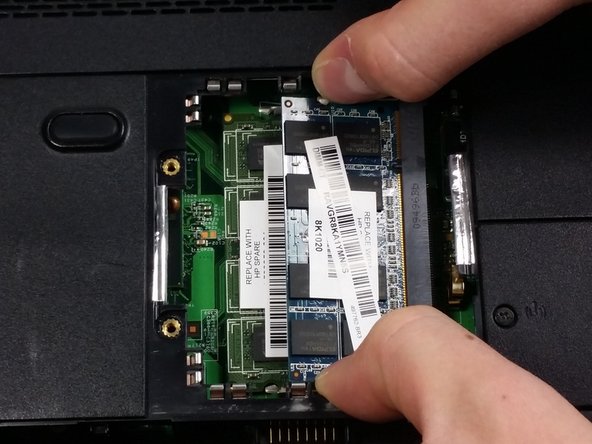
    3. HP G60T-600 CTO RAM Replacement: passo 6, imagem 1 %32 HP G60T-600 CTO RAM Replacement: passo 6, imagem 2 %32 HP G60T-600 CTO RAM Replacement: passo 6, imagem 3 %32
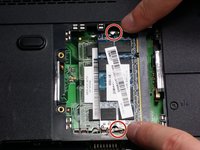
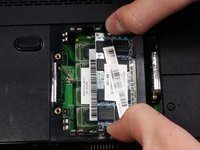
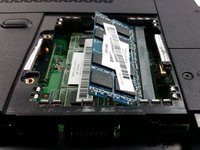
      • Place your fingers on little metals tabs on both sides of the RAM casing.

      • Push the tabs towards the sides. This should cause the RAM to pop up.

      Pergunte ao FixBot

      Comentar

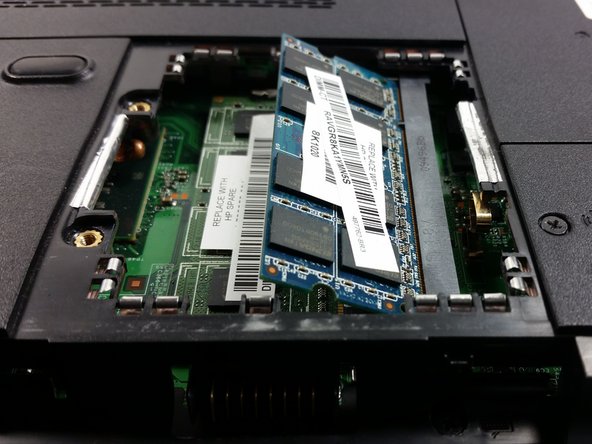
    4. HP G60T-600 CTO RAM Replacement: passo 7, imagem 1 %32
      • Pull on it with medium force at the angle it is oriented.

      Pergunte ao FixBot

      Comentar

Conclusão

To reassemble your device, follow these instructions in reverse order.

Cancelar: não concluí este guia.

Uma outra pessoa concluiu este guia.

Equipe

UMass Dartmouth, Team 4-5, Catania Fall 2016 Membro de UMass Dartmouth, Team 4-5, Catania Fall 2016

UMASSD-CATANIA-F16S4G5

3 Membros

Autoria de 42 guias

0Comentários do guia

Comentar

Visualizações:

Últimas 24 horas: 0

Últimos 7 dias: 2

Últimos 30 dias: 15

Ao todo: 370