Introdução
This guide will show you how to replace the RAM in the HP EliteBook 820 G3 laptop. Before beginning this guide, ensure to unplug your device from the electric outlet and charging port. Power off the device completely by holding down the power key.
O que você precisa
-
-
-
Remove the eleven 3 mm screws with a Phillips #00 screwdriver.
 Pergunte ao FixBot
-
-
-
-
Remove the SD card blank and the single 3 mm screw beneath it using a Phillips #00 screwdriver.
-
Lift off the back cover with your hands.
-
-
-
-
-
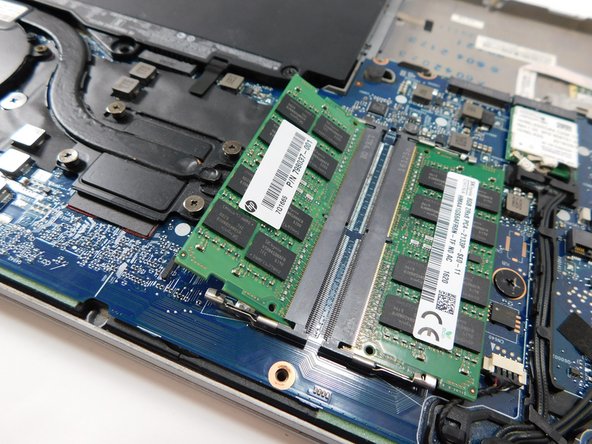
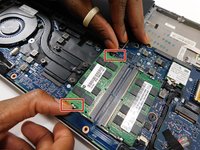
Pull the two clips on either side of the RAM sideways at the same time.
-
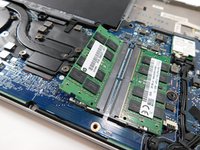
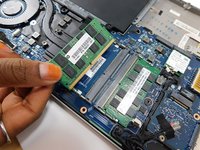
Pull the RAM stick out.
-
Repeat this step with the other RAM stick.
-
-



To reassemble your device, follow these instructions in reverse order.
Cancelar: não concluí este guia.
2 outras pessoas executaram este guia.

Equipe

Gateway, Team 1-1, Class Fall 2022 Membro de Gateway, Team 1-1, Class Fall 2022
GCC-CLASS-F22S1G1
4 Membros
Autoria de 8 guias
1Comentário do guia
How to reset BIOS password on the HP 820 G3 please? Many thanks.
