Ir para o conteúdo principal
Participe da comunidade de reparos - Criar conta

HP Chromebook 14-Q010DX Hard drive Replacement

O que você precisa

  1. HP Chromebook 14-Q010DX Hard drive Replacement, Keyboard and Touchpad: passo 1, imagem 1 %32 HP Chromebook 14-Q010DX Hard drive Replacement, Keyboard and Touchpad: passo 1, imagem 2 %32
    • Flip the laptop so the base of the laptop is facing you.

    • Using the #00 screwdriver, unscrew the 13 screws.

    Pergunte ao FixBot
  2. HP Chromebook 14-Q010DX Hard drive Replacement: passo 2, imagem 1 %32 HP Chromebook 14-Q010DX Hard drive Replacement: passo 2, imagem 2 %32 HP Chromebook 14-Q010DX Hard drive Replacement: passo 2, imagem 3 %32
    • Warning! When prying open a laptop it could require some force, but it also has fragile connectors underneath. Use caution so as to avoid breaking these connectors.

    • Start from the top right corner of the laptop and work clockwise with an iFixit opening tool or spudger to pry the keyboard from the frame of the laptop.

    Pergunte ao FixBot
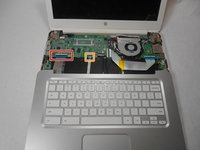
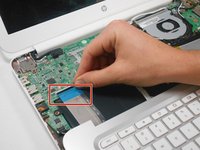
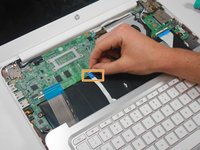
  3. HP Chromebook 14-Q010DX Hard drive Replacement: passo 3, imagem 1 %32 HP Chromebook 14-Q010DX Hard drive Replacement: passo 3, imagem 2 %32 HP Chromebook 14-Q010DX Hard drive Replacement: passo 3, imagem 3 %32
    • Warning! Handle the flaps and ribbon cables with care to prevent damage.

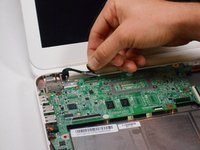
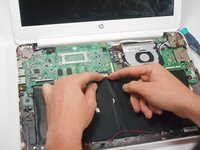
    • Gently pull the keyboard in the opposite direction of the screen, so the wires beneath are exposed.

    • Lift the black flap and pull the blue ribbon gently towards you until it is disconnected.

    • Lift the white flap and pull the blue ribbon towards you until it is disconnected.

    Pergunte ao FixBot
  4. HP Chromebook 14-Q010DX Hard drive Replacement: passo 4, imagem 1 %32
    • Lift keyboard slightly and remove the strip gently to prevent damaging any parts.

    • The tape has no function other than to keep the wire tucked away.

    Pergunte ao FixBot
  5. HP Chromebook 14-Q010DX Hard drive Replacement: passo 5, imagem 1 %32
    • Set aside the detached keyboard.

    Pergunte ao FixBot
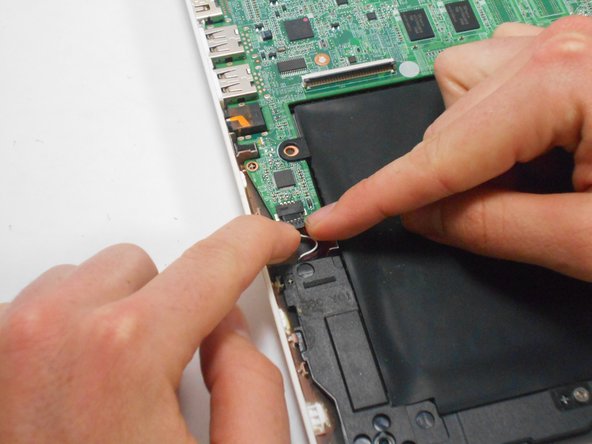
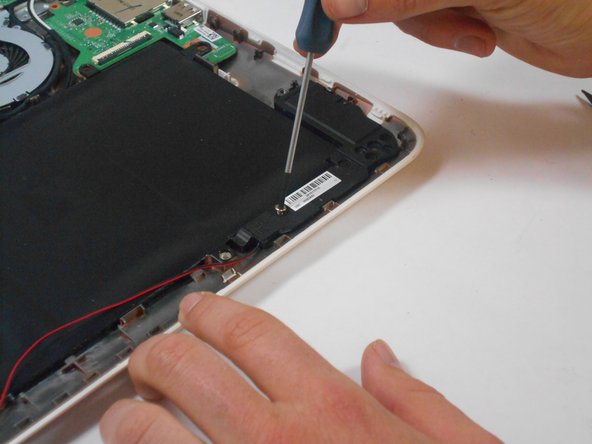
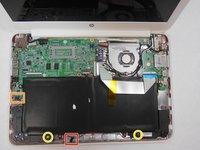
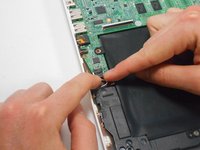
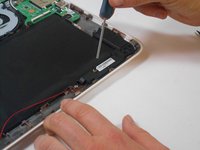
  6. HP Chromebook 14-Q010DX Hard drive Replacement, Speaker: passo 6, imagem 1 %32 HP Chromebook 14-Q010DX Hard drive Replacement, Speaker: passo 6, imagem 2 %32 HP Chromebook 14-Q010DX Hard drive Replacement, Speaker: passo 6, imagem 3 %32
    • Undo the black tape located on the bottom from the frame of the laptop.

    • The tape has no function other than to keep the wire tucked away.

    • Using fingers or the spudger, slide out the black connector indicated on the left.

    • Use a #00 screwdriver to remove the two screws.

    Pergunte ao FixBot
  7. HP Chromebook 14-Q010DX Hard drive Replacement: passo 7, imagem 1 %32 HP Chromebook 14-Q010DX Hard drive Replacement: passo 7, imagem 2 %32
    • Gently remove the speakers.

    Pergunte ao FixBot
  8. HP Chromebook 14-Q010DX Hard drive Replacement, Battery: passo 8, imagem 1 %32 HP Chromebook 14-Q010DX Hard drive Replacement, Battery: passo 8, imagem 2 %32
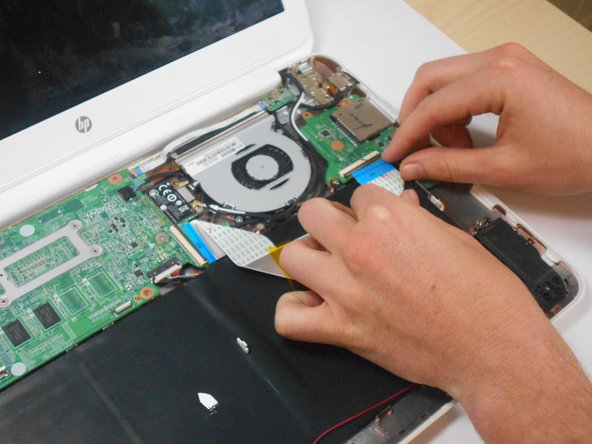
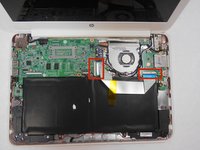
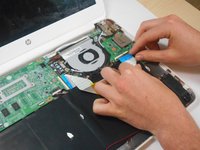
    • Note the shape that this wire strip is resting at and that the blue tip of the strip goes into the right connector for reassembly.

    • Lift the black flaps and gently pull the strip out.

    • Set the strip aside.

    Pergunte ao FixBot
  9. HP Chromebook 14-Q010DX Hard drive Replacement: passo 9, imagem 1 %32 HP Chromebook 14-Q010DX Hard drive Replacement: passo 9, imagem 2 %32 HP Chromebook 14-Q010DX Hard drive Replacement: passo 9, imagem 3 %32
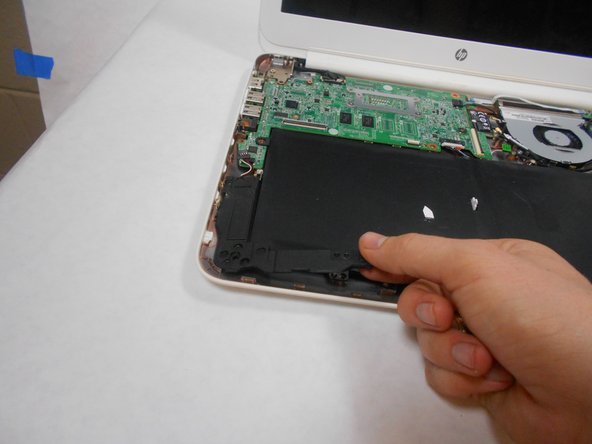
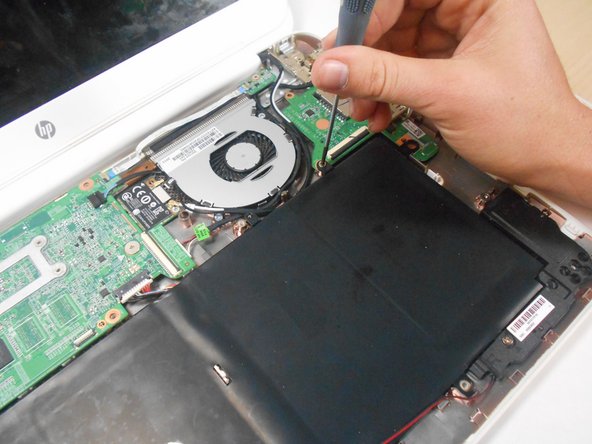
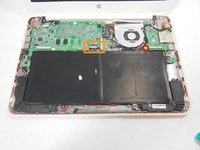
    • Remove the screw.

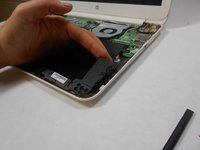
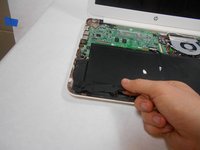
    • Use your fingers to pull the white tab out of the black slot above the battery.

    Pergunte ao FixBot
  10. HP Chromebook 14-Q010DX Hard drive Replacement: passo 10, imagem 1 %32
    • Gently remove battery.

    Pergunte ao FixBot
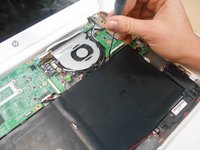
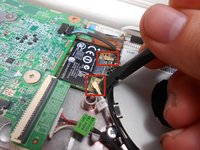
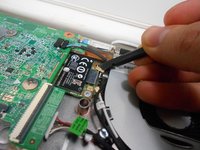
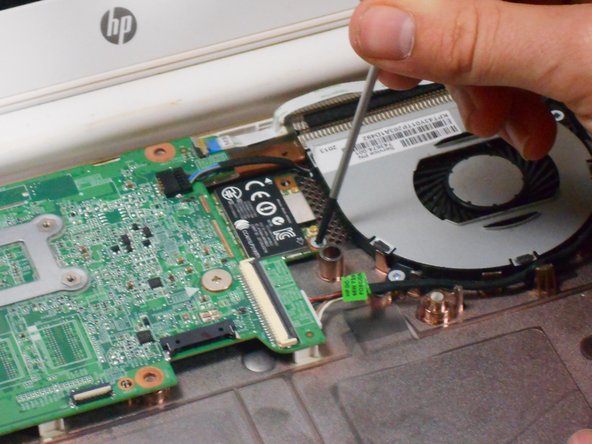
  11. HP Chromebook 14-Q010DX Hard drive Replacement, Bluetooth and Wireless Card: passo 11, imagem 1 %32 HP Chromebook 14-Q010DX Hard drive Replacement, Bluetooth and Wireless Card: passo 11, imagem 2 %32
    • Using a spudger, remove the white and black cables from the card.

    Pergunte ao FixBot
  12. HP Chromebook 14-Q010DX Hard drive Replacement: passo 12, imagem 1 %32 HP Chromebook 14-Q010DX Hard drive Replacement: passo 12, imagem 2 %32
    • Remove screw from card.

    Pergunte ao FixBot
  13. HP Chromebook 14-Q010DX Hard drive Replacement: passo 13, imagem 1 %32
    • Gently pull card at a 45° angle to remove it.

    Pergunte ao FixBot
  14. HP Chromebook 14-Q010DX Hard drive Replacement, USB/SD card: passo 14, imagem 1 %32 HP Chromebook 14-Q010DX Hard drive Replacement, USB/SD card: passo 14, imagem 2 %32
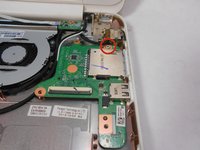
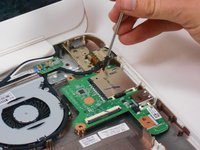
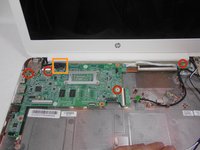
    • Remove screw indicated by the red circle at the top of the card port.

    Pergunte ao FixBot
  15. HP Chromebook 14-Q010DX Hard drive Replacement: passo 15, imagem 1 %32
    • Gently remove the USB/SD card port.

    Pergunte ao FixBot
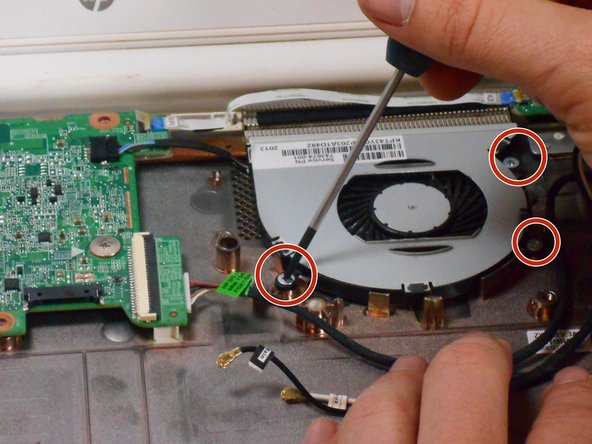
  16. HP Chromebook 14-Q010DX Hard drive Replacement, Fan replacement for a HP Chromebook: passo 16, imagem 1 %32 HP Chromebook 14-Q010DX Hard drive Replacement, Fan replacement for a HP Chromebook: passo 16, imagem 2 %32 HP Chromebook 14-Q010DX Hard drive Replacement, Fan replacement for a HP Chromebook: passo 16, imagem 3 %32
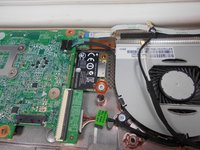
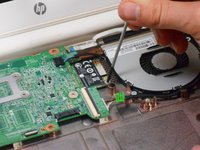
    • Remove the 3 screws around the fan.

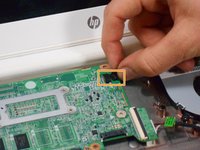
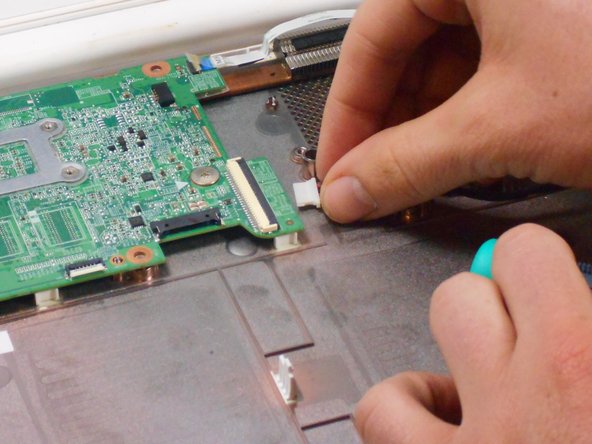
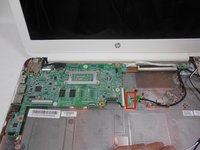
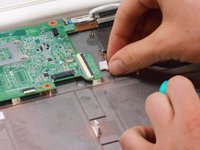
    • Using your fingers or the spudger, disconnect the cable connecting the fan to the motherboard.

    Pergunte ao FixBot
  17. HP Chromebook 14-Q010DX Hard drive Replacement: passo 17, imagem 1 %32
    • Once the cable connecting the fan to the motherboard is revomed gently remove fan with hands.

    Pergunte ao FixBot
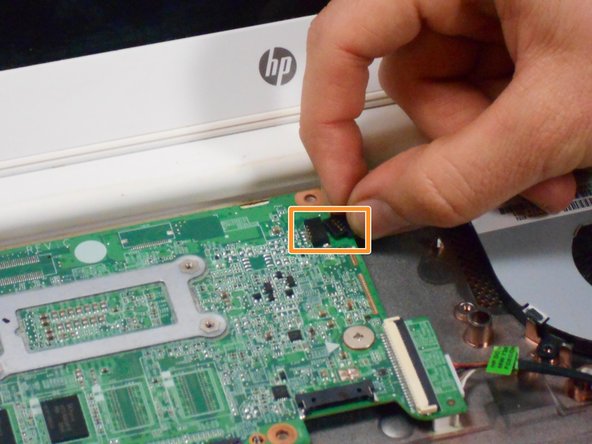
  18. HP Chromebook 14-Q010DX Hard drive Replacement, Motherboard: passo 18, imagem 1 %32 HP Chromebook 14-Q010DX Hard drive Replacement, Motherboard: passo 18, imagem 2 %32
    • Using your fingers or spudger, pull out the connector.

    Pergunte ao FixBot
  19. HP Chromebook 14-Q010DX Hard drive Replacement: passo 19, imagem 1 %32 HP Chromebook 14-Q010DX Hard drive Replacement: passo 19, imagem 2 %32 HP Chromebook 14-Q010DX Hard drive Replacement: passo 19, imagem 3 %32
    • Remove all of the indicated screws.

    • Pull up on black strip to remove the monitor cord.

    Pergunte ao FixBot
  20. HP Chromebook 14-Q010DX Hard drive Replacement: passo 20, imagem 1 %32
    • Gently remove motherboard.

    Pergunte ao FixBot
  21. HP Chromebook 14-Q010DX Hard drive Replacement, Hard drive: passo 21, imagem 1 %32
    • Flip motherboard over.

    Pergunte ao FixBot
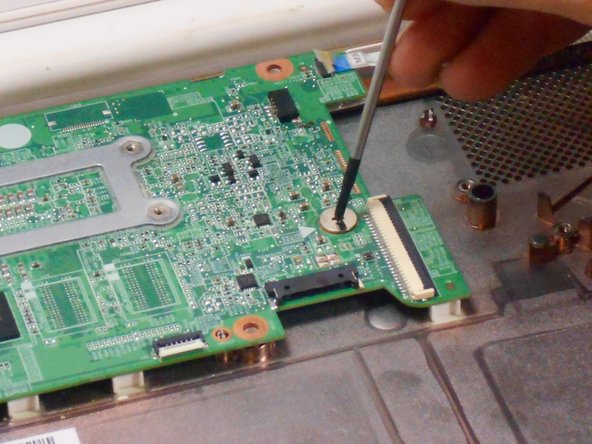
  22. HP Chromebook 14-Q010DX Hard drive Replacement: passo 22, imagem 1 %32
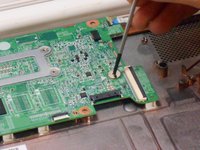
    • Remove the screw indicated by the red circle.

    Pergunte ao FixBot
  23. HP Chromebook 14-Q010DX Hard drive Replacement: passo 23, imagem 1 %32
    • Remove the hard drive by pulling the device from the black slot.

    Pergunte ao FixBot
Conclusão

To reassemble your device, follow these instructions in reverse order.

14 outras pessoas executaram este guia.

Kevin Piper

Membro desde: 01/16/15

1.602 Reputação

Autoria de 6 guias

Equipe

USF Tampa, Team 17-2, Watkins Winter 2015 Membro de USF Tampa, Team 17-2, Watkins Winter 2015

USFT-WATKINS-W15S17G2

4 Membros

Autoria de 8 guias

5Comentários do guia

Thanks so much for your clearly , detailed and easy to follow guide, nice job!

pedro munoz - Responder Compartilhar
Buenas tarde y despuesnde quitar el disco duro que se hace se cambia por otro igual o que modelo

chaffa_45 - Responder Compartilhar

Can you add more storage on the HP Chromebook 14 SMB about 500GB. I also want to know if the Chromebook can run Windows 10 without any problems.

Fire Alarm Collector - Responder Compartilhar

Useful. Wish I would have read it B4 I started this project.

Maria Jones - Responder Compartilhar

how do i upgrde my chrom browser?

Danielle Curtis - Responder Compartilhar

Comentar

Visualizações:

Últimas 24 horas: 6

Últimos 7 dias: 23

Últimos 30 dias: 115

Ao todo: 22,322