Essa tradução foi gerada por um programa e ainda não foi revisada por uma pessoa. Falas essa língua? Dá uma olhada.
Introdução
Substituição rápida e fácil da tela do Chromebook.
O que você precisa
-
-
-
Vamos substituir a tela deste HP Chromebook. ***Infelizmente, consegui tirar uma foto da bela rachadura nesta tela.
-
Começaremos removendo estes parafusos na parte inferior esquerda e direita da tela, logo acima da tecla escape e do botão LIGA/DESLIGA.
 Pergunte ao FixBot
-
-
-
Agora, comece a remover o bisel frontal com uma espátula simples. É melhor começar pela parte inferior da tela.
-
-
-
-
Após a remoção, podemos prosseguir para retirar os 4 parafusos que prendem a tela ao gabinete do laptop.
-
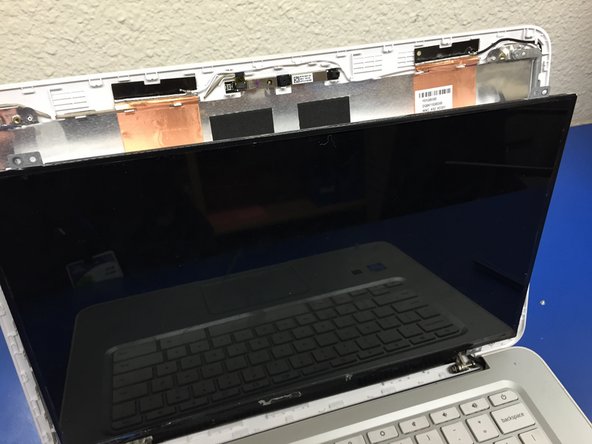
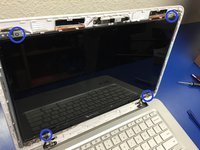
Marcadas em azul estão as localizações dos parafusos. Os parafusos estão mais próximos da tela e em um suporte prateado claro. Puxe a tela para frente e coloque-a sobre o teclado.
-
-
-
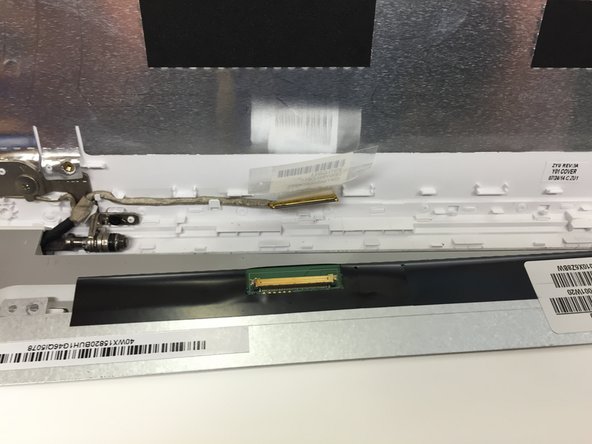
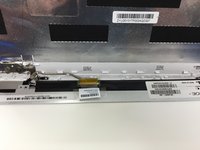
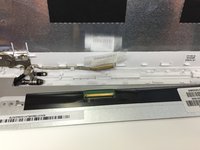
O cabo plano está conectado na parte inferior da tela. Há uma fita sobre a conexão que pode ser facilmente removida e reutilizada. Não recomendo cortar essa fita.
-
Conecte sua tela nova e siga os passos na ordem inversa para realizar a instalação.
-
-



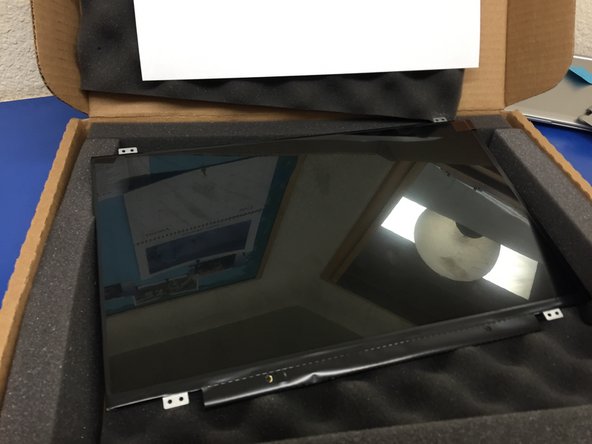

Para a remontagem de seu dispositivo, siga estas instruções na ordem inversa.
Cancelar: não concluí este guia.
4 outras pessoas executaram este guia.

Equipe

2Comentários do guia
Great walkthrough but missed one of the screws in the first step. There's one on the right and left. Nothing a little superglue couldn't fix.
That ribbon connector sure is finicky, It's really hard to actually pop it back in without putting too much force to it and bending it up. (for me atleast)
