Introdução
The cameras are directly attached to the motherboard through web cam cables. In order to access those cables to remove the cameras, the battery must be removed first. This guide also requires unsoldering the battery connections from the motherboard.
O que você precisa
-
-
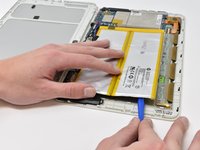
Insert the smallest plastic opening tool into the SD card port. Gently pry until the back panel separates from the screen panel.
-
-
-
Slide the opening tool along the seam between the back panel and the screen panel, prying the panels apart as you move around the edges.
-
-
-
-
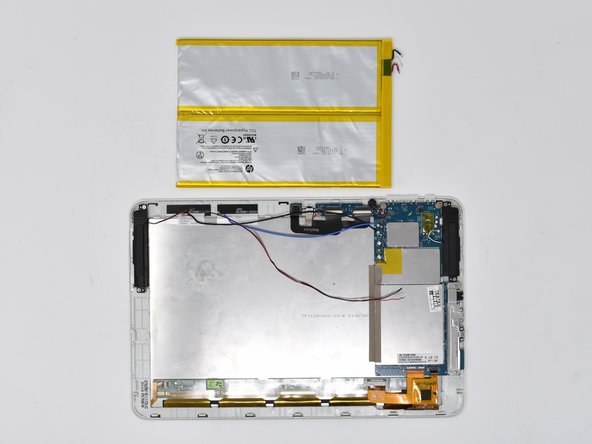
Pull the bright blue-green tabs to remove the battery from the rest of the device.
-
-
-
If the previous step is unsuccessful, wedge the smallest plastic opening tool between the adhesive and the metal display casing.
-
-
-
Peel off the metal mesh tape with the plastic opening tool.
-
-
-
Disconnect the zero insertion force (ZIF) cable. Use the tip of the spudger or your fingernail to flip up the small white locking flap. Then, you can safely pull the cable out.
-
Repeat this process for the second connection port.
-

 Pergunte ao FixBot




To reassemble your device, follow these instructions in reverse order.

Equipe

Central Washington University, Team S1-G4, Pengilly Fall 2018 Membro de Central Washington University, Team S1-G4, Pengilly Fall 2018
CWU-PENGILLY-F18S1G4
4 Membros
Autoria de 15 guias
