Introdução
The battery is a component that will power your device. This guide will go over how to remove and replace the battery for the P-6831FX.
-
-
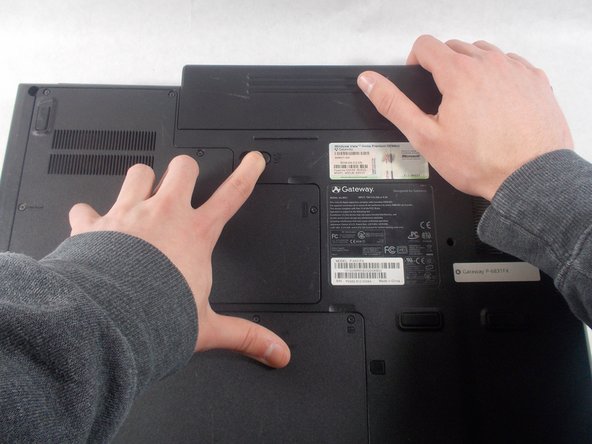
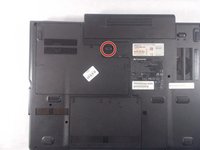
Turn your laptop upside down and locate the 1st unlocking switch.
 Pergunte ao FixBot
-
-
-
-
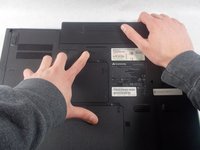
Slide the lock to the right to unlock the battery from the device.
-
-
-
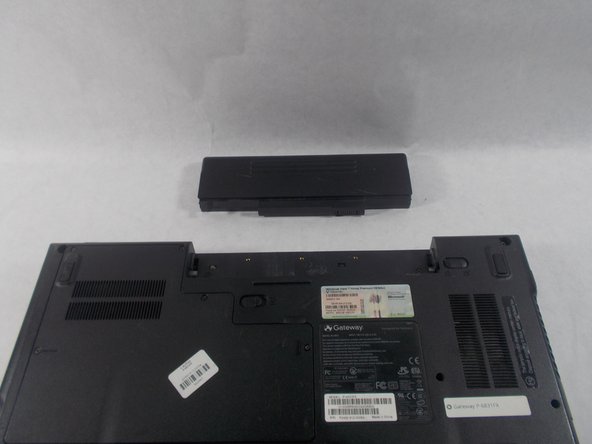
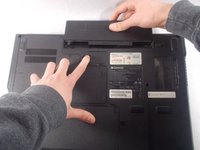
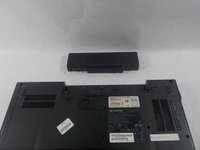
While holding the 2nd lock in the unlocked position, pull the battery away from the laptop.
-



Conclusão
To reassemble your device, follow these instructions in reverse order.

Equipe

UMass Dartmouth, Team S3-G5, Peak Spring 2018 Membro de UMass Dartmouth, Team S3-G5, Peak Spring 2018
UMASSD-PEAK-S18S3G5
2 Membros
Autoria de 12 guias
