Introdução
If you need to replace the Garmin STRIKER 4 digital display, access it with this guide. Some reasons you may be replacing the screen include dead pixels in the screen or the screen not turning on at all. Be careful when prying away the old screen to avoid any further damage to the casing.
O que você precisa
-
-
Remove all six 6 mm screws using a Phillips #0 screwdriver.
-
Detach and flip the backside to open the device.
-
-
-
-
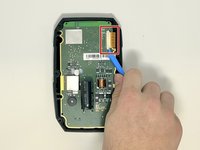
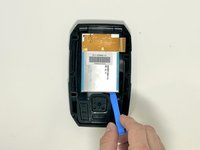
Slide out the screen cable from the motherboard using the iFixit opening tool or your fingernail.
-
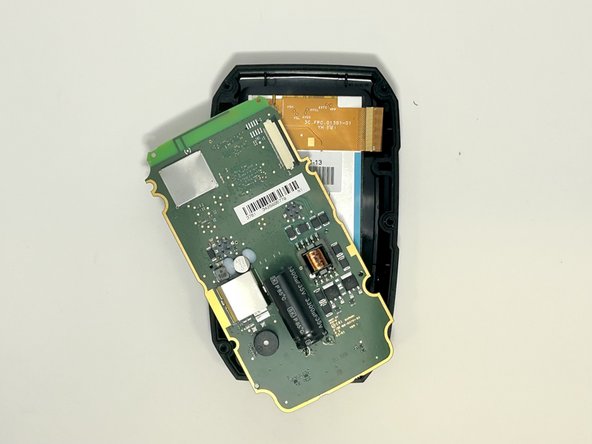
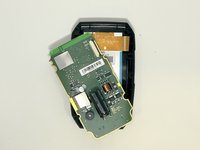
Remove the motherboard from the device.
-
-
-
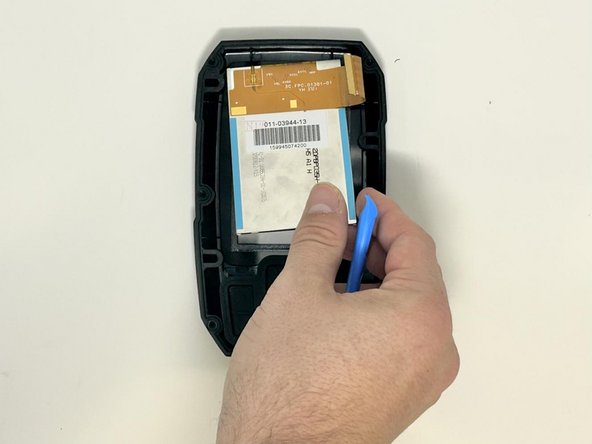
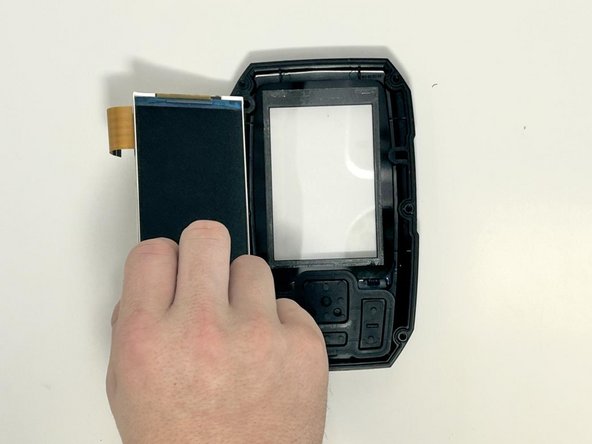
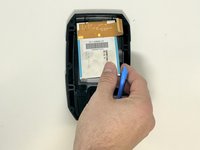
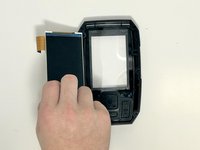
Use the iFixit opening tool to gently lift the screen from the casing.
-


 Pergunte ao FixBot



To reassemble your device, follow these instructions in reverse order.
Cancelar: não concluí este guia.
2 outras pessoas executaram este guia.

Equipe

Utah Tech University, Team 1-5, McMurrin Fall 2023 Membro de Utah Tech University, Team 1-5, McMurrin Fall 2023
UTAHTECH-MCMURRIN-F23S1G5
3 Membros
Autoria de 4 guias
