Ir para o conteúdo principal

Game Boy Advance Batteries Replacement

O que você precisa

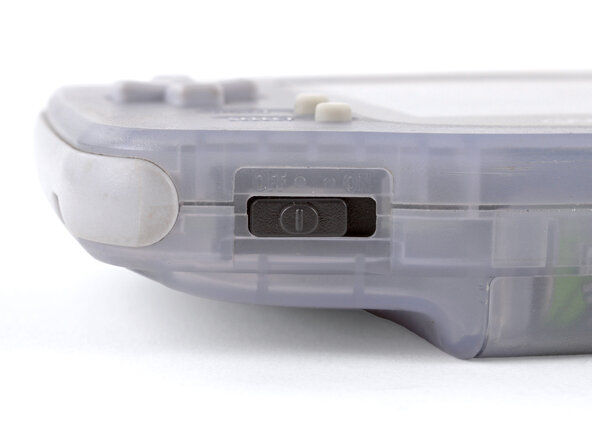
  1. Game Boy Advance Batteries Replacement, Power down your Game Boy: passo 1, imagem 1 %32
    • Turn your Game Boy OFF.

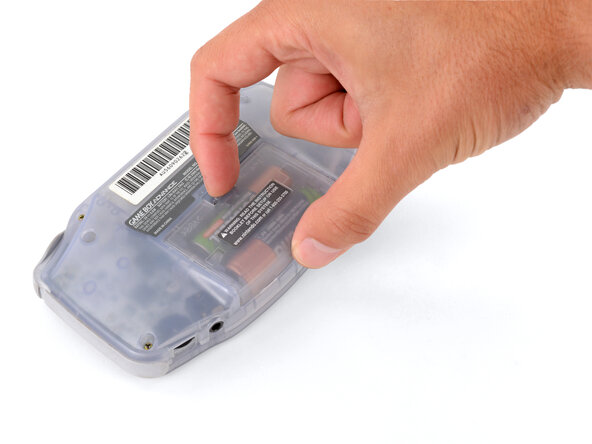
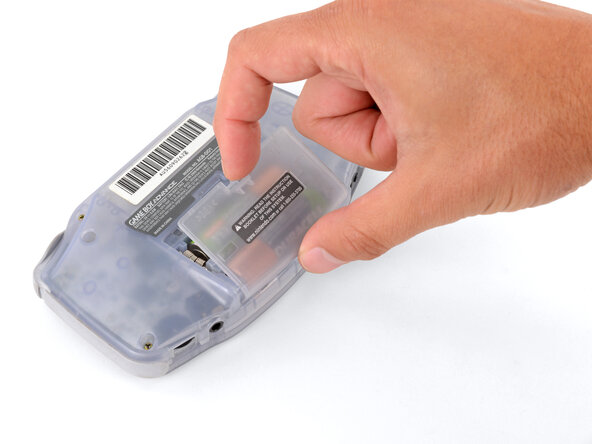
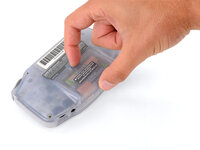
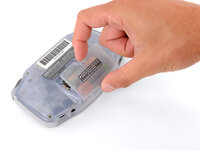
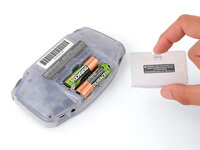
  2. Game Boy Advance Batteries Replacement, Remove the battery cover: passo 2, imagem 1 %32 Game Boy Advance Batteries Replacement, Remove the battery cover: passo 2, imagem 2 %32 Game Boy Advance Batteries Replacement, Remove the battery cover: passo 2, imagem 3 %32
    • Release the battery cover tab with your finger and swing the cover away from your Game Boy to remove it.

    • During reassembly, insert the tabs on the bottom edge of the cover into their cutouts and press the cover into place.

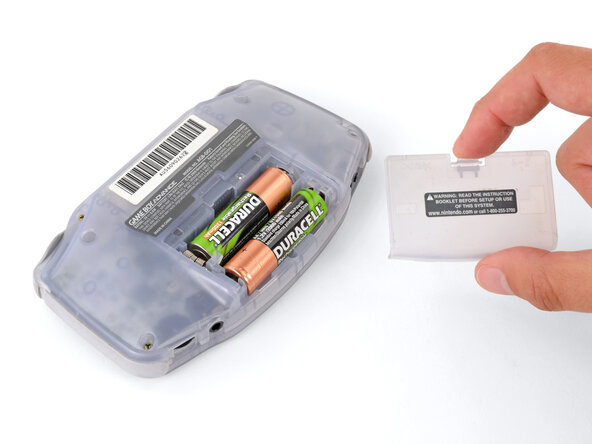
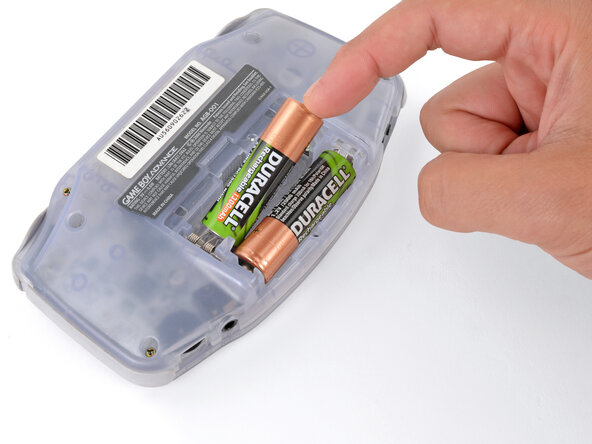
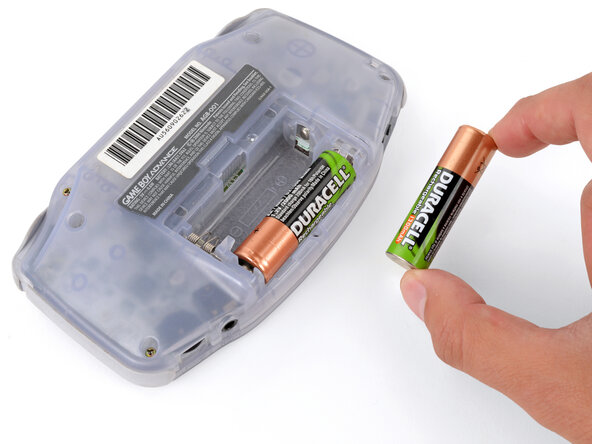
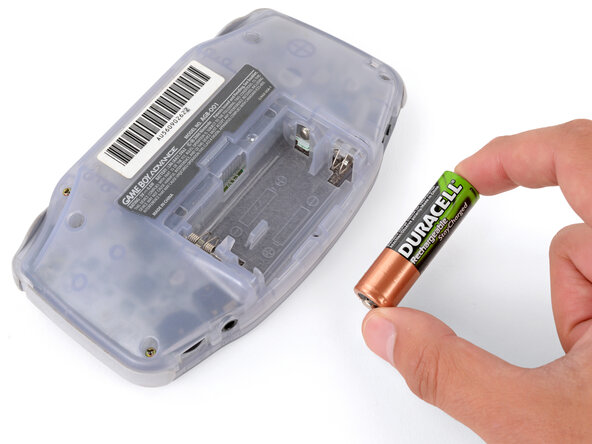
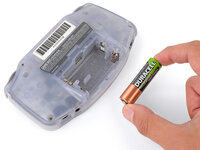
  3. Game Boy Advance Batteries Replacement, Remove the batteries: passo 3, imagem 1 %32 Game Boy Advance Batteries Replacement, Remove the batteries: passo 3, imagem 2 %32 Game Boy Advance Batteries Replacement, Remove the batteries: passo 3, imagem 3 %32
    • Remove the two AA batteries.

    • If the metal terminals are corroded, follow this guide to clean them.

    • When installing batteries, use the diagram in the battery well to properly orient them.

Conclusão

To reassemble your device, follow these instructions in reverse order.

Take your e-waste to an R2 or e-Stewards certified recycler.

Repair didn’t go as planned? Try some basic troubleshooting, or ask our Answers Community for troubleshooting help.

10 outras pessoas executaram este guia.

Spencer Day

Membro desde: 09/14/22

150.284 Reputação

Autoria de 995 guias

2Comentários do guia

how could you take rust off the battery hinges?

Sinai Garcia - Responder

If the battery terminals are corroded ''''(which may appear like rust), follow this guide to remove it.

Spencer Day -

Comentar

Visualizações:

Últimas 24 horas: 3

Últimos 7 dias: 22

Últimos 30 dias: 131

Ao todo: 19,674