Ir para o conteúdo principal
Participe da comunidade de reparos - Criar conta

Fujitsu LifeBook N3510 Keyboard Replacement

O que você precisa

    1. Fujitsu LifeBook N3510 Keyboard Replacement, Battery: passo 1, imagem 1 %32
      • Locate the two clips on the bottom of the computer that support the battery.

      Pergunte ao FixBot

      Comentar

    2. Fujitsu LifeBook N3510 Keyboard Replacement: passo 2, imagem 1 %32
      • Using your fingers, push the clips inward and then upward.

      • Lift the battery out of the computer.

      Pergunte ao FixBot

      Comentar

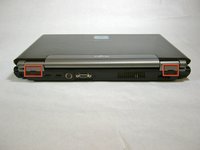
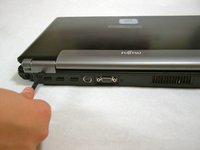
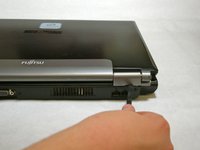
    1. Fujitsu LifeBook N3510 Keyboard Replacement, Hinge Cover: passo 3, imagem 1 %32 Fujitsu LifeBook N3510 Keyboard Replacement, Hinge Cover: passo 3, imagem 2 %32 Fujitsu LifeBook N3510 Keyboard Replacement, Hinge Cover: passo 3, imagem 3 %32
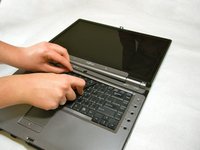
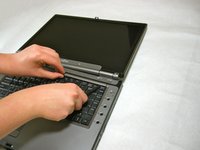
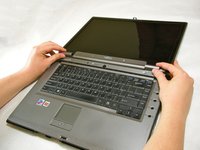
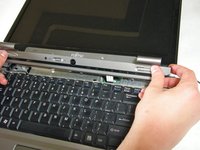
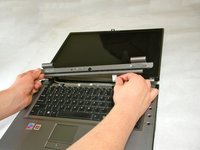
      • Use a spudger to lift the back of the hinge cover on the left and right sides of the computer.

      Pergunte ao FixBot

      Comentar

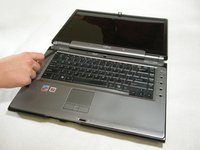
    2. Fujitsu LifeBook N3510 Keyboard Replacement: passo 4, imagem 1 %32
      • Lay the computer flat on a stable surface with the monitor pointing away from you.

      Pergunte ao FixBot

      Comentar

    3. Fujitsu LifeBook N3510 Keyboard Replacement: passo 5, imagem 1 %32 Fujitsu LifeBook N3510 Keyboard Replacement: passo 5, imagem 2 %32 Fujitsu LifeBook N3510 Keyboard Replacement: passo 5, imagem 3 %32
      • Use a spudger to partially lift the hinge cover.

      Pergunte ao FixBot

      Comentar

    4. Fujitsu LifeBook N3510 Keyboard Replacement: passo 6, imagem 1 %32 Fujitsu LifeBook N3510 Keyboard Replacement: passo 6, imagem 2 %32
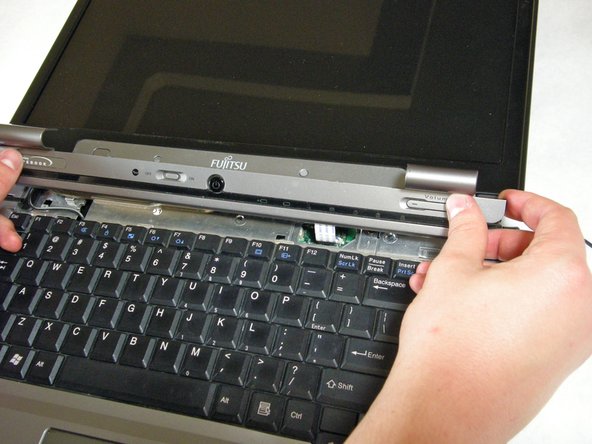
      • The hinge cover has a ribbon cable that is attached to the motherboard. To prevent damage, lift the hinge cover slowly.

      • Lift the hinge cover enough to expose the ribbon cable.

      Pergunte ao FixBot

      Comentar

    5. Fujitsu LifeBook N3510 Keyboard Replacement: passo 7, imagem 1 %32 Fujitsu LifeBook N3510 Keyboard Replacement: passo 7, imagem 2 %32
      • Disconnect the ribbon cable from the motherboard and remove the hinge cover from the computer.

      Pergunte ao FixBot

      Comentar

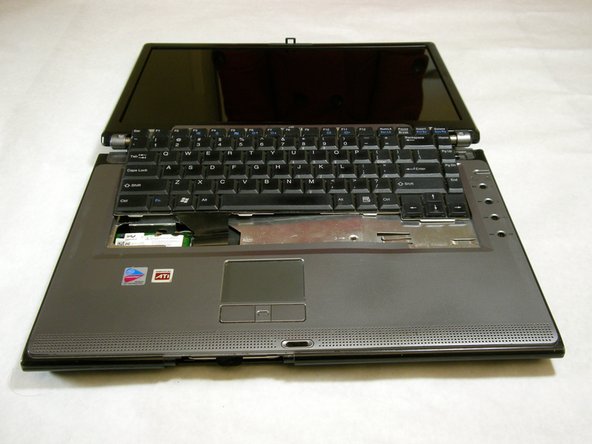
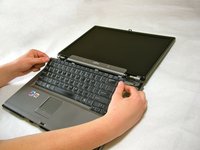
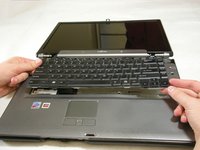
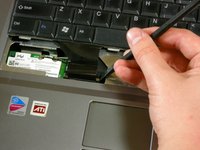
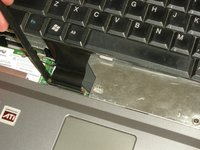
    1. Fujitsu LifeBook N3510 Keyboard Replacement, Keyboard: passo 8, imagem 1 %32 Fujitsu LifeBook N3510 Keyboard Replacement, Keyboard: passo 8, imagem 2 %32 Fujitsu LifeBook N3510 Keyboard Replacement, Keyboard: passo 8, imagem 3 %32
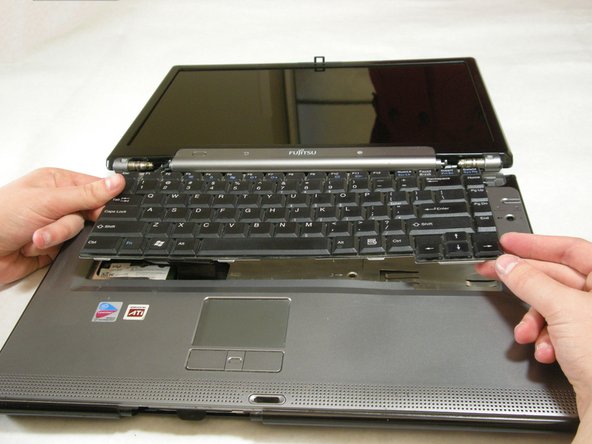
      • The keyboard has a ribbon cable that is attached to the motherboard. To prevent damage, lift keyboard slowly.

      • Lift the keyboard enough to expose the ribbon cable.

      Pergunte ao FixBot

      Comentar

    2. Fujitsu LifeBook N3510 Keyboard Replacement: passo 9, imagem 1 %32 Fujitsu LifeBook N3510 Keyboard Replacement: passo 9, imagem 2 %32
      • Use a spudger to release the ribbon cable from the motherboard.

      Pergunte ao FixBot

      Comentar

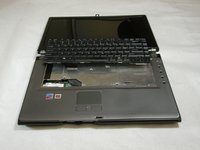
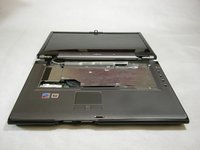
    3. Fujitsu LifeBook N3510 Keyboard Replacement: passo 10, imagem 1 %32 Fujitsu LifeBook N3510 Keyboard Replacement: passo 10, imagem 2 %32
      • After the ribbon has been detached, carefully remove the keyboard.

      Pergunte ao FixBot

      Comentar

Conclusão

To reassemble your device, follow these instructions in reverse order.

Cancelar: não concluí este guia.

Neil Daniels

Membro desde: 01/17/11

1.411 Reputação

Autoria de 11 guias

Equipe

Cal Poly, Team 5-18, Amido Winter 2011 Membro de Cal Poly, Team 5-18, Amido Winter 2011

CPSU-AMIDO-W11S5G18

3 Membros

Autoria de 66 guias

0Comentários do guia

Comentar

Visualizações:

Últimas 24 horas: 0

Últimos 7 dias: 11

Últimos 30 dias: 38

Ao todo: 6,503