Essa tradução foi gerada por um programa e ainda não foi revisada por uma pessoa. Falas essa língua? Dá uma olhada.
Introdução
Embora uma tela rachada torne difícil o uso deste dispositivo, substituir a tela LCD é relativamente fácil.
O que você precisa
-
-
-
Usando uma chave hexagonal de 1,5 mm, remova os dois parafusos sextavados de 3,0 mm na parte frontal da câmera.
-
Usando uma chave Phillips #00, remova os dois parafusos de 3,0 mm na parte inferior da face frontal.
 Pergunte ao FixBot
-
-
-
Com uma chave Phillips #00, remova os parafusos de 3,0 mm na parte inferior da câmera, mais próximos à parte de trás.
-
Com uma chave Phillips #00, remova dois parafusos de 3,0 mm na parte de trás da câmera. Isso removerá o ilhó da alça da câmera e a capa traseira.
-
-
-
Usando uma chave Phillips #00, remova os dois parafusos de 3,0 mm.
-
-
-
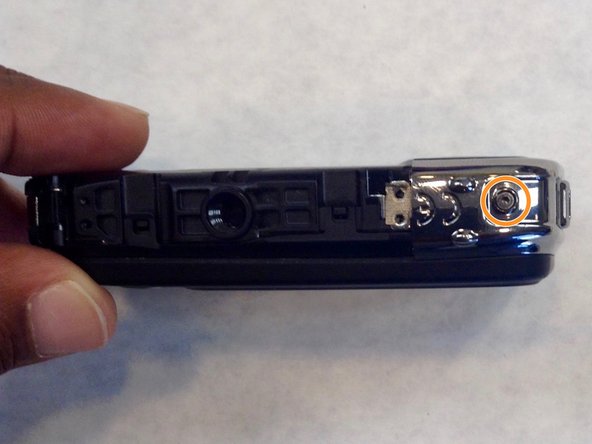
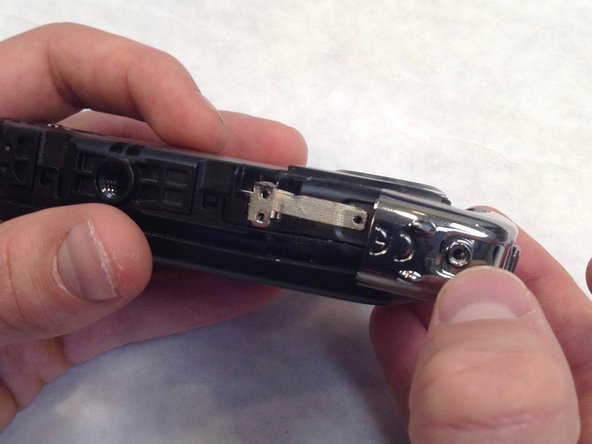
Usando uma chave Allen de 1,5 mm, remova o parafuso Allen de 3,0 mm na borda superior do painel prateado.
-
Usando uma chave Phillips #00, remova o parafuso de 3,0 mm na borda inferior.
-
Assim que ambos os parafusos forem removidos, a estrutura lateral prateada deslizará para fora.
-
-
-
-
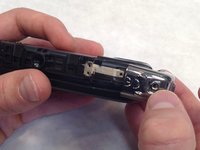
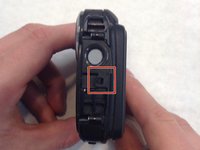
Desbloqueie manualmente os quatro fechos localizados em cada lado da câmera.
-
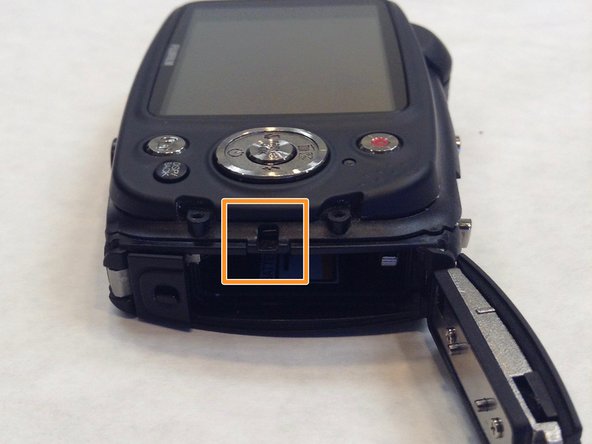
O quarto fecho está oculto pela tampa da bateria. Para acessar o fecho, consulte o guia de Substituição da bateria da Fujifilm XP20 para obter instruções.
-
-
-
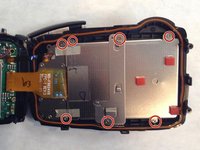
Usando uma chave Phillips #00, remova os sete parafusos Phillips de 3,0 mm.
-
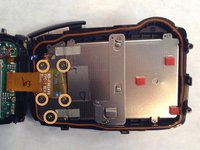
Remova os cinco parafusos Phillips restantes de 3,0 mm que prendem a carcaça traseira e o painel de controle.
-
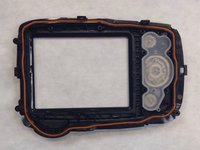
O painel traseiro agora está livre da câmera.
-
-
-
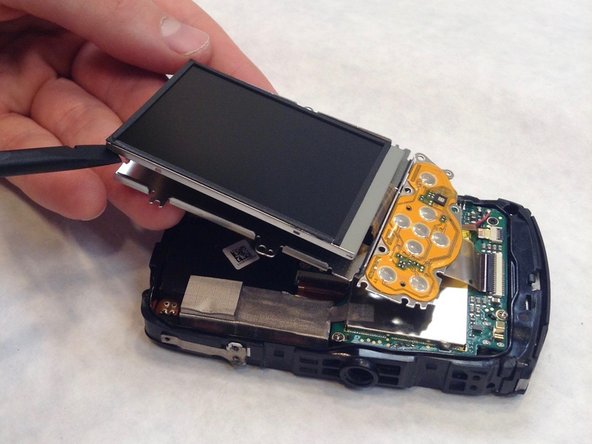
Use a espátula para introduzi-la entre a tela e o quadro.
-
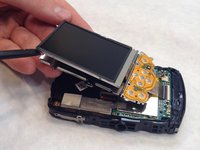
Com a espátula, percorra lentamente a borda da tela o suficiente para separá-la do quadro.
-
-
-
Pegue a espátula novamente e encaixe-a no quadro mais fino para separar a tela LCD do quadro.
-
Use a espátula ao redor da borda o suficiente para separar a tela e o quadro novamente.
-
-
-
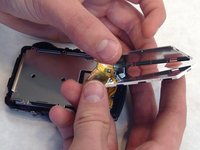
Com a espátula, insira-a com muito cuidado entre a tela LCD e o quadro muito fino e frágil.
-
-
-
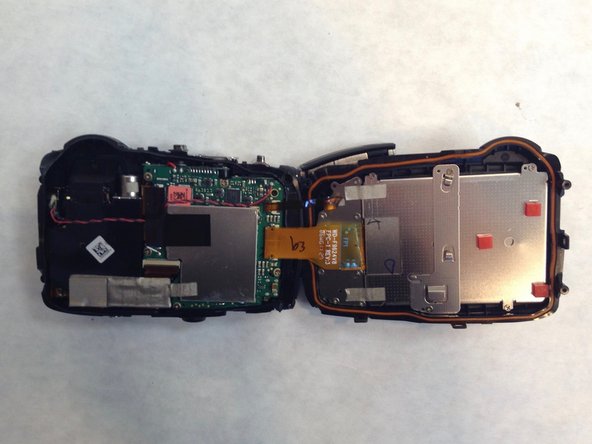
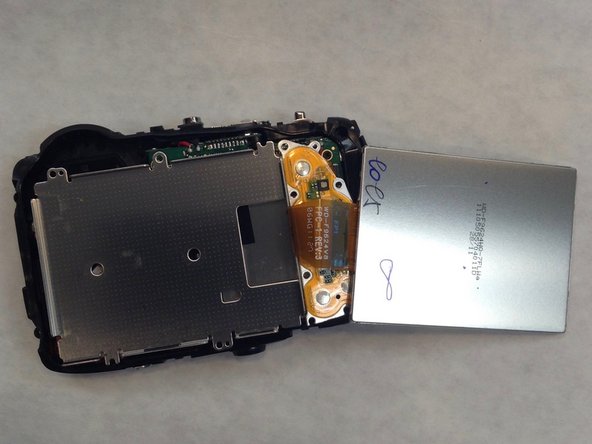
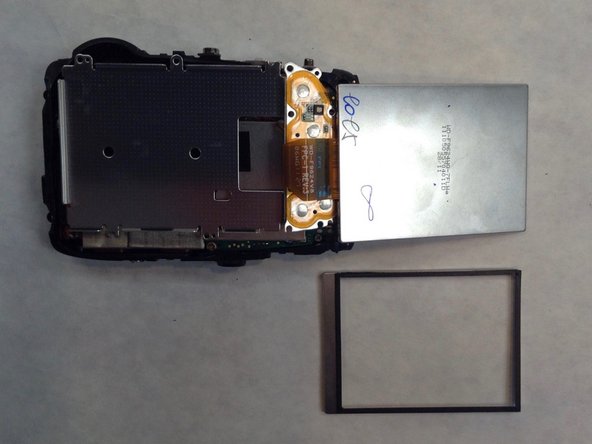
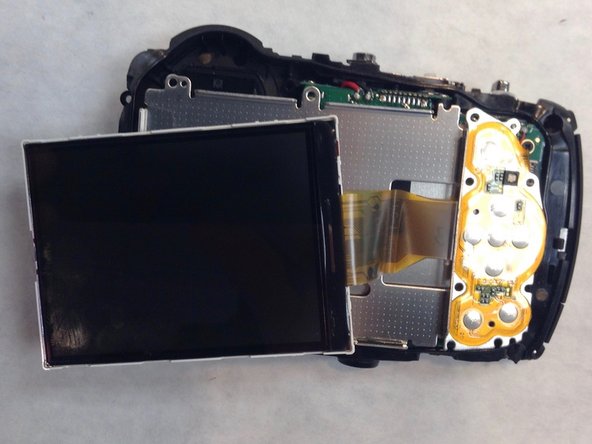
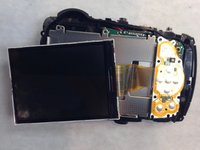
Desconecte a tela LCD da placa-mãe soltando o cabo flat laranja.
-
-



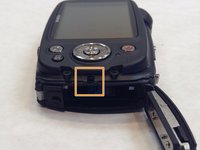
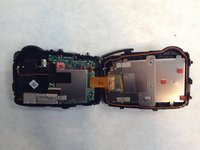

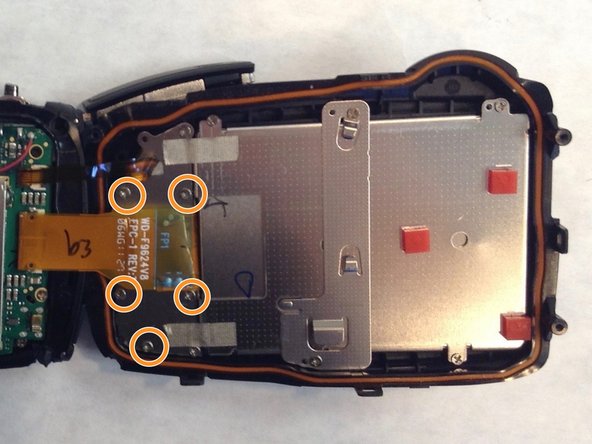
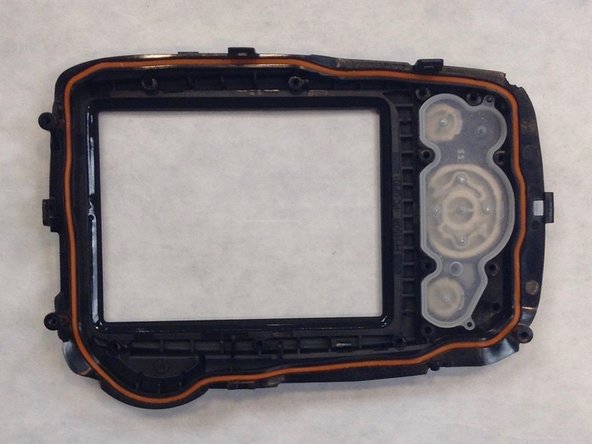




Para a remontagem de seu dispositivo, siga estas instruções na ordem inversa.

Equipe

IUPUI, Team 1-1, Wilson Fall 2016 Membro de IUPUI, Team 1-1, Wilson Fall 2016
IUPUI-WILSON-F16S1G1
3 Membros
Autoria de 36 guias
