Ir para o conteúdo principal
Participe da comunidade de reparos - Criar conta

Flip Video Ultra Power button Replacement

O que você precisa

    1. Flip Video Ultra Power button Replacement, Power button: passo 1, imagem 1 %32
      • Unlock the battery cover by sliding the switch to the unlock position.

      Pergunte ao FixBot

      Comentar

    2. Flip Video Ultra Power button Replacement: passo 2, imagem 1 %32
      • Remove the battery cover by sliding it down the camera.

      Pergunte ao FixBot

      Comentar

    3. Flip Video Ultra Power button Replacement: passo 3, imagem 1 %32
      • Remove the batteries

      Pergunte ao FixBot

      Comentar

    4. Flip Video Ultra Power button Replacement: passo 4, imagem 1 %32
      • Slide the black upper casing off from the device.

      Pergunte ao FixBot

      Comentar

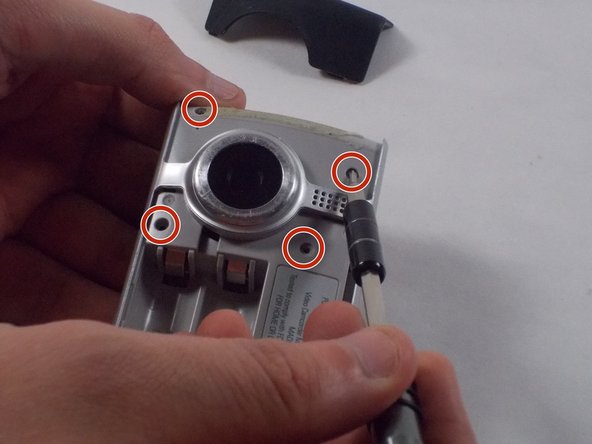
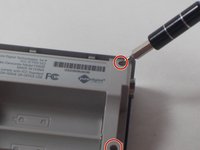
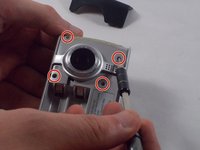
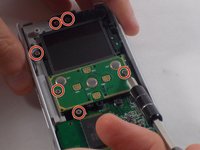
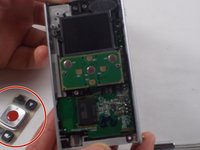
    5. Flip Video Ultra Power button Replacement: passo 5, imagem 1 %32 Flip Video Ultra Power button Replacement: passo 5, imagem 2 %32
      • Remove the six 1mm screws from the back and upper casing with the Phillips Head screwdriver.

      Pergunte ao FixBot

      Comentar

    6. Flip Video Ultra Power button Replacement: passo 6, imagem 1 %32
      • Remove the top casing from the bottom to reveal the inner circuit board.

      Pergunte ao FixBot

      Comentar

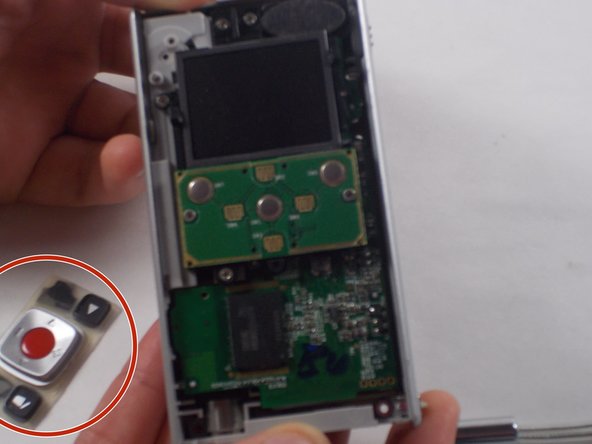
    7. Flip Video Ultra Power button Replacement: passo 7, imagem 1 %32 Flip Video Ultra Power button Replacement: passo 7, imagem 2 %32
      • When removing the back panel, the rubber buttons will become loose and likely fall off the board. This is normal and can easily placed back on the board once finished.

      • Remove the six 1mm screws with the 1 Phillips head screwdriver.

      Pergunte ao FixBot

      Comentar

    8. Flip Video Ultra Power button Replacement: passo 8, imagem 1 %32
      • Gently separate the circuit board from the casing.

      Pergunte ao FixBot

      Comentar

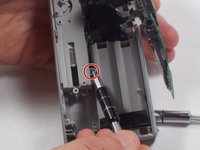
    9. Flip Video Ultra Power button Replacement: passo 9, imagem 1 %32 Flip Video Ultra Power button Replacement: passo 9, imagem 2 %32
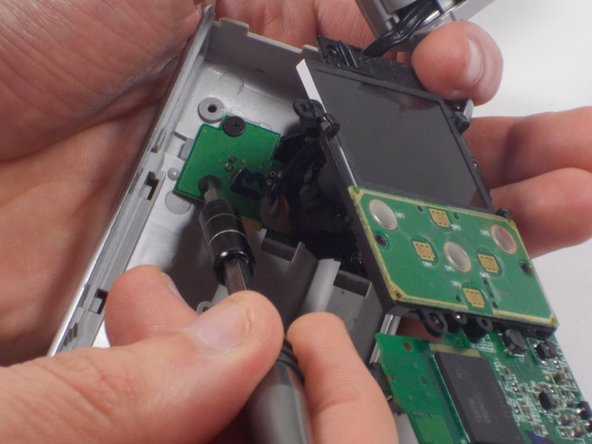
      • Unscrew the single 1mm screw from USB housing unit.

      Pergunte ao FixBot

      Comentar

    10. Flip Video Ultra Power button Replacement: passo 10, imagem 1 %32 Flip Video Ultra Power button Replacement: passo 10, imagem 2 %32
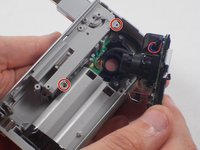
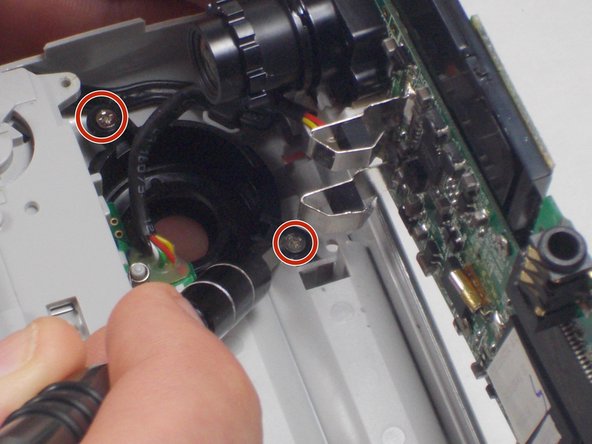
      • Unscrew the 2 1mm screws and gently separate camera wires from plastic casing.

      Pergunte ao FixBot

      Comentar

    11. Flip Video Ultra Power button Replacement: passo 11, imagem 1 %32
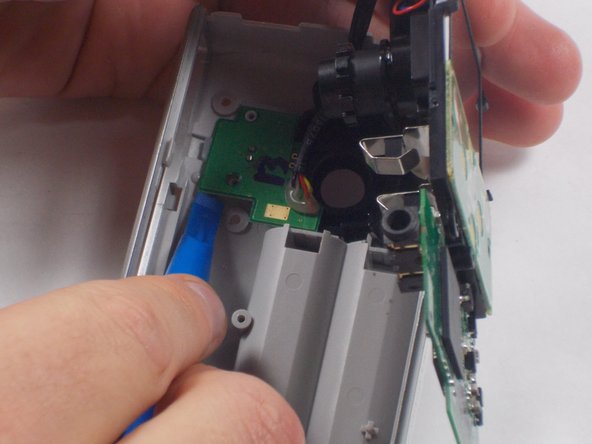
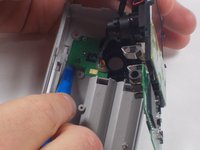
      • Gently pry out the USB housing unit with the Ifxit Opening Tool.

      Pergunte ao FixBot

      Comentar

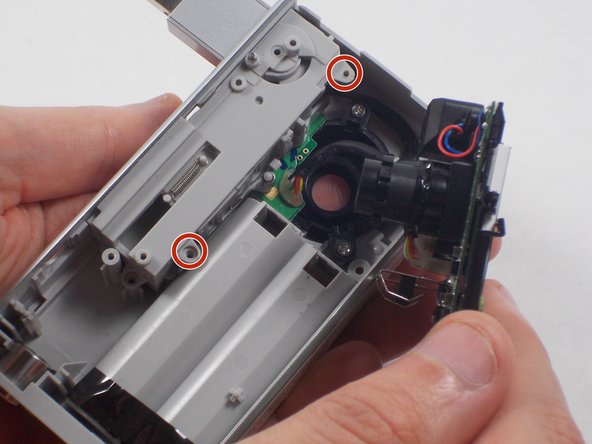
    12. Flip Video Ultra Power button Replacement: passo 12, imagem 1 %32 Flip Video Ultra Power button Replacement: passo 12, imagem 2 %32 Flip Video Ultra Power button Replacement: passo 12, imagem 3 %32
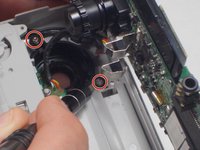
      • Remove the two 1mm screws and separate the circuit board and camera from the plastic casing.

      Pergunte ao FixBot

      Comentar

    13. Flip Video Ultra Power button Replacement: passo 13, imagem 1 %32
      • Unscrew the camera housing unit from the plastic case.

      Pergunte ao FixBot

      Comentar

Conclusão

To reassemble your device, follow these instructions in reverse order.

Cancelar: não concluí este guia.

Nathaniel Ruf

Membro desde: 10/18/16

514 Reputação

Autoria de 5 guias

Equipe

UMass Dartmouth, Team 5-7, Martin Fall 2016 Membro de UMass Dartmouth, Team 5-7, Martin Fall 2016

UMASSD-MARTIN-F16S5G7

3 Membros

Autoria de 10 guias

0Comentários do guia

Comentar

Visualizações:

Últimas 24 horas: 0

Últimos 7 dias: 3

Últimos 30 dias: 23

Ao todo: 790