Ir para o conteúdo principal

Ematic FunTab 2 Motherboard Replacement

O que você precisa

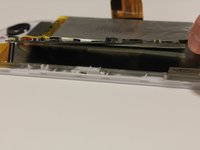
  1. Ematic FunTab 2 Motherboard Replacement, Motherboard: passo 1, imagem 1 %32
    • Remove back of Ematic FunTab by using the plastic opening tool to pry the back open.

  2. Ematic FunTab 2 Motherboard Replacement: passo 2, imagem 1 %32 Ematic FunTab 2 Motherboard Replacement: passo 2, imagem 2 %32 Ematic FunTab 2 Motherboard Replacement: passo 2, imagem 3 %32
    • Next, you need to remove all connections to the motherboard and the device.

    • Start by first removing the tape from all the connections.

    • Be careful not to remove the camera.

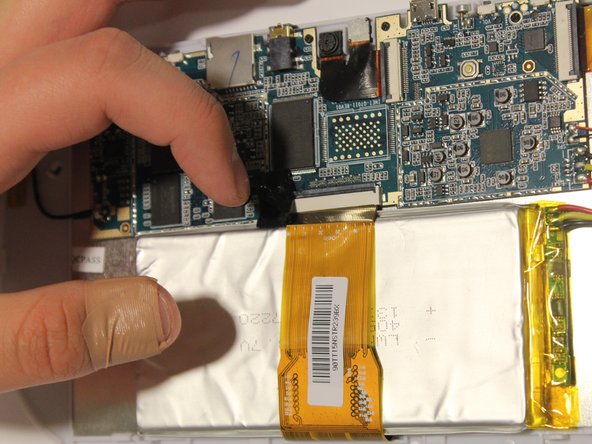
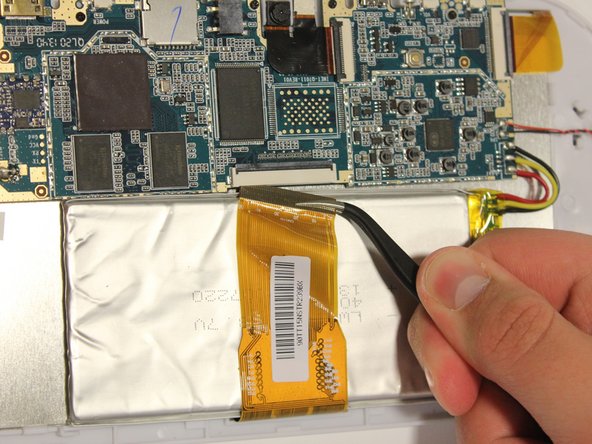
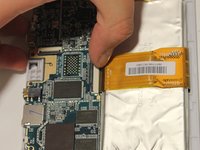
  3. Ematic FunTab 2 Motherboard Replacement: passo 3, imagem 1 %32 Ematic FunTab 2 Motherboard Replacement: passo 3, imagem 2 %32 Ematic FunTab 2 Motherboard Replacement: passo 3, imagem 3 %32
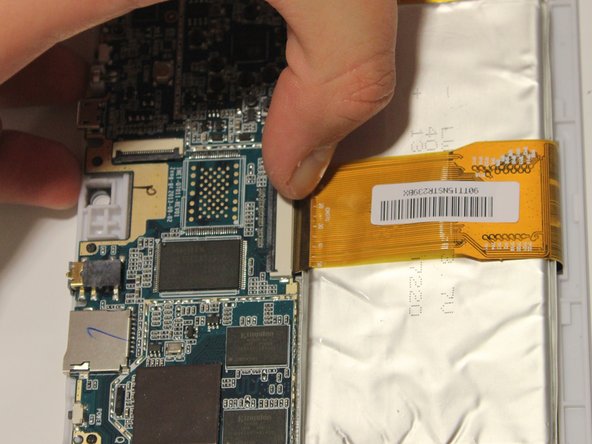
    • Remove LCD connector from the LCD.

    • Be sure to flip up the retaining tabs before pulling the LCD connector out. (It is the black tab on the connection port).

  4. Ematic FunTab 2 Motherboard Replacement: passo 4, imagem 1 %32
    Ferramenta utilizada neste passo:
    Tweezers
    $4.99
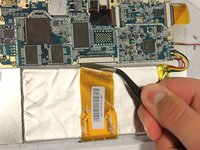
    • Remove camera connection from camera with tweezers.

    • Again, be sure to flip up the retaining tab before pulling the connector.

  5. Ematic FunTab 2 Motherboard Replacement: passo 5, imagem 1 %32
    • Remove speaker connection from speaker with tweezers.

    • Before pulling the speaker connection make sure the retaining tab is flipped up.

  6. Ematic FunTab 2 Motherboard Replacement: passo 6, imagem 1 %32 Ematic FunTab 2 Motherboard Replacement: passo 6, imagem 2 %32 Ematic FunTab 2 Motherboard Replacement: passo 6, imagem 3 %32
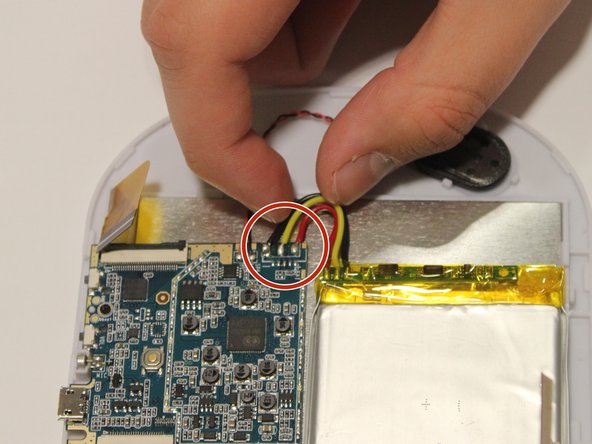
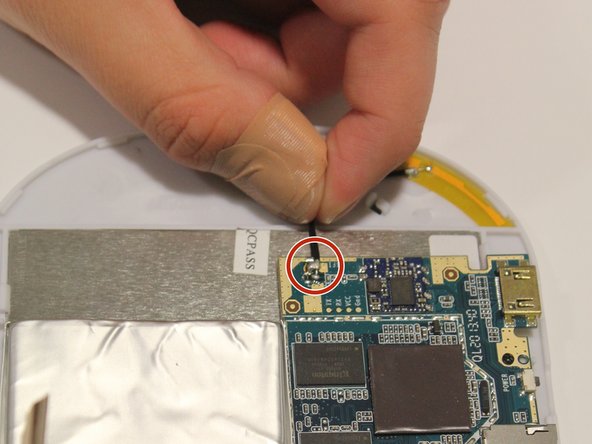
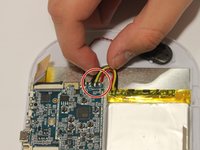
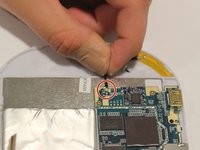
    • Remove wires:

    • Start by removing the black wire on each side.

    • Next, remove the WiFi antenna wire from the motherboard.

    • Finally, remove the yellow, red, and black wires.

    • To put the wires back in their correct locations you will need a soldering iron to solder the wire back in place. You will do this once the motherboard is replaced. Here is a guide on how to solder Como soldar e dessoldar contatos

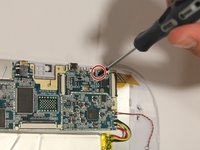
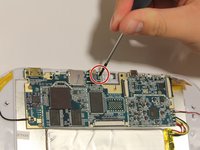
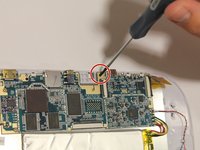
  7. Ematic FunTab 2 Motherboard Replacement: passo 7, imagem 1 %32 Ematic FunTab 2 Motherboard Replacement: passo 7, imagem 2 %32 Ematic FunTab 2 Motherboard Replacement: passo 7, imagem 3 %32
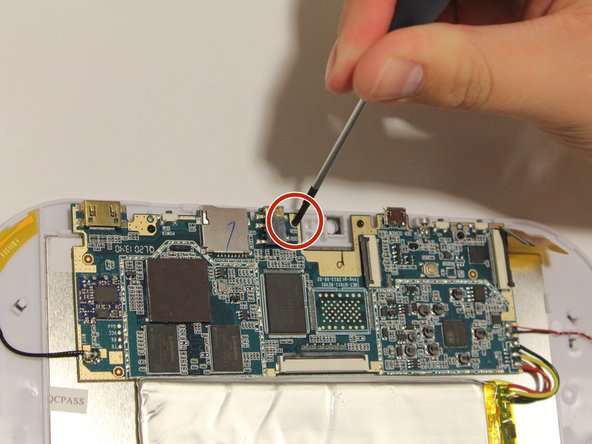
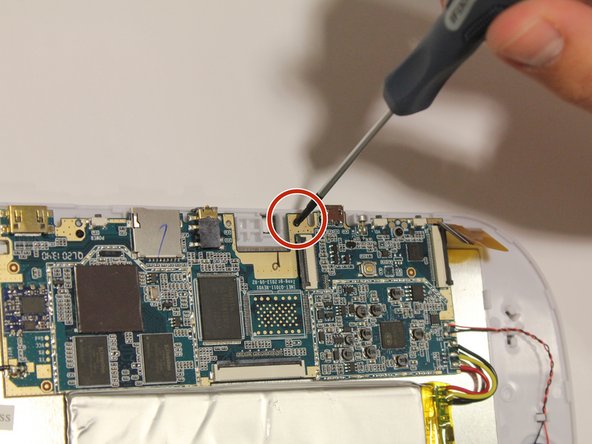
    • Unscrew all four screws on motherboard with the Phillip's head screwdriver.

    • All of the screws are the same size, and should all fit in either corresponding screw location.

  8. Ematic FunTab 2 Motherboard Replacement: passo 8, imagem 1 %32 Ematic FunTab 2 Motherboard Replacement: passo 8, imagem 2 %32
    • It is now safe to remove and replace the old motherboard with your new motherboard.

Conclusão

To reassemble your device, follow these instructions in reverse order.

Uma outra pessoa concluiu este guia.

0Comentários do guia

Comentar

Visualizações:

Últimas 24 horas: 0

Últimos 7 dias: 1

Últimos 30 dias: 3

Ao todo: 1,251