Introdução
Este guia demonstra como substituir os botões de navegação no seu controle de jogo EasySMX ESM-9100. Um motivo provável para os botões de navegação do seu controle terem parado de funcionar pode ser o desalinhamento dentro do controle, fazendo com que não atinjam mais o sensor na placa de circuito. Se as peças da carcaça externa estiverem desalinhadas, isso pode causar ou levar ao desalinhamento interno. Se a tentativa de realinhar qualquer botão de navegação sem desmontagem não funcionar, o próximo passo é acessar os componentes internos do controle para alinhá-lo. Para isso, siga este guia simples para substituir/realinhar os botões de navegação.
Como isso exigirá trabalhar próximo aos componentes eletrônicos internos, tome cuidado para não danificá-los, para que o controle não pare de funcionar completamente.
Antes de começar este reparo, certifique-se de que o controle esteja desconectado do seu console ou PC.
O que você precisa
-
-
-
Coloque o controle virado para baixo sobre uma superfície sólida.
-
Use uma chave Phillips #00 para remover os sete parafusos Phillips de 10 mm da capa traseira.
 Pergunte ao FixBot
-
-
-
Use a ferramenta de abertura iFixit para alavancar a capa traseira e removê-la para expor os componentes internos.
-
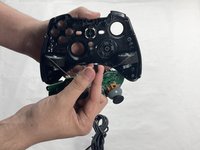
Coloque a capa de lado, então segure a placa de circuito e remova-a gentilmente da capa frontal.
-
-
-
-
-
-
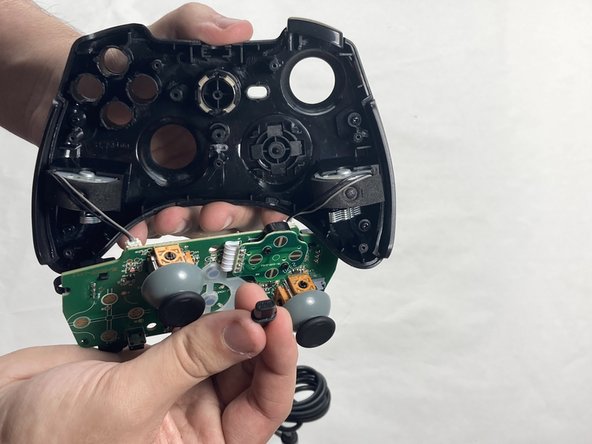
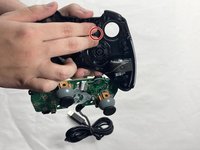
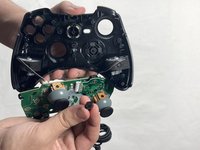
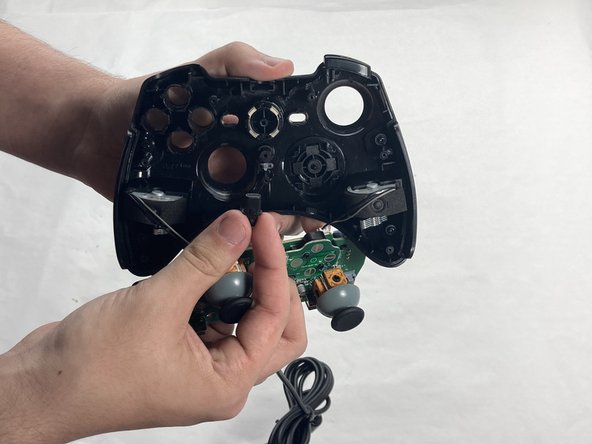
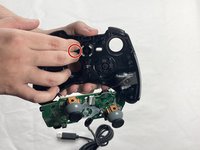
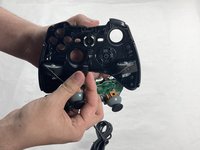
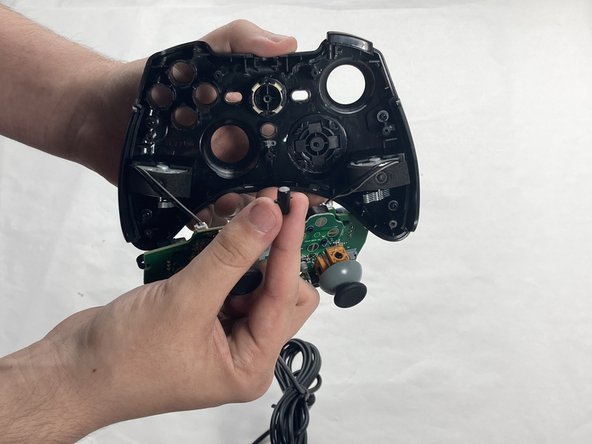
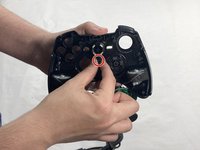
Puxe o botão de voltar para fora da capa frontal.
-
-
-
Puxe o botão iniciar para fora da tampa frontal.
-
-
-
Puxe o botão turbo da tampa frontal com cuidado.
-
-




Para a remontagem de seu dispositivo, siga estas instruções na ordem inversa. Leve o seu lixo eletrônico para um ponto de coleta ou uma recicladora certificada.
Cancelar: não concluí este guia.
Uma outra pessoa concluiu este guia.
Um agradecimento especial a esses tradutores:
100%

Translation Bot está nos ajudando a consertar o mundo! Quer contribuir?
Comece a traduzir ›

Equipe

UMass Dartmouth, Team 4-4, Shaddix Spring 2024 Membro de UMass Dartmouth, Team 4-4, Shaddix Spring 2024
UMASSD-SHADDIX-S24S4G4
4 Membros
Autoria de 66 guias
