Introdução
This is likely the simplest repair possible for this device. Simply access the shaft lock pin after opening the case.
O que você precisa
-
-
-
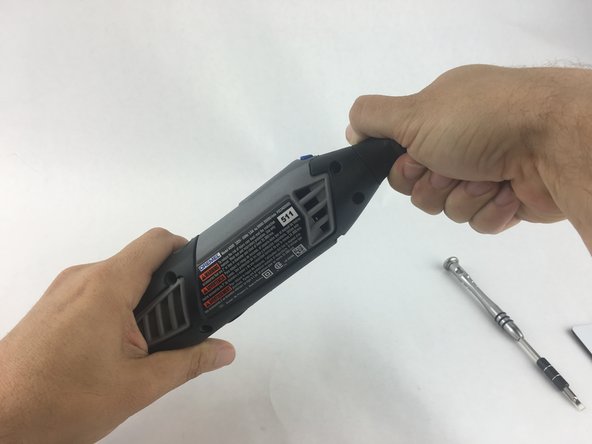
Start by removing the housing cap by unscrewing it.
-
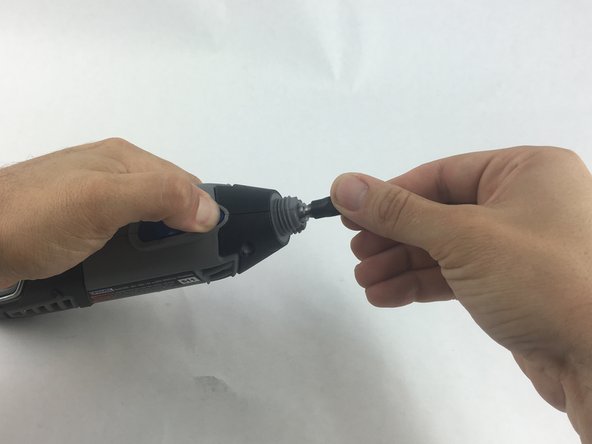
Next, unscrew the now exposed collet nut while holding down the shaft lock button.
 Pergunte ao FixBot
-
-
-
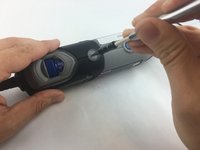
Remove the brush caps (one on each side) by using a flathead screwdriver bit.
-
-
-
-
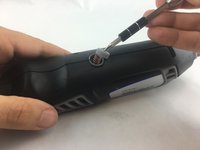
Using the Torx 15 screwdriver tip, remove the 5 screws (12.5 mm) that hold the casing together.
-
-
-
Use a plastic opening tool to gently wedge apart the hard plastic threads.
-
-
-
Use your hands to carefully remove the back casing so that none of the components fall out.
-
-
-
-
-
If the shaft lock pin is not engaging the rotary gear, or if the spring is missing or damaged, it will need to be replaced.
-
Remove the damaged shaft lock pin and spring by hand.
-
-




To reassemble your device, follow these instructions in reverse order.
Cancelar: não concluí este guia.
3 outras pessoas executaram este guia.

Equipe

USF Tampa, Team 15-4, Remmell Spring 2016 Membro de USF Tampa, Team 15-4, Remmell Spring 2016
USFT-REMMELL-S16S15G4
4 Membros
Autoria de 17 guias
3Comentários do guia
These instructions are idiotic! I want to replace the shaft lock pin because it is not WORKING. Step 1 instructs me to use the shaft lock pin to remove the exposed collet nut. The reason I am changing the shaft lock pin is because it won’t hold the shaft for loosening the collet nut. DUH!
three years later and I came to the same conclusion: DUH
Four years later and I came to the same conclusion: DUH
