Introdução
This is a prerequisite guide only. In the following steps, you will remove two exterior parts, then remove the screws that hold the casing together.
O que você precisa
-
-
-
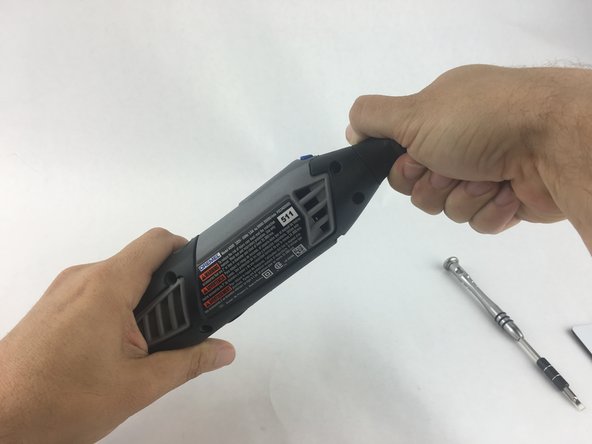
Start by removing the housing cap by unscrewing it.
-
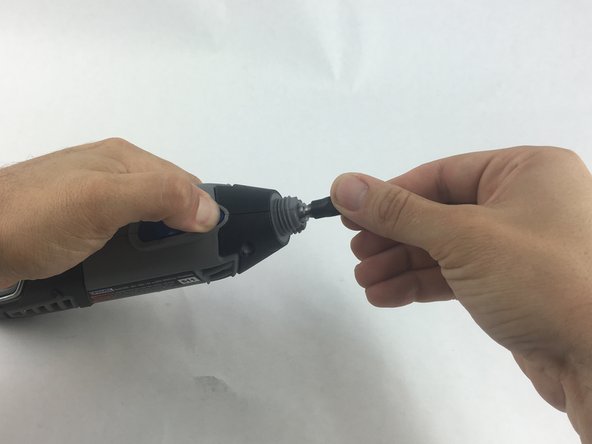
Next, unscrew the now exposed collet nut while holding down the shaft lock button.
 Pergunte ao FixBot
-
-
-
-
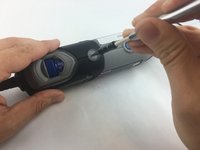
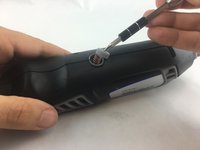
Remove the brush caps (one on each side) by using a flathead screwdriver bit.
-
-
-
Using the Torx 15 screwdriver tip, remove the 5 screws (12.5 mm) that hold the casing together.
-
-
-
Use a plastic opening tool to gently wedge apart the hard plastic threads.
-
-
-
Use your hands to carefully remove the back casing so that none of the components fall out.
-
-




To reassemble your device, follow these instructions in reverse order.
Cancelar: não concluí este guia.
2 outras pessoas executaram este guia.

Equipe

USF Tampa, Team 15-4, Remmell Spring 2016 Membro de USF Tampa, Team 15-4, Remmell Spring 2016
USFT-REMMELL-S16S15G4
4 Membros
Autoria de 17 guias
