Introdução
This guide provides the steps necessary to disconnect the circuit board from the bottom plastic housing. It also goes over how to remove the heat sink and base tube in order to get to the auxiliary jack and power jack.
O que você precisa
-
-
Turn the device upside down so that the three rubber pads are facing up.
 Pergunte ao FixBot
-
-
-
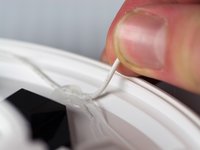
Use a heat gun (set to low) to apply heat to one of the rubber pads until you can easily remove the pad. This step takes around 5-7 minutes.
-
-
-
Remove the heated rubber pad with a plastic opening tool.
-
Repeat steps 2 and 3 for the two remaining rubber pads.
-
-
-
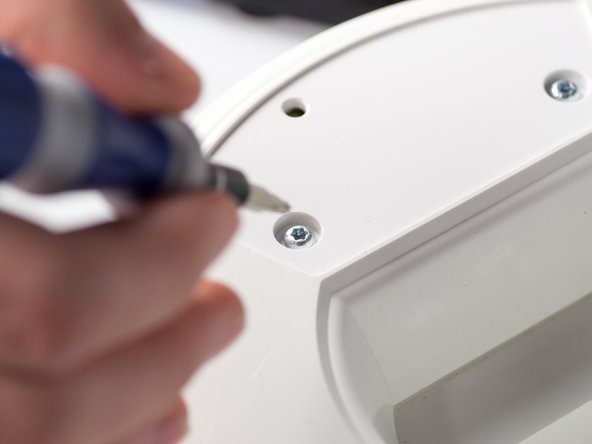
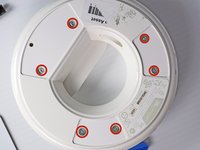
Remove the six 1cm T-10 torx screws on the bottom of the device (found under the rubber pads) using a T-10 Torx screwdriver.
-
-
-
-
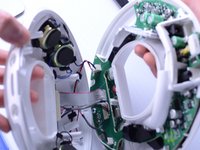
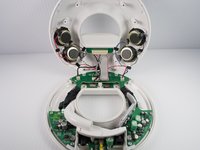
Disconnect the ribbon cable connector from the top half of the device by pulling outward and parallel to the connecting pins.
-
-
-
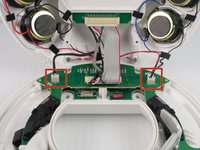
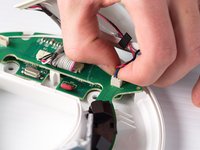
Locate and disconnect the two molex connectors found on either side of the ribbon cable connector on the bottom half of the device.
-
-
-
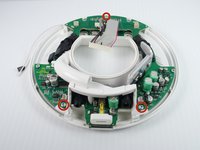
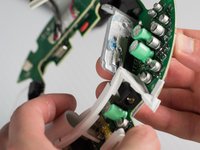
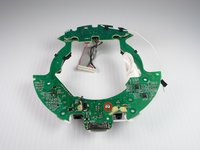
Carefully press out the white base tube and push up on the circuit board.
-
-
-
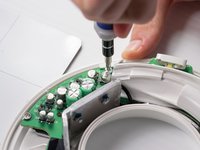
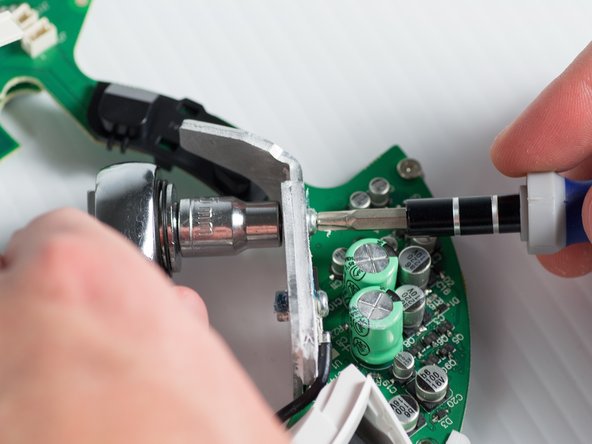
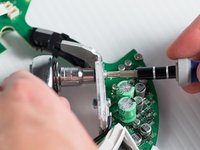
Unbolt the heatsink with a 5.5-mm socket and a Phillips PH1 screwdriver.
-
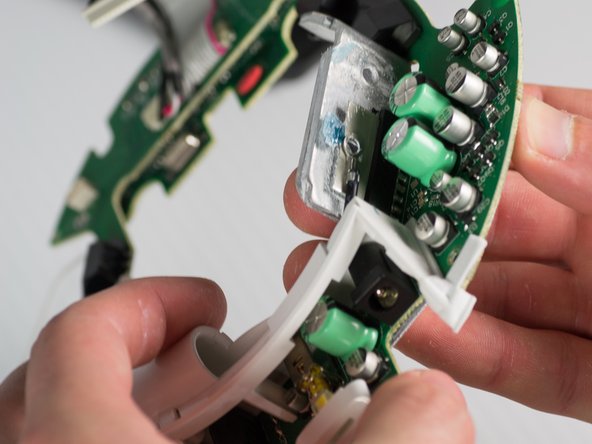
Remove the heat sink; it should detach from the bottom of the device.
-
-
-
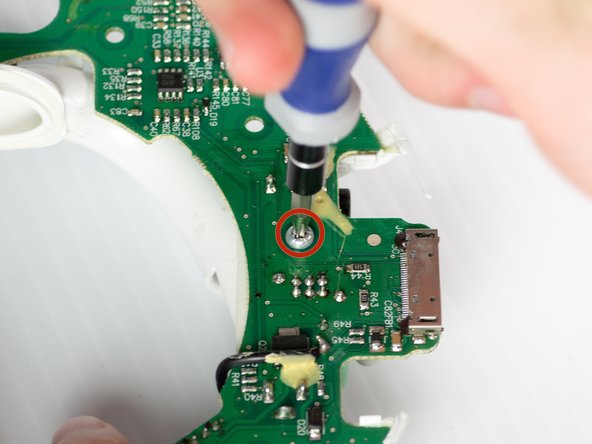
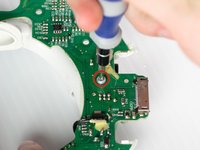
Remove the T-10 torx screw on the bottom of the device that attaches the base tube to the circuit board.
-
Turn the device so that the base tube is on top.
-
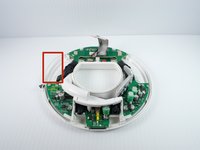
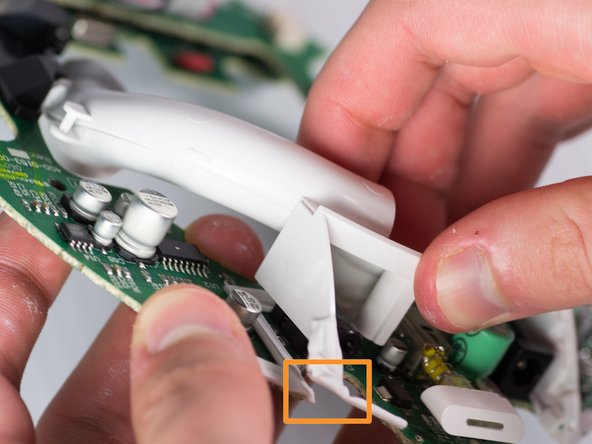
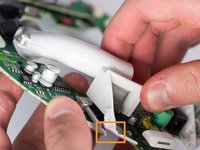
Remove the base tube by pulling up.
-
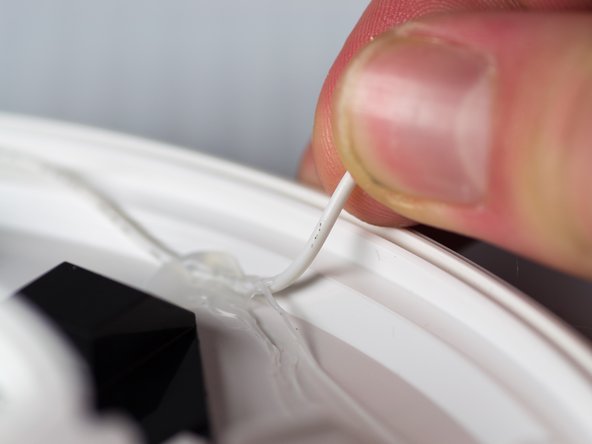
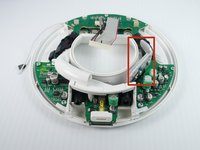
May need to cut the rubber adhesive between the base tube to the circuit board.
-












To reassemble your device, follow these steps in reverse order.
Cancelar: não concluí este guia.
2 outras pessoas executaram este guia.

Equipe

Cal Poly, Team 9-28, Maness Winter 2014 Membro de Cal Poly, Team 9-28, Maness Winter 2014
CPSU-MANESS-W14S9G28
4 Membros
Autoria de 10 guias
