Ir para o conteúdo principal

Disassembling Epson PPC650 Replacing Flash

O que você precisa

  1. Disassembling Epson PPC650 Replacing Flash, Case: passo 1, imagem 1 %32 Disassembling Epson PPC650 Replacing Flash, Case: passo 1, imagem 2 %32 Disassembling Epson PPC650 Replacing Flash, Case: passo 1, imagem 3 %32
    • Locate the silver power button. Gently slide the button to the middle section labeled "off" to shut down the camera.

    • Remove the batteries from the battery compartment located on the underside of the camera.

    • Remove the SD card from the compartment located on the flat, left side of the camera.

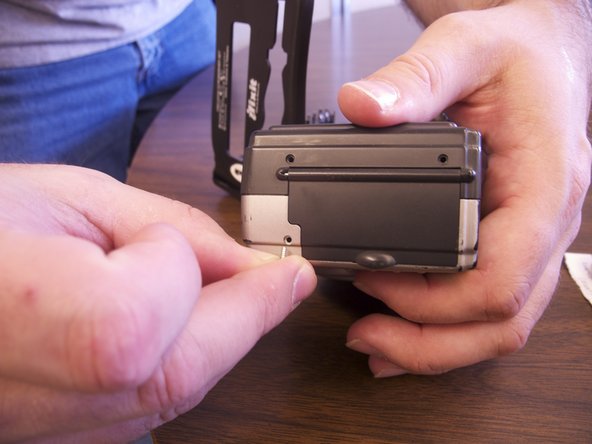
  2. Disassembling Epson PPC650 Replacing Flash: passo 2, imagem 1 %32
    • Remove the two screws on the rounded side of the camera.

  3. Disassembling Epson PPC650 Replacing Flash: passo 3, imagem 1 %32 Disassembling Epson PPC650 Replacing Flash: passo 3, imagem 2 %32
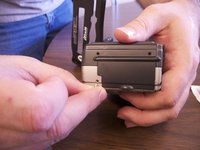
    • Remove the three screws on the flat side of the camera.

    • All of the silver screws go into the side of the camera that is silver.

    • All of the black screws go into the side of the camera that is black.

  4. Disassembling Epson PPC650 Replacing Flash: passo 4, imagem 1 %32
    • Remove the four screws from the bottom of the camera.

    • All of the silver screws go into the side of the camera that is silver.

    • All of the black screws go into the side of the camera that is black.

  5. Disassembling Epson PPC650 Replacing Flash: passo 5, imagem 1 %32 Disassembling Epson PPC650 Replacing Flash: passo 5, imagem 2 %32 Disassembling Epson PPC650 Replacing Flash: passo 5, imagem 3 %32
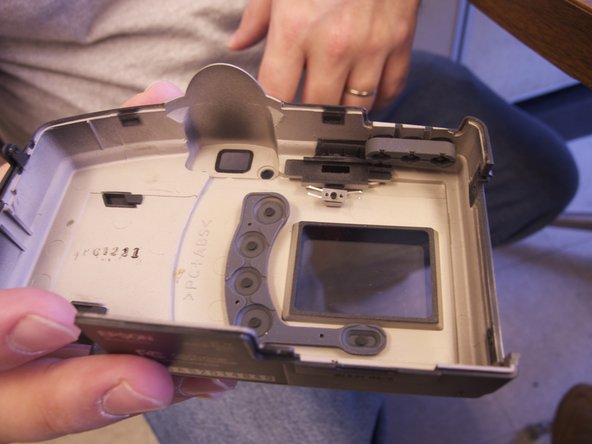
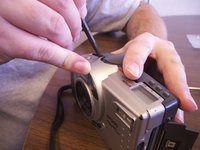
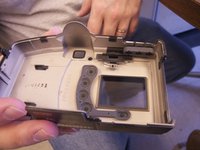
    • Separate the front and the back pieces of the camera's plastic casing using a spudger.

    • WARNING: When pulling the front plastic casing, be careful of the wires that are connected to the aperture control.

    • Use minimal force so that the plastic casing does not break.

    • When separating the small silver siding, the indicator for the view/off/playback may fall out.

    • The plastic viewing window located on the top of the camera may also become lose and fall out.

  6. Disassembling Epson PPC650 Replacing Flash, Disassembling Epson PPC650 Replacing Flash: passo 6, imagem 1 %32 Disassembling Epson PPC650 Replacing Flash, Disassembling Epson PPC650 Replacing Flash: passo 6, imagem 2 %32 Disassembling Epson PPC650 Replacing Flash, Disassembling Epson PPC650 Replacing Flash: passo 6, imagem 3 %32
    • Optional: Remove two black screws from top of camera on the flash side for more working space.

  7. Disassembling Epson PPC650 Replacing Flash: passo 7, imagem 1 %32
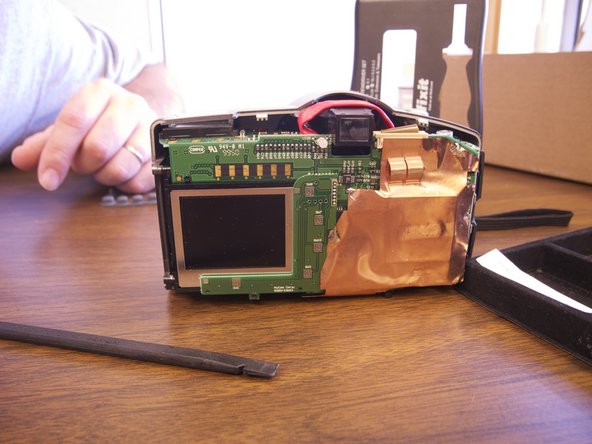
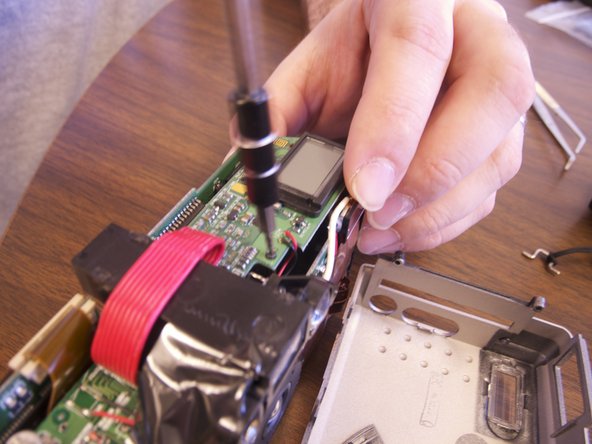
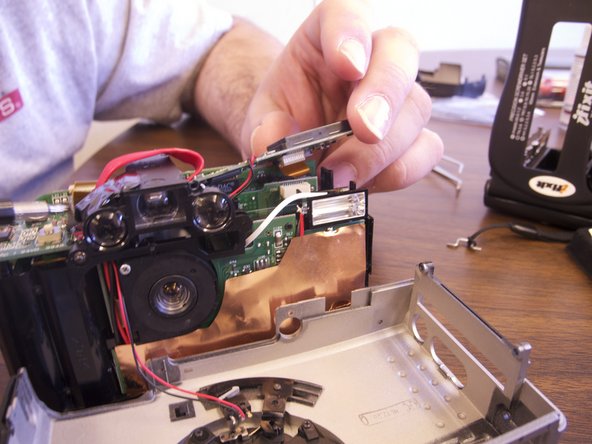
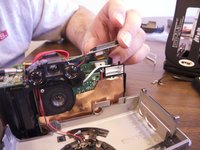
    • Remove clear rubber band holding flash in line with wiring.

    • Cut white wire, red wire, and black wire connecting flash element to circuit board by unsoldering ends

    • Connect new flash by soldering copper ends to their respective ends to new flash element.

Conclusão

To reassemble your device, follow these instructions in reverse order.

Xan Danes

Membro desde: 02/14/13

134 Reputação

Autoria de 1 guia

Equipe

Ohio State, Team 1-5, Buehl Spring 2013 Membro de Ohio State, Team 1-5, Buehl Spring 2013

OSU-BUEHL-S13S1G5

4 Membros

Autoria de 6 guias

0Comentários do guia

Comentar

Visualizações:

Últimas 24 horas: 0

Últimos 7 dias: 2

Últimos 30 dias: 7

Ao todo: 391