Introdução
Esta desmontagem mostrará como remover a placa lógica, bem como o LCD.
O que você precisa
-
-
-
Na parte traseira, há um seletor que trava a capa traseira; deslize-o para destravá-la.
-
-
-
Remova a bateria, o cartão SIM e também o cartão microSD, se houver.
-
-
-
-
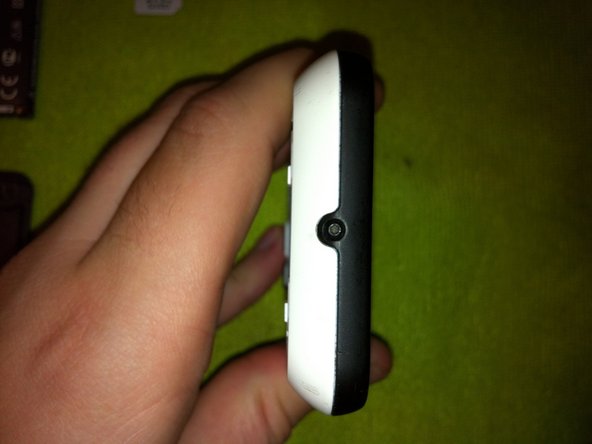
Remova os 3 parafusos Torx de ambos os lados.
-
Agora, remova mais um parafuso Torx na parte inferior.
-
-
-
Insira a espátula entre as partes plásticas preta e branca. Deslize-a por todas as laterais para destravar os clipes que as mantêm unidas.
-
-
-
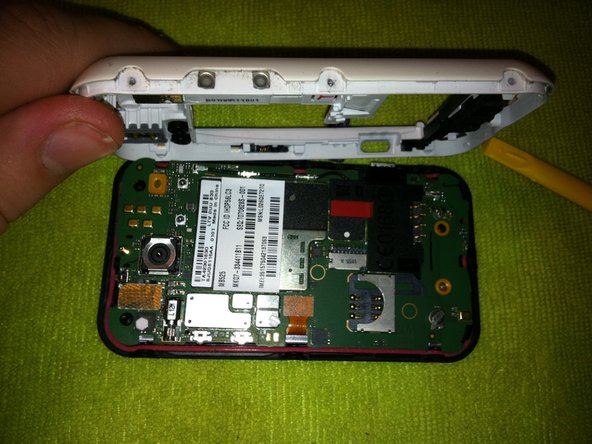
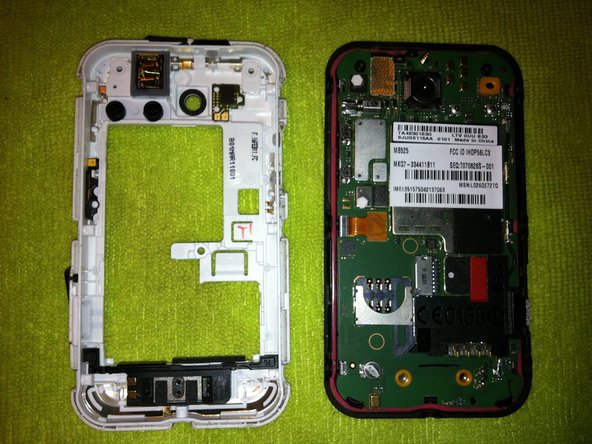
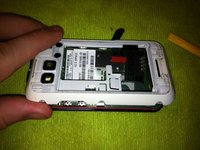
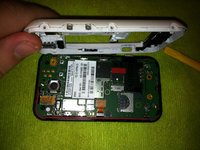
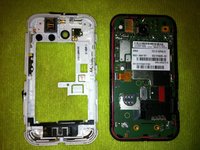
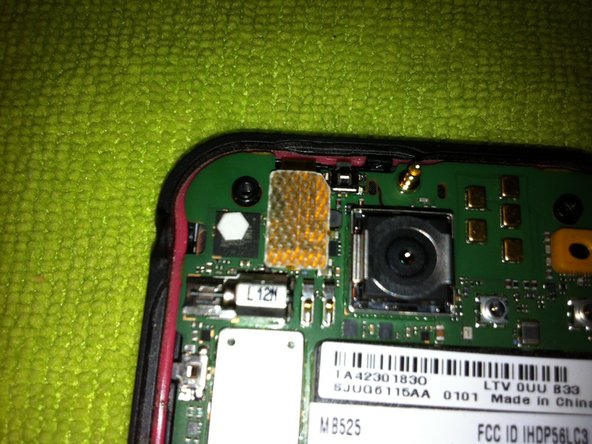
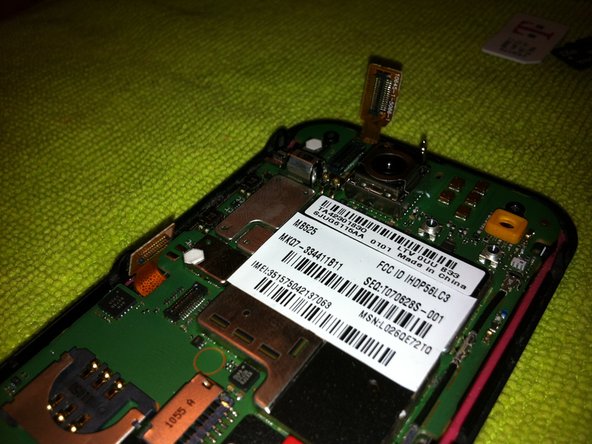
Remova a carcaça traseira (parte branca) para revelar a placa lógica.
-
-
-
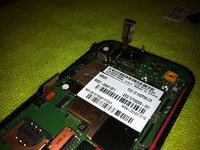
Use a espátula (pry tool) para desconectar o cabo do digitalizador e o cabo da tela LCD da placa.
-
-
-
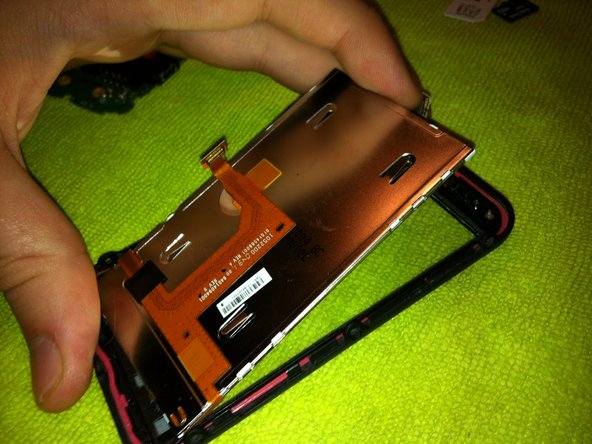
Use uma espátula para levantar suavemente o LCD para fora do telefone, revelando o digitalizador.
-
-
-
Agora, resta apenas o quadro do digitador que segura o digitador.
-
Para remover um digitador quebrado, aqueça as bordas frontais deste quadro para amolecer o adesivo do digitador e force a separação do quadro.
-
-
-
Pronto, agora basta seguir estes passos na ordem inversa para montar seu celular novamente.
-

 Pergunte ao FixBot








Um agradecimento especial a esses tradutores:
100%


Estes tradutores estão nos ajudando a consertar o mundo! Quer contribuir?
Comece a traduzir ›

5Comentários do guia
Brilliant! Many thanks. Things to watch: the volume rocker and on switch tend to fall out, so secured them to the back with a little bit of masking tape while I reassembled. Helped to slightly lift one end of the motherboard so the case can go around the USB power socket. After that it fits back together with only minor persuasion.
Hi,
my Search "button" stop lightning. The other 3 "buttons" are ok.
Did someone know the reason?
Thank you!
Thanks for help! Real great Guide.
Help! I bought a t5 torx screwdriver to open my motorola and the screwdriver seems too smal! Wtf? Many dismount video says that this is a t5 model, I don't understand...
can you mark ram on that board ?
