Ir para o conteúdo principal
Participe da comunidade de reparos - Criar conta

Dell Inspiron 6000 Fan Replacement

O que você precisa

  1. Dell Inspiron 6000 Fan Replacement, Battery: passo 1, imagem 1 %32
    • To prevent injury, make sure the laptop is unplugged before removing the battery.

    • Flip the laptop over, bottom-side up.

    Pergunte ao FixBot

    Comentar

  2. Dell Inspiron 6000 Fan Replacement: passo 2, imagem 1 %32
    • Push the switch next to the battery.

    • At the same time, lift the battery away from the laptop.

    Pergunte ao FixBot
    Comentar

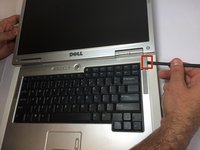
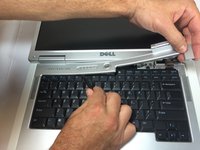
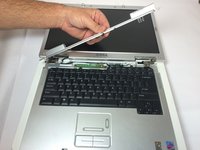
  3. Dell Inspiron 6000 Fan Replacement, Keyboard: passo 3, imagem 1 %32 Dell Inspiron 6000 Fan Replacement, Keyboard: passo 3, imagem 2 %32 Dell Inspiron 6000 Fan Replacement, Keyboard: passo 3, imagem 3 %32
    • Place the laptop on flat surface.

    • Carefully open the laptop at far as it will go so that the back of screen is touching the flat surface.

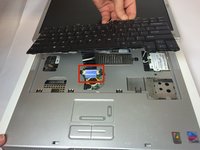
    • Carefully take a spudger and separate part of the cover at the red circle.

    Pergunte ao FixBot
    Comentar

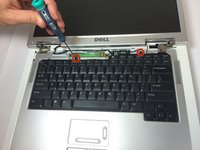
  4. Dell Inspiron 6000 Fan Replacement: passo 4, imagem 1 %32 Dell Inspiron 6000 Fan Replacement: passo 4, imagem 2 %32
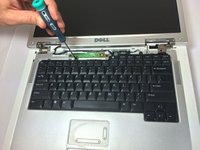
    • Remove two 4 mm Philips #00 screws.

    Pergunte ao FixBot

    Comentar

  5. Dell Inspiron 6000 Fan Replacement: passo 5, imagem 1 %32
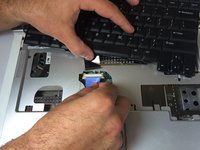
    • Gently lift the keyboard away from the laptop without harming the cord that is located at the bottom of the keyboard.

    Pergunte ao FixBot
    Comentar

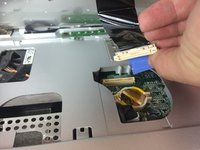
  6. Dell Inspiron 6000 Fan Replacement: passo 6, imagem 1 %32 Dell Inspiron 6000 Fan Replacement: passo 6, imagem 2 %32 Dell Inspiron 6000 Fan Replacement: passo 6, imagem 3 %32
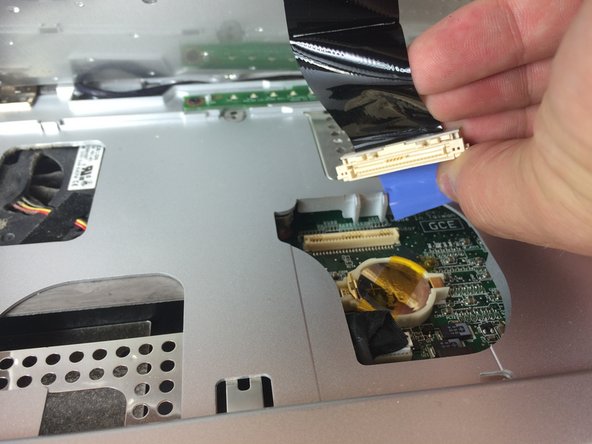
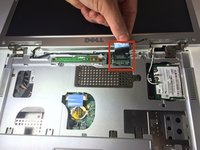
    • Gently pull the blue tab up until it comes away from computer.

    Pergunte ao FixBot
    Comentar

  7. Dell Inspiron 6000 Fan Replacement, Fan: passo 7, imagem 1 %32
    • Unscrew the 4 mm Phillips #00 screw.

    • The screw will remain attached to the cord when fully removed.

    Pergunte ao FixBot
    Comentar

  8. Dell Inspiron 6000 Fan Replacement: passo 8, imagem 1 %32 Dell Inspiron 6000 Fan Replacement: passo 8, imagem 2 %32
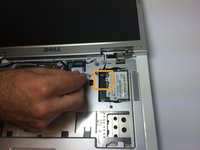
    • Gently pull the blue tab to separate the screen connection from the laptop.

    • Gently pull and disconnect the white and black cords from the power source.

    Pergunte ao FixBot

    Comentar

  9. Dell Inspiron 6000 Fan Replacement: passo 9, imagem 1 %32 Dell Inspiron 6000 Fan Replacement: passo 9, imagem 2 %32
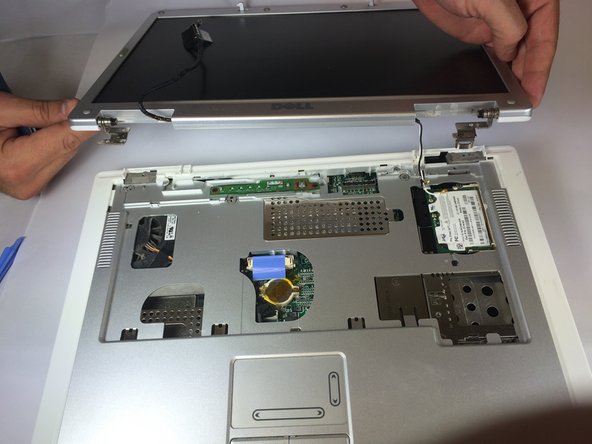
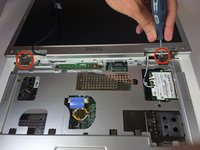
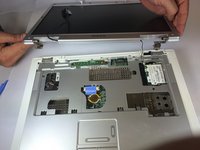
    • Remove four 4mm #00 Philips screws from the screen hinges.

    • Lift the screen away from the laptop.

    Pergunte ao FixBot

    Comentar

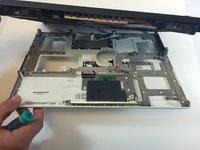
  10. Dell Inspiron 6000 Fan Replacement: passo 10, imagem 1 %32 Dell Inspiron 6000 Fan Replacement: passo 10, imagem 2 %32
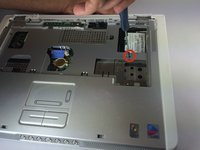
    • Remove two 4 mm Philips #00 screws that connect top of laptop to base..

    Pergunte ao FixBot
    Comentar

  11. Dell Inspiron 6000 Fan Replacement: passo 11, imagem 1 %32
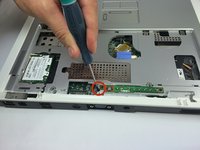
    • Flip laptop the over and remove thirteen 6mm Philips #00 screws.

    Pergunte ao FixBot
    Comentar

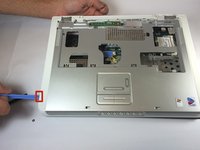
  12. Dell Inspiron 6000 Fan Replacement: passo 12, imagem 1 %32 Dell Inspiron 6000 Fan Replacement: passo 12, imagem 2 %32
    • Insert the plastic opening tool in between the back and front plates of the laptop

    Pergunte ao FixBot

    Comentar

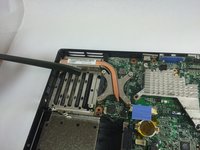
  13. Dell Inspiron 6000 Fan Replacement: passo 13, imagem 1 %32
    • Remove two 4 mm Philips #00 screws.

    Pergunte ao FixBot

    Comentar

  14. Dell Inspiron 6000 Fan Replacement: passo 14, imagem 1 %32
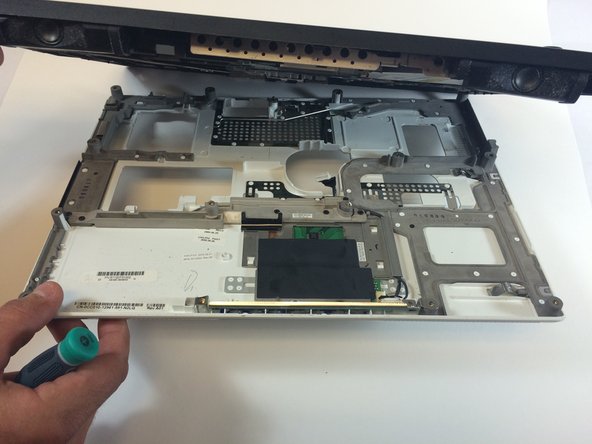
    • Remove the fan power cord

    Pergunte ao FixBot
    Comentar

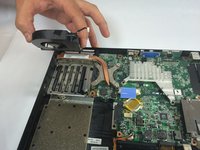
  15. Dell Inspiron 6000 Fan Replacement: passo 15, imagem 1 %32 Dell Inspiron 6000 Fan Replacement: passo 15, imagem 2 %32
    • Using your hand, lift the fan from the laptop.

    Pergunte ao FixBot
    Comentar

Conclusão

To reassemble your device, follow these instructions in reverse order.

Cancelar: não concluí este guia.

5 outras pessoas executaram este guia.

Jacob DeWar

Membro desde: 09/23/14

563 Reputação

Autoria de 3 guias

Equipe

USF Tampa, Team 11-1, Blackwell Fall 2014 Membro de USF Tampa, Team 11-1, Blackwell Fall 2014

USFT-BLACKWELL-F14S11G1

5 Membros

Autoria de 7 guias

0Comentários do guia

Comentar

Visualizações:

Últimas 24 horas: 1

Últimos 7 dias: 9

Últimos 30 dias: 32

Ao todo: 2,730