Ir para o conteúdo principal
Participe da comunidade de reparos - Criar conta
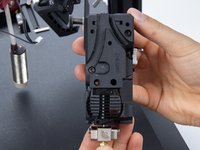
DDX/ Copperhead Hotend Installation

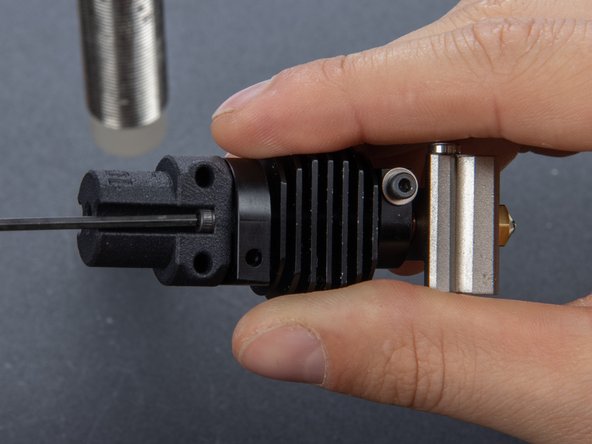
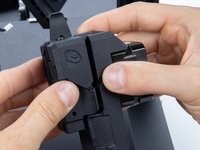
  1. DDX/ Copperhead Hotend Installation, Prepare Copperhead™ Adapter: passo 1, imagem 1 %32 DDX/ Copperhead Hotend Installation, Prepare Copperhead™ Adapter: passo 1, imagem 2 %32 DDX/ Copperhead Hotend Installation, Prepare Copperhead™ Adapter: passo 1, imagem 3 %32
    • Use 2x 2.5x6mm screws supplied with the Copperhead™ hotend.

    • Insert them in the mounting holes.

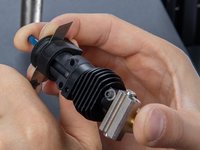
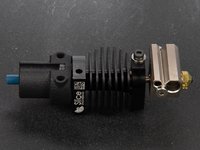
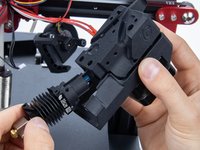
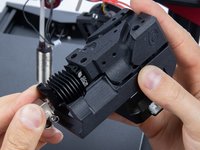
  2. DDX/ Copperhead Hotend Installation, Attach Adapter To Hotend: passo 2, imagem 1 %32 DDX/ Copperhead Hotend Installation, Attach Adapter To Hotend: passo 2, imagem 2 %32
    • Attach Adapter and hotend.

    • New lineNotice the orientation of the Adapter and Hot Block.

    • These indented marks should be oriented towards the front of the DDX.

    • The fixation screws that attach the DDX to the carriage plate will enter through them.

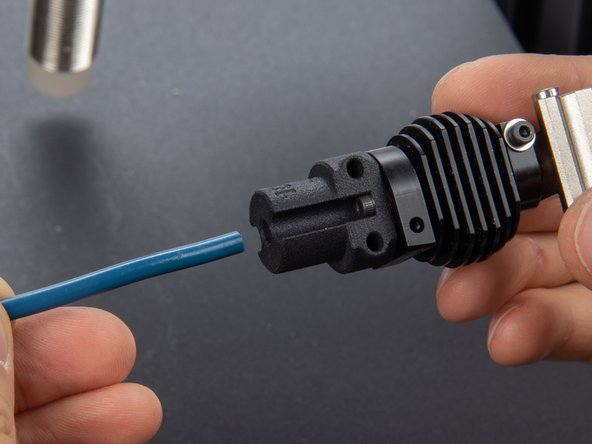
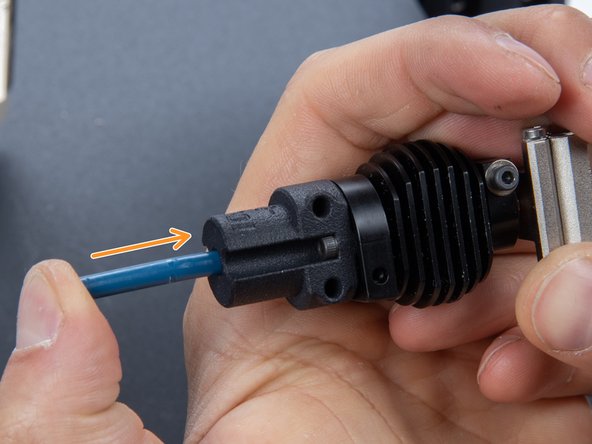
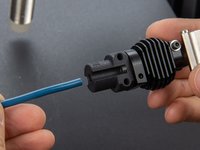
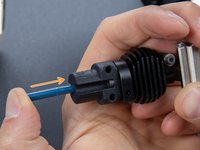
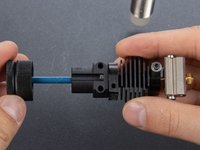
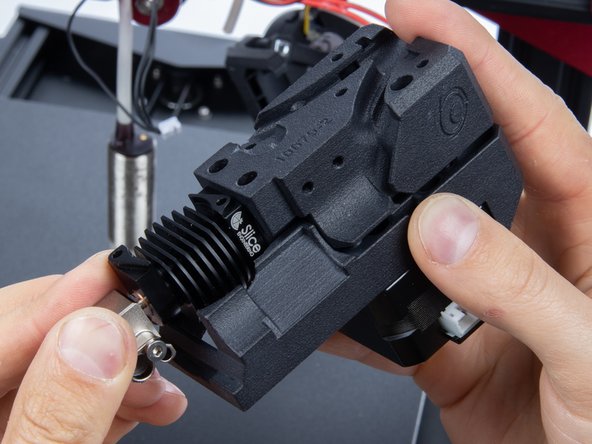
  3. DDX/ Copperhead Hotend Installation, Prepare PTFE Tube: passo 3, imagem 1 %32 DDX/ Copperhead Hotend Installation, Prepare PTFE Tube: passo 3, imagem 2 %32 DDX/ Copperhead Hotend Installation, Prepare PTFE Tube: passo 3, imagem 3 %32
    • Insert the Capricorn tube inside the Adapter and hotend.

    • Push hard until it hits the bottom.

    • Download the PTFE cutting fixture

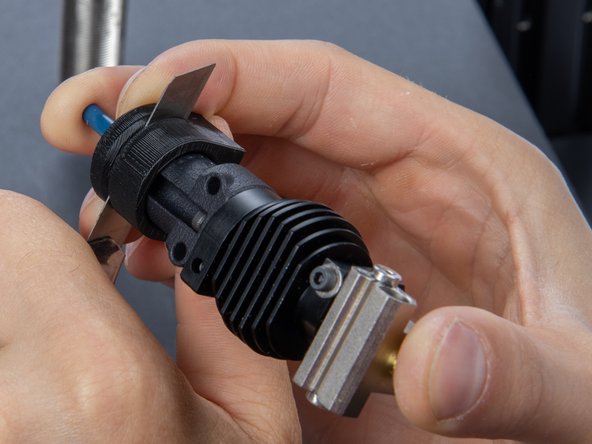
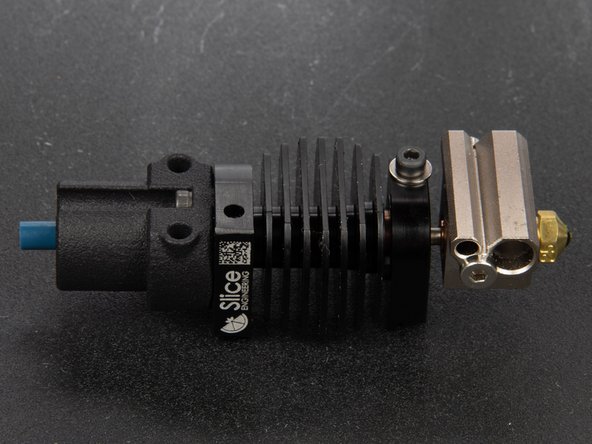
  4. DDX/ Copperhead Hotend Installation, Cut PTFE Tube To Spec: passo 4, imagem 1 %32 DDX/ Copperhead Hotend Installation, Cut PTFE Tube To Spec: passo 4, imagem 2 %32 DDX/ Copperhead Hotend Installation, Cut PTFE Tube To Spec: passo 4, imagem 3 %32
    • Insert the Capricorn tube in the cutting fixture

    • Drive it until it fits the Adapter

    • Pressing all together use the hobby knife to cut the tube straight.

    • At the end, the Capricorn should stand out about 5mm.

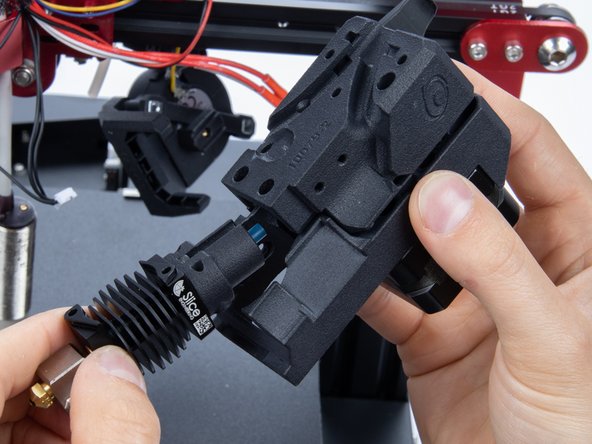
  5. DDX/ Copperhead Hotend Installation, Insert Copperhead™ Into DDX: passo 5, imagem 1 %32 DDX/ Copperhead Hotend Installation, Insert Copperhead™ Into DDX: passo 5, imagem 2 %32 DDX/ Copperhead Hotend Installation, Insert Copperhead™ Into DDX: passo 5, imagem 3 %32
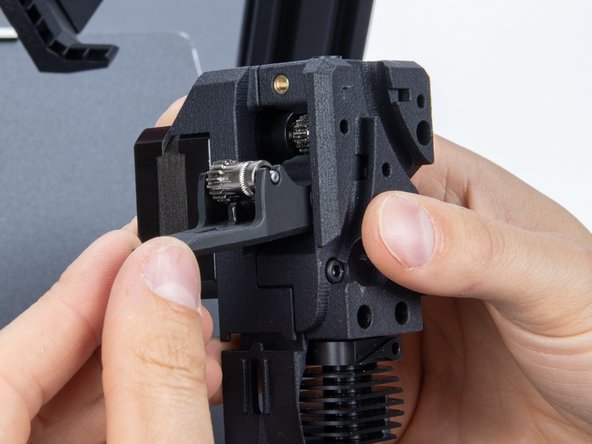
    • Spread the housing apart from 2 to 3mm

    • Insert the Copperhead™ in at an angle.

    • Push it until the mounting holes align.

  6. DDX/ Copperhead Hotend Installation, Close DDX 1/2: passo 6, imagem 1 %32 DDX/ Copperhead Hotend Installation, Close DDX 1/2: passo 6, imagem 2 %32 DDX/ Copperhead Hotend Installation, Close DDX 1/2: passo 6, imagem 3 %32
    • If when clamping the DDX the gears collide:

    • Release the thumbscrew.

    • Open the hinge.

    • Clamp both halves while rotating the main gear back and forth.

  7. DDX/ Copperhead Hotend Installation, Close DDX 2/2: passo 7, imagem 1 %32 DDX/ Copperhead Hotend Installation, Close DDX 2/2: passo 7, imagem 2 %32 DDX/ Copperhead Hotend Installation, Close DDX 2/2: passo 7, imagem 3 %32
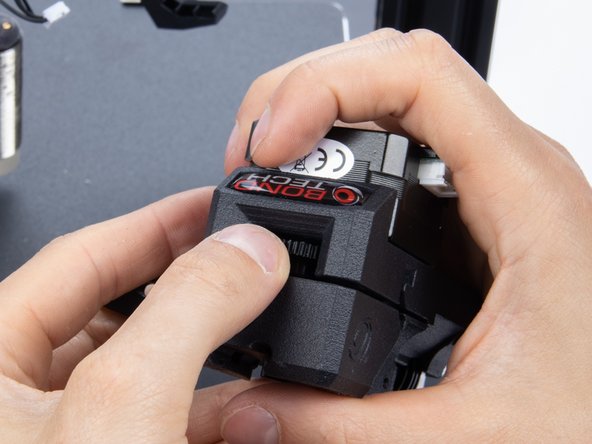
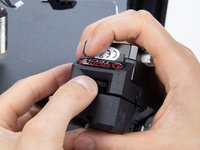
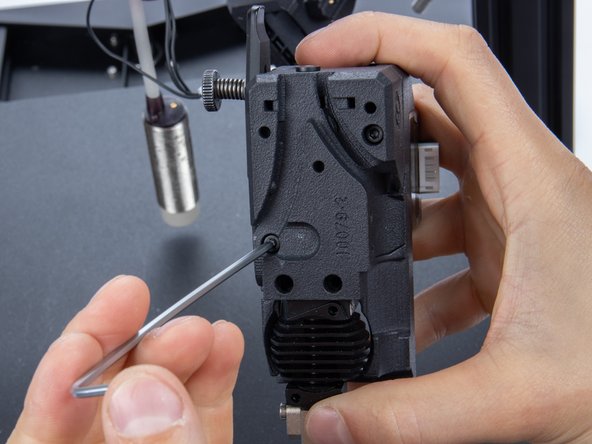
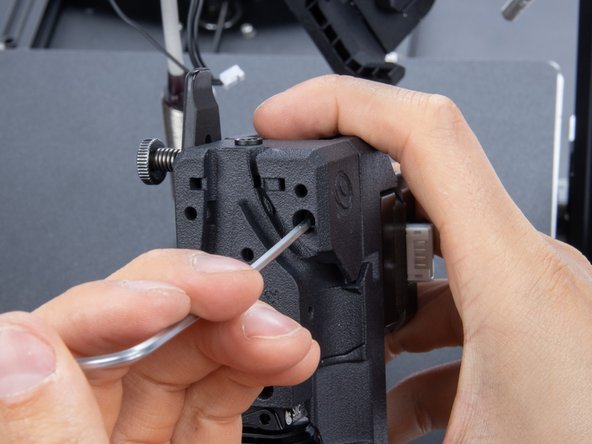
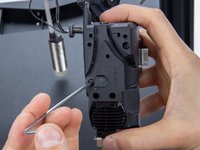
    • When the DDX closes down verify the mounting holes alignment.

    • Screw the back screws to close it.

Conclusão

To reassemble your device, follow these instructions in reverse order.

Tiny Machines 3D

Membro desde: 11/16/19

3.019 Reputação

Autoria de 14 guias

Equipe

Tiny Machines 3D Membro de Tiny Machines 3D

Community

5 Membros

Autoria de 41 guias

2Comentários do guia

where do i get the cutting fixture

Sarbartha Sengupta - Responder
Thanks for your questions. We’ve added a link to step 3.

Tiny Machines 3D -

Comentar

Visualizações:

Últimas 24 horas: 0

Últimos 7 dias: 6

Últimos 30 dias: 14

Ao todo: 243