Ir para o conteúdo principal
Participe da comunidade de reparos - Criar conta

Canon PIXMA MP620B Ink Head Replacement

O que você precisa

  1. Canon PIXMA MP620B Ink Head Replacement, Ink Head: passo 1, imagem 1 %32 Canon PIXMA MP620B Ink Head Replacement, Ink Head: passo 1, imagem 2 %32
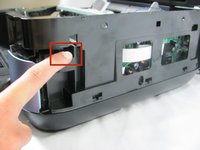
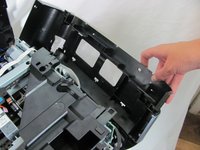
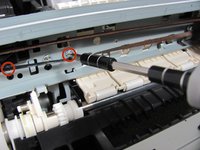
    • There are a few tabs on the top of the panel that hook down and into the black side panel. Insert the tool in-between the black panel and the blue panel as shown and pull the two pieces apart.

    • You will hear some snapping. Don't panic: this is just the hooks un-clipping.

    Pergunte ao FixBot
  2. Canon PIXMA MP620B Ink Head Replacement: passo 2, imagem 1 %32 Canon PIXMA MP620B Ink Head Replacement: passo 2, imagem 2 %32
    • Repeat the same process on the left side panel.

    Pergunte ao FixBot
  3. Canon PIXMA MP620B Ink Head Replacement: passo 3, imagem 1 %32
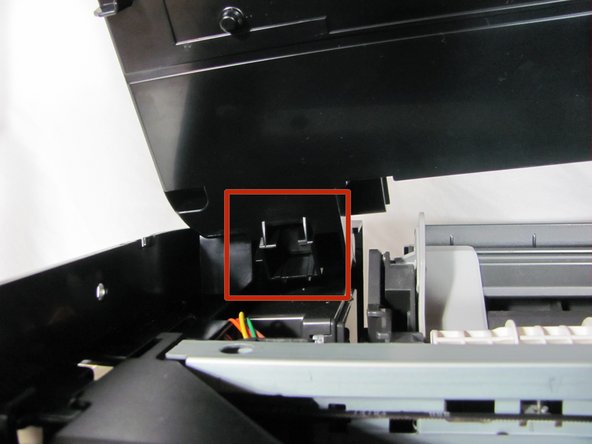
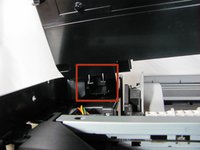
    • Unhook the lid support by sliding the hook down and to the left. Make sure the support is fully disconnected before proceeding.

    Pergunte ao FixBot
  4. Canon PIXMA MP620B Ink Head Replacement: passo 4, imagem 1 %32 Canon PIXMA MP620B Ink Head Replacement: passo 4, imagem 2 %32
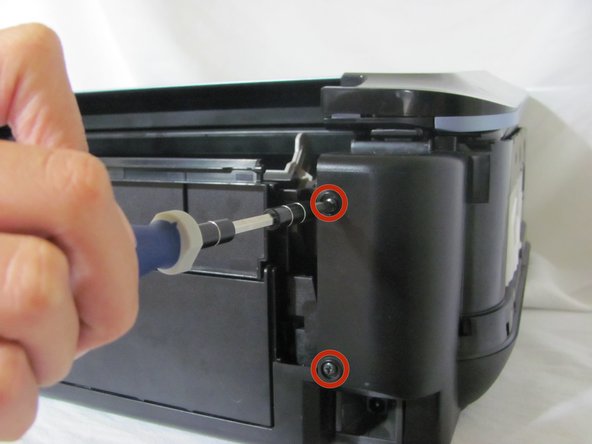
    • Remove the four black screws on the back panels from both the left and right side.

    Pergunte ao FixBot
  5. Canon PIXMA MP620B Ink Head Replacement: passo 5, imagem 1 %32 Canon PIXMA MP620B Ink Head Replacement: passo 5, imagem 2 %32 Canon PIXMA MP620B Ink Head Replacement: passo 5, imagem 3 %32
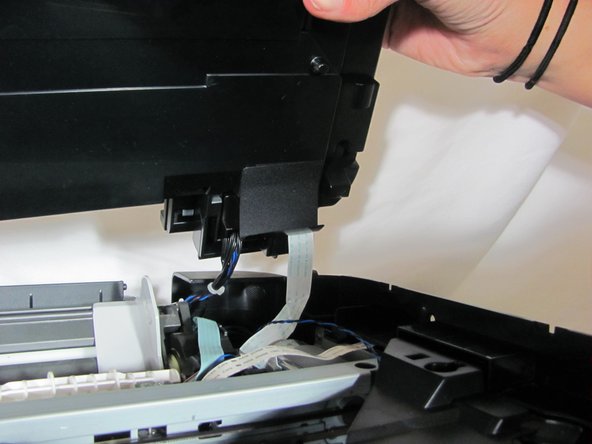
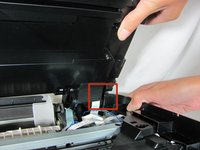
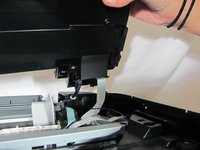
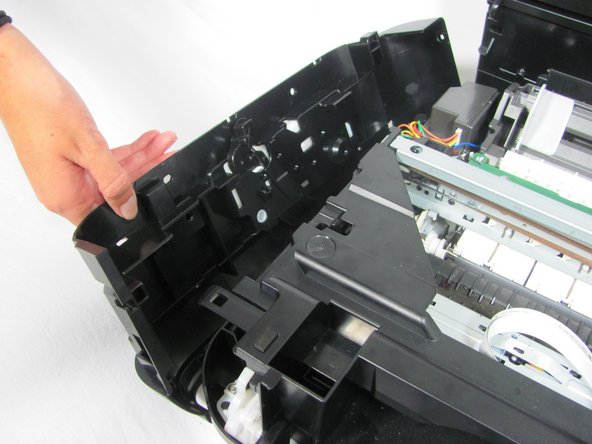
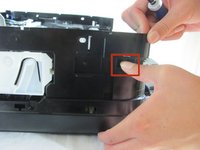
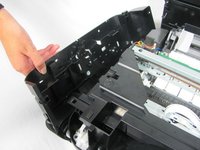
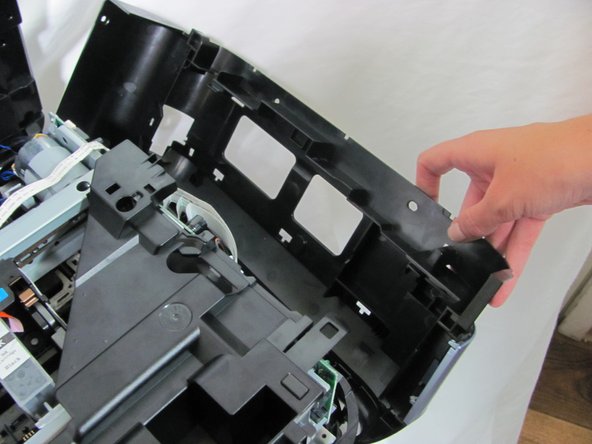
    • Remove the scanner by pulling the side panels out until the scanner pin is free. Set the scanner aside.

    • The scanner will still be attached with wires on the right side. Be careful not to yank the part away from the main body of the printer.

    Pergunte ao FixBot
  6. Canon PIXMA MP620B Ink Head Replacement: passo 6, imagem 1 %32 Canon PIXMA MP620B Ink Head Replacement: passo 6, imagem 2 %32
    • Press down on the clip on the left side of the printer until it clicks, and pull the panel free.

    Pergunte ao FixBot
  7. Canon PIXMA MP620B Ink Head Replacement: passo 7, imagem 1 %32 Canon PIXMA MP620B Ink Head Replacement: passo 7, imagem 2 %32
    • Press down on the clip on the right side panel until it clicks and then pull the panel free.

    Pergunte ao FixBot
  8. Canon PIXMA MP620B Ink Head Replacement: passo 8, imagem 1 %32
    • Remove the plastic cover by depressing the clip located on the right side of the printer. Press the clip inwards until it clicks, and then lift the cover upwards and off the printer.

    Pergunte ao FixBot
  9. Canon PIXMA MP620B Ink Head Replacement, Remove the three screws holding the top rear slider rail: passo 9, imagem 1 %32 Canon PIXMA MP620B Ink Head Replacement, Remove the three screws holding the top rear slider rail: passo 9, imagem 2 %32
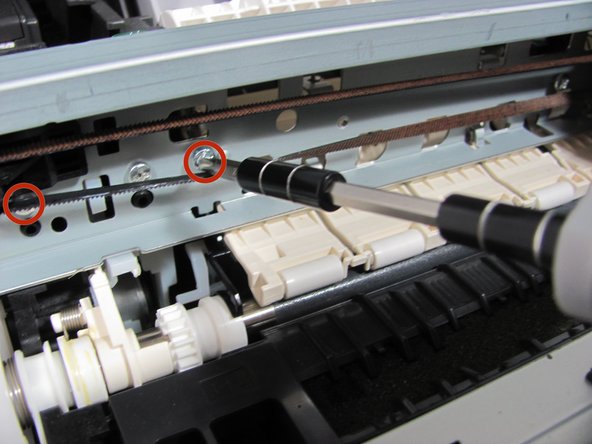
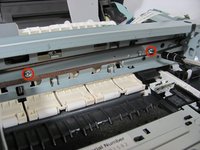
    • Unscrew the three screws holding the rail.

    Pergunte ao FixBot
  10. Canon PIXMA MP620B Ink Head Replacement, Remove the guiding cord: passo 10, imagem 1 %32
    • Remove the cord by pulling upwards on it and unhooking it from the pulleys on either end.

    Pergunte ao FixBot
  11. Canon PIXMA MP620B Ink Head Replacement, Remove the ink head: passo 11, imagem 1 %32
    • Remove the ink head by pulling it away from the rail.

    Pergunte ao FixBot
Conclusão

To reassemble your device, follow these instructions in reverse order.

4 outras pessoas executaram este guia.

Equipe

Cal Poly, Team 6-21, Maness Fall 2014 Membro de Cal Poly, Team 6-21, Maness Fall 2014

CPSU-MANESS-F14S6G21

4 Membros

Autoria de 10 guias

0Comentários do guia

Comentar

Visualizações:

Últimas 24 horas: 1

Últimos 7 dias: 9

Últimos 30 dias: 72

Ao todo: 3,572