Introdução
Cooling can become an issue for your computer when the fan is not able to get the job done, it can be slow or broken entirely. This guide will help you replace the slow or stopped fan to help reduce the temperatures in your computer.
O que você precisa
-
-
Using the Phillips #1 screwdriver, remove the four 6mm screws on the back of the laptop.
 Pergunte ao FixBot
-
-
-
Insert the plastic prying tool and pry the back panel off starting at an edge and moving your way around it.
-
-
-
-
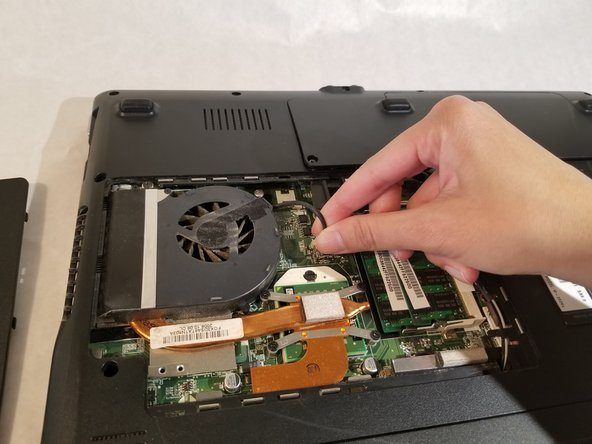
Remove the fan by moving it to the side and lifting it out of the computer.
-




To reassemble your device, follow these instructions in reverse order.
Cancelar: não concluí este guia.
Uma outra pessoa concluiu este guia.

Equipe

UMass Dartmouth, Team S3-G2, Peak Spring 2018 Membro de UMass Dartmouth, Team S3-G2, Peak Spring 2018
UMASSD-PEAK-S18S3G2
2 Membros
Autoria de 14 guias
