Ir para o conteúdo principal
Participe da comunidade de reparos - Criar conta

CASIO CDP-230R Speaker Replacement

O que você precisa

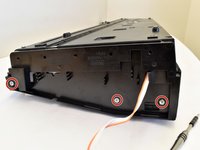
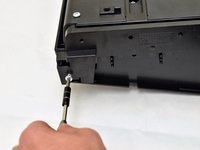
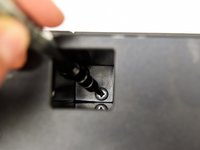
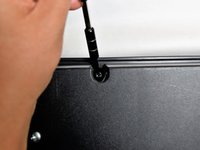
  1. CASIO CDP-230R Speaker Replacement, Panels: passo 1, imagem 1 %32 CASIO CDP-230R Speaker Replacement, Panels: passo 1, imagem 2 %32 CASIO CDP-230R Speaker Replacement, Panels: passo 1, imagem 3 %32
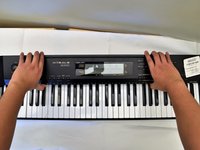
    • Flip the keyboard upside down, with the keys on a flat surface.

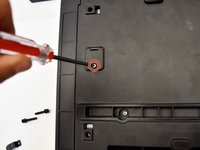
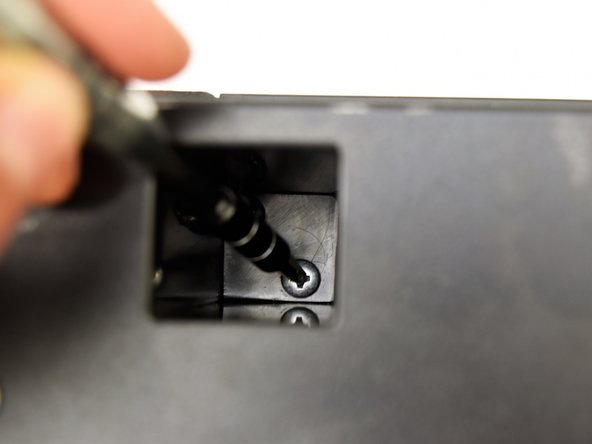
    • Remove the three black 14mm Japanese Industrial Standard (J) head screws using a J1 screwdriver on the top half of the outermost side panel.

    Pergunte ao FixBot

    Comentar

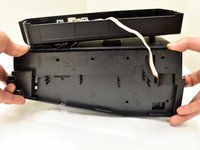
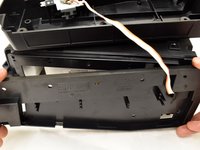
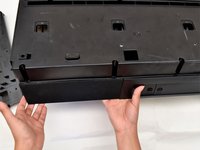
  2. CASIO CDP-230R Speaker Replacement: passo 2, imagem 1 %32 CASIO CDP-230R Speaker Replacement: passo 2, imagem 2 %32 CASIO CDP-230R Speaker Replacement: passo 2, imagem 3 %32
    • Use two hands to grab the side panel from both sides.

    • Pull the panel apart from the device one side at a time.

    • There will be popping sounds when you remove this panel.

    • One side panel will not have an orange & white cable connected to it.

    Pergunte ao FixBot

    Comentar

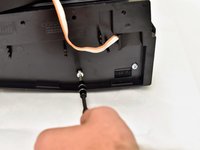
  3. CASIO CDP-230R Speaker Replacement: passo 3, imagem 1 %32 CASIO CDP-230R Speaker Replacement: passo 3, imagem 2 %32 CASIO CDP-230R Speaker Replacement: passo 3, imagem 3 %32
    • Remove the three silver 10mm screws with a J1 screwdriver on the bottom half of the innermost side panel of the device.

    • One side panel will not have an orange & white cable running through.

    Pergunte ao FixBot

    Comentar

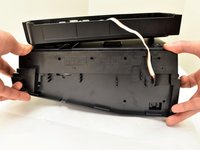
  4. CASIO CDP-230R Speaker Replacement: passo 4, imagem 1 %32 CASIO CDP-230R Speaker Replacement: passo 4, imagem 2 %32 CASIO CDP-230R Speaker Replacement: passo 4, imagem 3 %32
    • Remove the innermost side panel by pinching the top and bottom of the panel and pulling the panel off with both hands.

    • There will be popping sounds when you remove this panel.

    • Repeat steps one through four to remove the other side panel of the keyboard.

    Pergunte ao FixBot

    Comentar

  5. CASIO CDP-230R Speaker Replacement: passo 5, imagem 1 %32 CASIO CDP-230R Speaker Replacement: passo 5, imagem 2 %32 CASIO CDP-230R Speaker Replacement: passo 5, imagem 3 %32
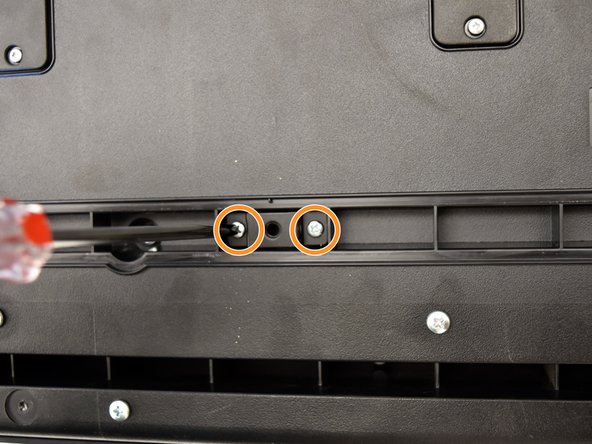
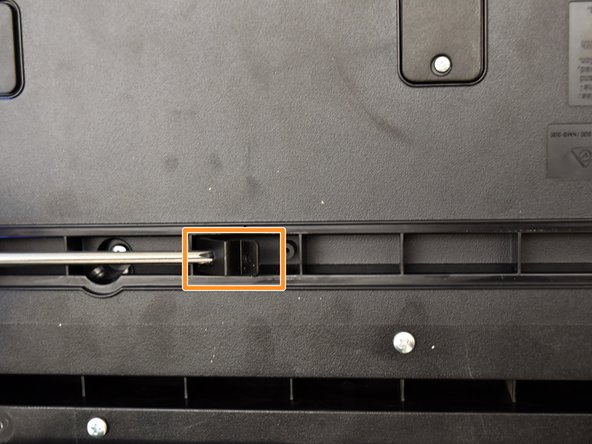
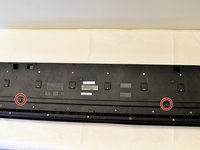
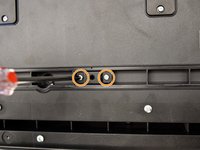
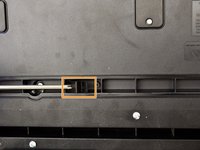
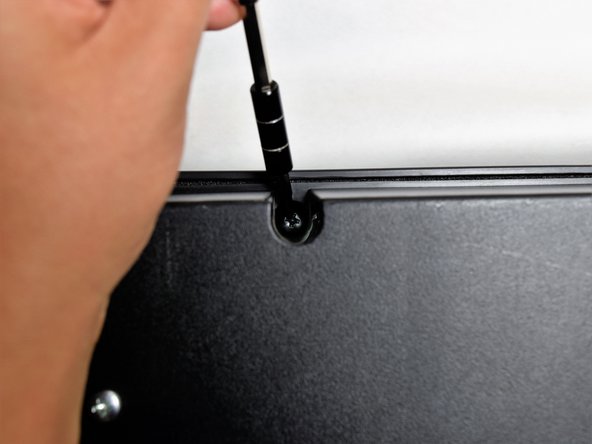
    • Remove the two black 30 mm J head screws with a J1 screwdriver to remove the long black bar.

    • Remove the four silver 8mm x 2mm J head screws with a J1 screwdriver and the two brackets from the back panel.

    • There will be two screws per bracket.

    Pergunte ao FixBot

    Comentar

  6. CASIO CDP-230R Speaker Replacement: passo 6, imagem 1 %32 CASIO CDP-230R Speaker Replacement: passo 6, imagem 2 %32 CASIO CDP-230R Speaker Replacement: passo 6, imagem 3 %32
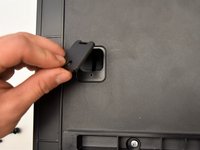
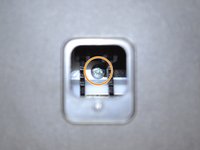
    • Remove the eight silver 10mm x 1.5mm J head screws with a J1 screwdriver and the square tabs from the back panel.

    • Remove the eight silver 10mm J head screws with a J1 screwdriver underneath the square tabs.

    Pergunte ao FixBot

    Comentar

  7. CASIO CDP-230R Speaker Replacement: passo 7, imagem 1 %32 CASIO CDP-230R Speaker Replacement: passo 7, imagem 2 %32 CASIO CDP-230R Speaker Replacement: passo 7, imagem 3 %32
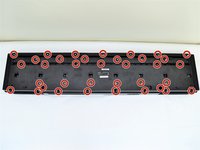
    • Remove the 36 silver 10mm J head screws with a J1 screwdriver from the back panel.

    Pergunte ao FixBot

    Comentar

  8. CASIO CDP-230R Speaker Replacement: passo 8, imagem 1 %32 CASIO CDP-230R Speaker Replacement: passo 8, imagem 2 %32 CASIO CDP-230R Speaker Replacement: passo 8, imagem 3 %32
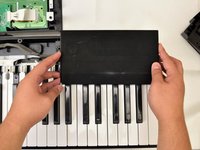
    • Place a hand on the front panel and speakers and carefully flip the keyboard over with the keys facing up.

    • Having a extra pair of hands will be useful.

    • Grab the center of the front panel with two hands and lift to remove panel.

    • Grab the speakers from the sides and lift to remove. Once you have done this for the first speaker, repeat with the second speaker.

    Pergunte ao FixBot

    Comentar

  9. CASIO CDP-230R Speaker Replacement, Speaker: passo 9, imagem 1 %32
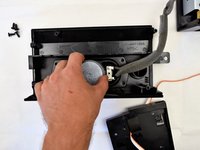
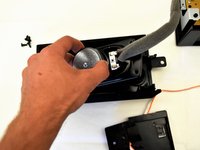
    • Lay the speaker flat on the table and remove the four black 10mm J head screws with a J1 screwdriver.

    • You may want to use a screwdriver with a bigger handle for a better grip to remove these screws.

    Pergunte ao FixBot

    Comentar

  10. CASIO CDP-230R Speaker Replacement: passo 10, imagem 1 %32 CASIO CDP-230R Speaker Replacement: passo 10, imagem 2 %32
    • Grasp the speaker from the center and lift the speaker out of the panel.

    Pergunte ao FixBot

    Comentar

  11. CASIO CDP-230R Speaker Replacement: passo 11, imagem 1 %32 CASIO CDP-230R Speaker Replacement: passo 11, imagem 2 %32
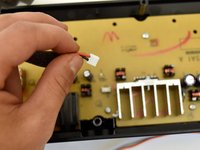
    • Follow the cable from the speaker to the button panel.

    • Pull the speaker cable out of the button panel with a slight wiggle.

    • Repeat steps nine through eleven to remove the other speaker.

    Pergunte ao FixBot

    Comentar

Conclusão

To reassemble your device, follow these instructions in reverse order.

Cancelar: não concluí este guia.

Irene Luong

Membro desde: 10/02/17

314 Reputação

Autoria de 1 guia

Equipe

Cal Poly, Team S4-G2, Livingston Fall 2017 Membro de Cal Poly, Team S4-G2, Livingston Fall 2017

CPSU-LIVINGSTON-F17S4G2

4 Membros

Autoria de 6 guias

1Comentário do guia

What is the part number for the CDP-230r speaker replacement? I cannot find them online or through Casio. Thanks.

Oli Morgan - Responder Compartilhar
Comentar

Visualizações:

Últimas 24 horas: 1

Últimos 7 dias: 15

Últimos 30 dias: 48

Ao todo: 2,248