Introdução
A guide for replacing the back panel on the G3 Gamecube Controller by Gamestop.
O que você precisa
-
-
First, remove the 6 screws in the back panel and pull the back panel off.
-
Separate the halves of the controller. However, be careful when separating due to the little wires that could get mixed up.
 Pergunte ao FixBot
-
-
-
-
Next, remove the rumble motor by unscrewing the 2 screws connecting it.
-
-
-
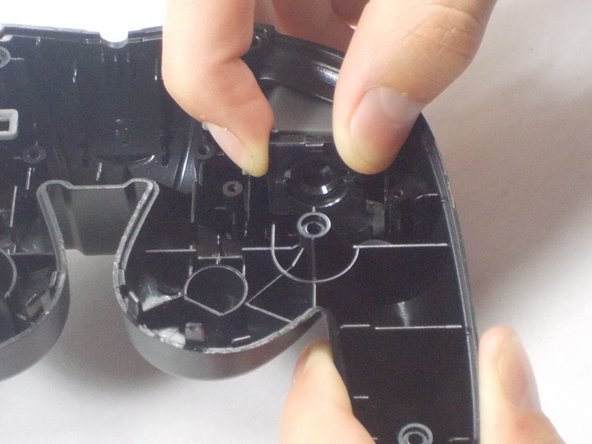
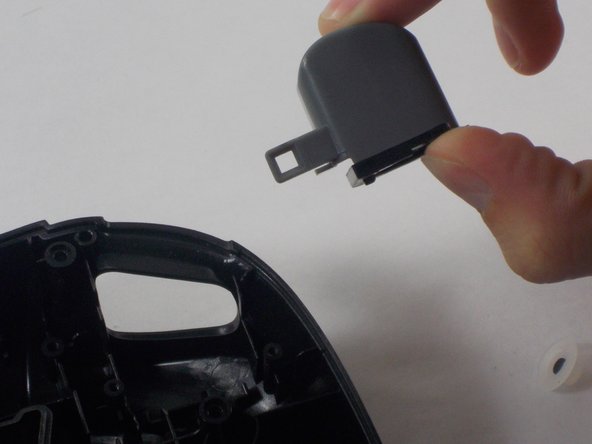
Finally remove the screws holding in the right and left triggers. It's easiest to hold the trigger together as shown in the third picture. Remove both the left and right trigger, and then you have successfully removed your back panel.
-


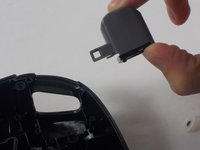
To reassemble your device, follow these instructions in reverse order.
Cancelar: não concluí este guia.
Uma outra pessoa concluiu este guia.

Equipe

UMass Dartmouth, Team 3-5, Isaacson Fall 2016 Membro de UMass Dartmouth, Team 3-5, Isaacson Fall 2016
UMASSD-ISAACSON-F16S3G5
3 Membros
Autoria de 10 guias
