Introdução
In order to remove the bottom motherboard the battery will also have to be removed. Be aware that removing the battery will void the phone warranty. The bottom motherboard is attached to the phone with an adhesive that is simply lifted up.
O que você precisa
-
-
-
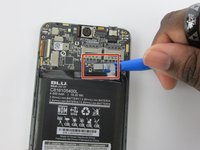
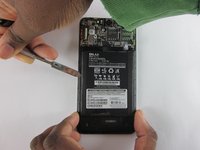
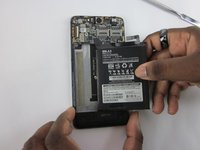
Detach the battery from the mother board using a plastic opening tool.
-
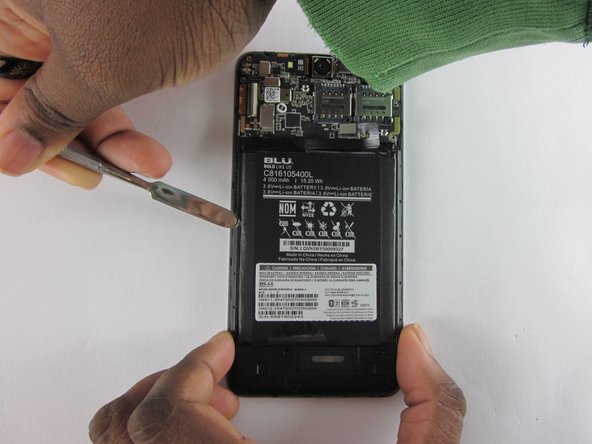
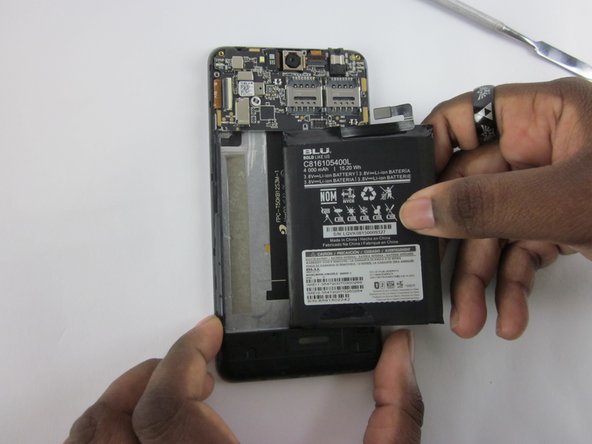
Use a plastic spudger to remove battery.
-
-
-
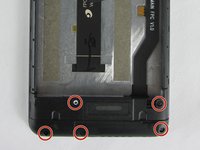
Remove the five 4 mm JIS J000 screws from bottom plate
-
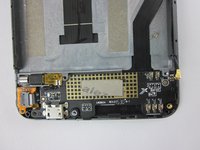
Remove the bottom casing.
-
-
-
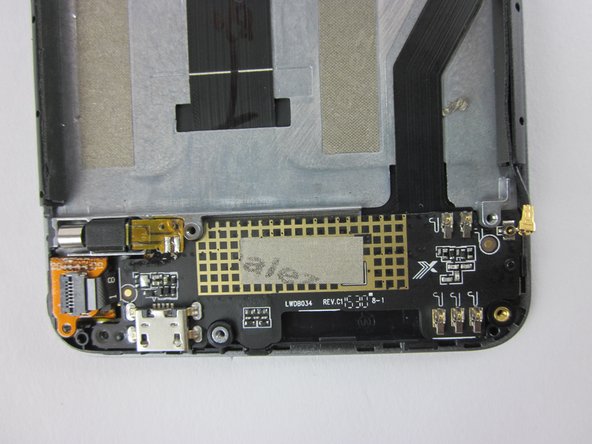
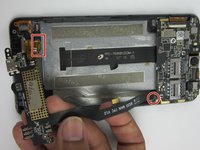
Disconnect vibration motor and connector as indicated.
-
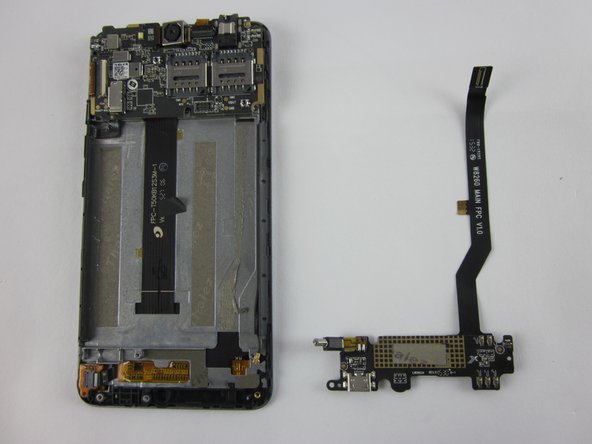
Remove motherboard.
-


 Pergunte ao FixBot




To reassemble your device, follow these instructions in reverse order.
Cancelar: não concluí este guia.
2 outras pessoas executaram este guia.

Equipe

USF Tampa, Team 12-2, Eyestone Spring 2016 Membro de USF Tampa, Team 12-2, Eyestone Spring 2016
USFT-EYESTONE-S16S12G2
3 Membros
Autoria de 10 guias
